Top Wireless Controllers for Console and PC
8 August 2026
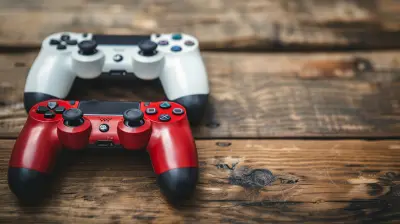
If you're a gamer, you already know how important a solid controller is. It can make the difference between winning that intense last-minute match and throwing your controller across the room in frustration. (Yep, we’ve all been there.) Whether you're into fast-paced shooters, epic RPGs, or casual couch co-op games, having a reliable wireless controller brings not only freedom but also major comfort.
Now, with so many wireless controllers on the market, choosing the right one can feel like finding a needle in a haystack. But don’t worry—I’ve got you covered. In this guide, we’re diving deep into the best wireless controllers that work like a charm for both console and PC. These picks are all about performance, comfort, battery life, and that satisfying click when you pull off the perfect combo.
Let’s break it down.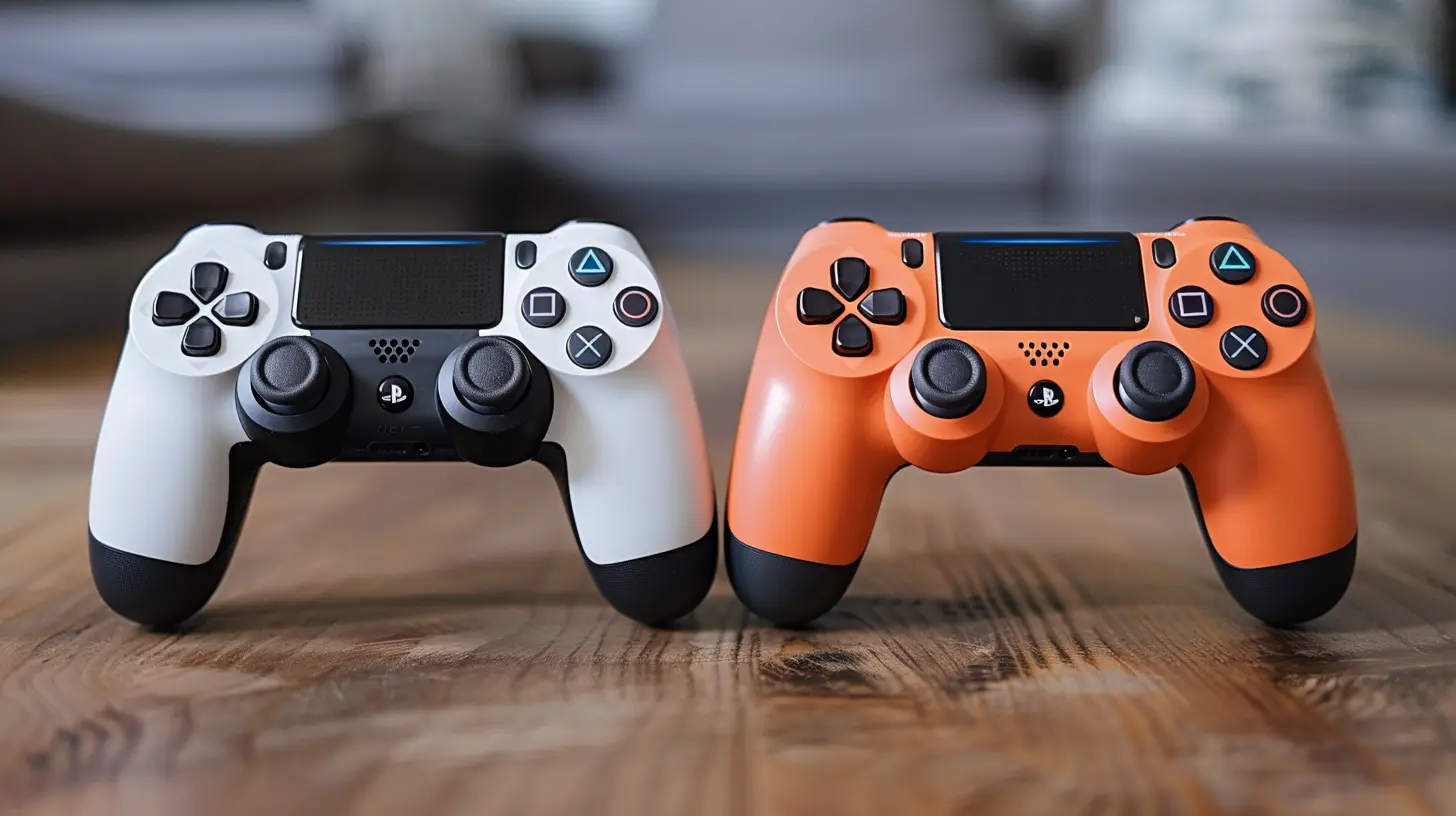
? Why Go Wireless Anyway?
You might ask, why ditch the wired controller if it works just fine? Great question.Think of it like swapping a landline phone for a smartphone. Sure, they both make calls, but one gives you so much more freedom. Going wireless means no accidental tugs on cables, no distance limitations, and way less clutter. Plus, modern wireless controllers are just as responsive (if not more) than their wired cousins.
Gaming from your couch? Sitting across the room with a massive monitor? Wireless is the way to go.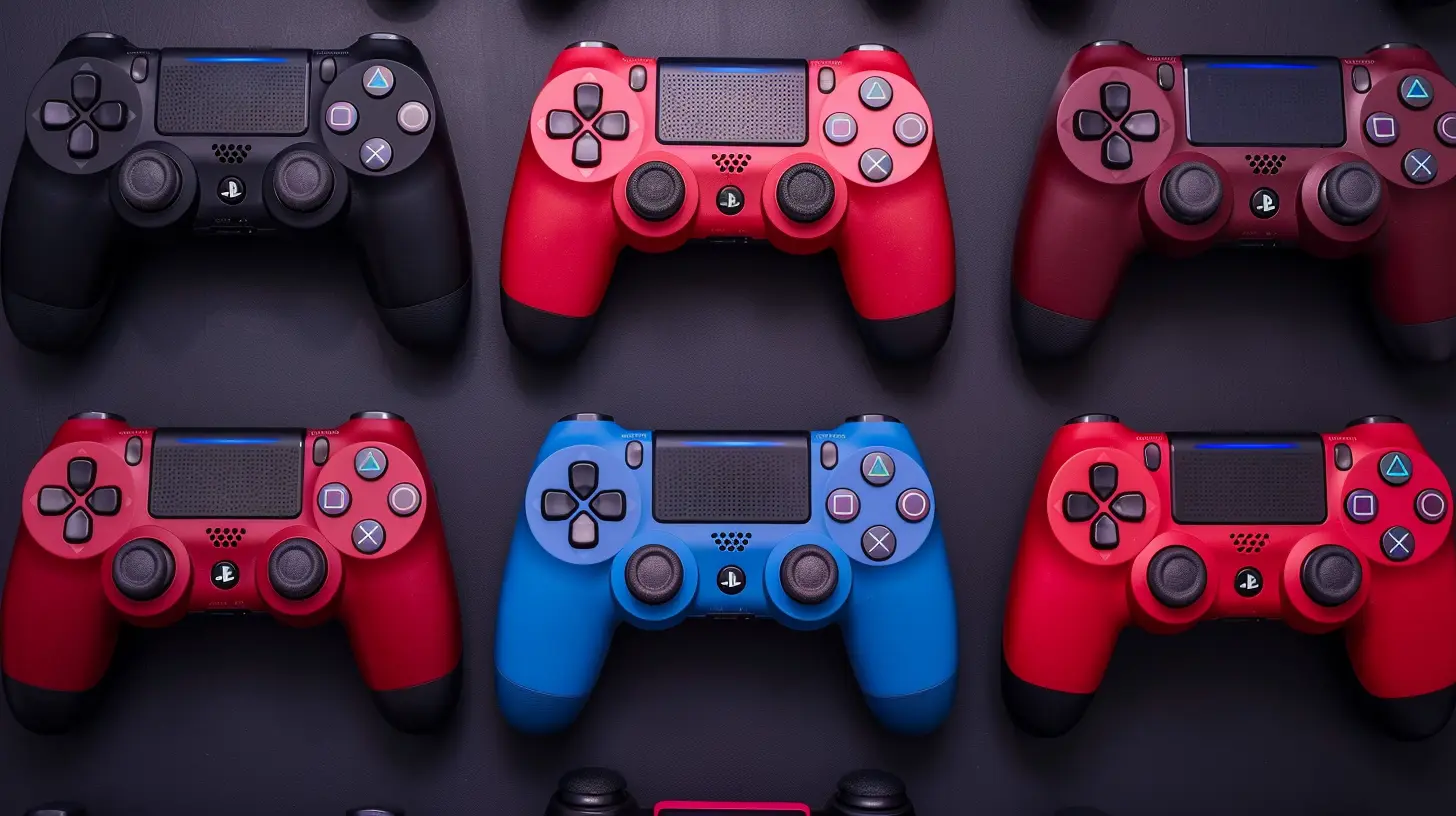
What to Look for in a Great Wireless Controller
Before we jump into the top models, let’s get one thing straight—no controller is perfect for everyone. But here’s what most gamers should keep an eye on:- Compatibility – Works with console and PC? Big win.
- Battery Life – Longer playtime means fewer interruptions.
- Ergonomics – Hands should be happy, even after hours of gaming.
- Latency – Low input lag is a must for competitive games.
- Customization – Swappable parts or mappable buttons? Even better.
- Build Quality – Solid, durable, and doesn’t feel like a toy.
Got it? Awesome. Let’s check out the top wireless controllers that bring their A-game.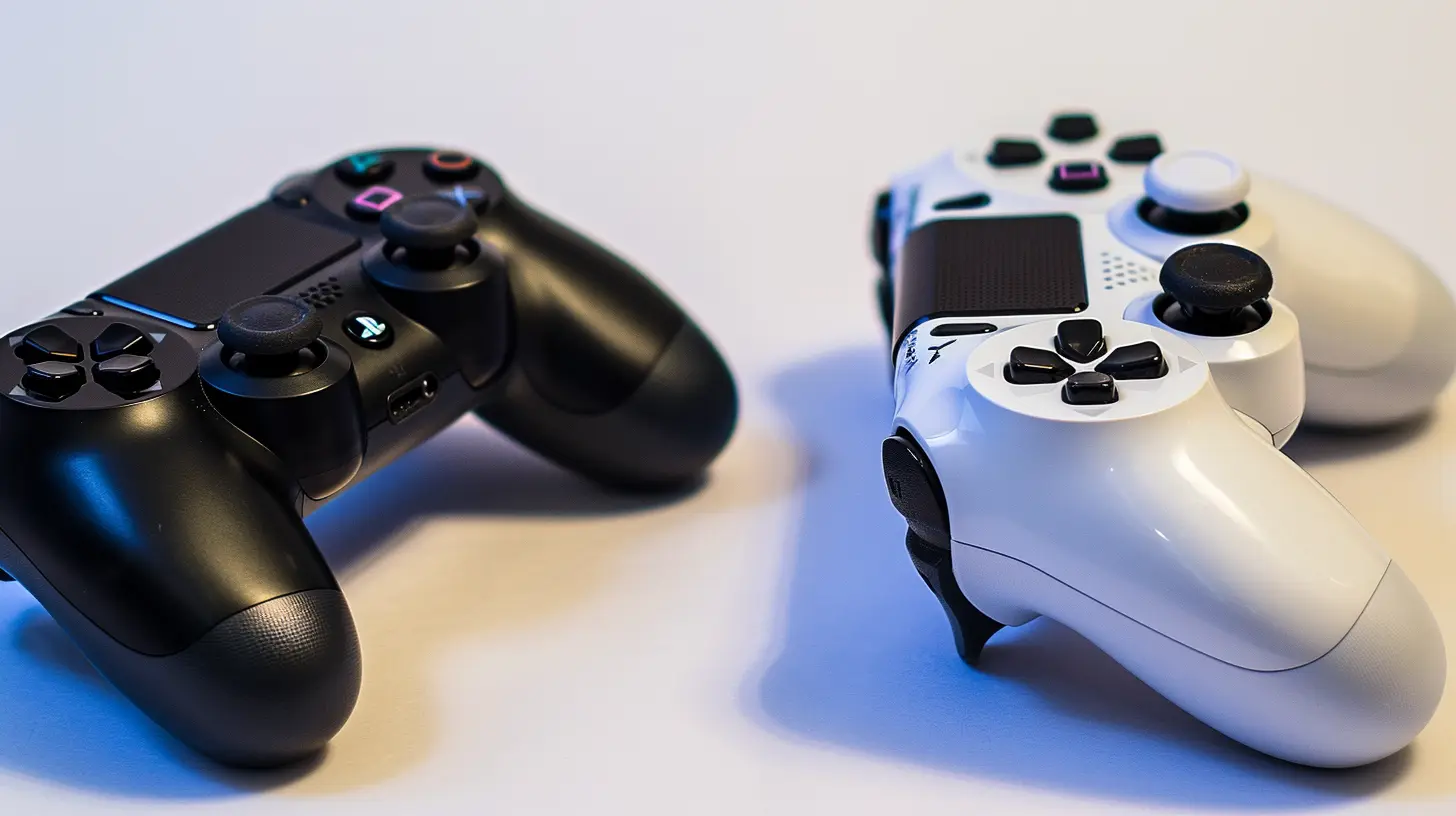
1. Xbox Wireless Controller (Series X/S)
Compatible with: Xbox Series X|S, Xbox One, Windows PC, Android, iOSMicrosoft absolutely nailed it with this one. The Xbox Wireless Controller is the gold standard for many gamers—solid build, fantastic ergonomics, and ultra-low latency. It fits comfortably in most hands and feels natural whether you’re raiding in Destiny 2 or driving in Forza.
The textured grips on the triggers and bumpers are a nice touch, and the D-pad got a solid upgrade from older models. What really seals the deal? It connects seamlessly to both your Xbox and PC, and with Bluetooth support, even mobile gaming is on the table.
Pros:
- Super comfy design
- Excellent battery performance
- Wide compatibility
Cons:
- Still uses AA batteries by default (but rechargeable kits are available)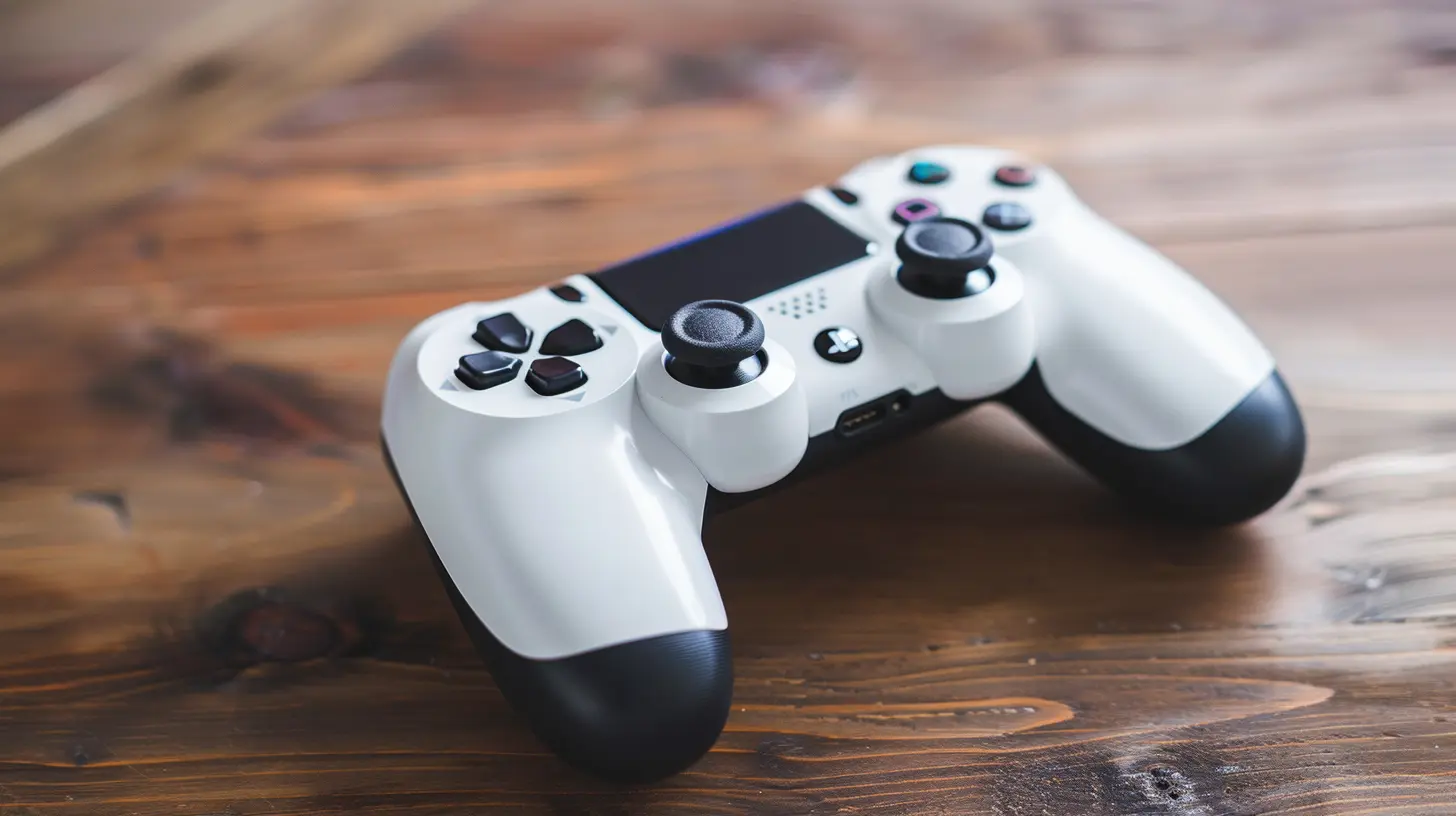
2. Sony DualSense Wireless Controller
Compatible with: PlayStation 5, Windows PC (limited features), iOS, AndroidThe DualSense controller is a real game-changer—literally. Sony’s latest controller for the PS5 packs some serious tech: adaptive triggers, advanced haptics, and a built-in microphone. You feel the tension, weight, and impact in a way that’s hard to describe until you try it.
It’s a bit bulkier than previous PlayStation controllers but incredibly well-balanced. While all features don’t carry over to PC perfectly (yet), more and more games are supporting DualSense-specific effects.
Pros:
- Incredible haptic feedback
- Adaptive triggers enhance immersion
- Works on PC, mobile (with limitations)
Cons:
- Shorter battery life
- Advanced features not fully supported outside PS5
3. 8BitDo Pro 2
Compatible with: PC, Android, Steam Deck, Raspberry Pi, macOS, and moreLooking for flexibility? The 8BitDo Pro 2 is an indie darling in the controller world. From retro gaming to modern titles, this controller does it all. It’s styled like a classic SNES pad but beefed up with modern tech and ergonomics.
The real magic is in the customization. Using the 8BitDo software, you can remap buttons, adjust stick sensitivity, tweak triggers, and save profiles. Ideal for anyone who loves control (pun intended).
Pros:
- Insanely versatile
- Affordable
- Tons of customization
Cons:
- Not as premium-feeling as bigger brands
- Lacks advanced haptics
4. Xbox Elite Wireless Controller Series 2
Compatible with: Xbox Series X|S, Xbox One, Windows PCLet’s talk premium. The Xbox Elite Series 2 is like the luxury sports car of controllers. Every inch screams high-end—from the customizable joystick tension to the swappable D-pads, paddles, and thumbsticks.
You get built-in rechargeable battery (finally!), a carrying case, and outstanding build quality. This controller’s especially loved by serious and competitive gamers for its precision and adjustment options.
Pros:
- Highly customizable
- Superior build quality
- Rechargeable battery with long life
Cons:
- Pricey
- May be overkill for casual gamers
5. SCUF Instinct Pro (Xbox/PC)
Compatible with: Xbox Series X|S, Xbox One, PCSCUF knows how to cater to competitive gamers. The Instinct Pro is designed with pro-level performance in mind. It features four paddles on the back (fully remappable), adjustable triggers, and a grippy design that’s built for long sessions.
If you’re into FPS games like Apex Legends or Call of Duty, having those extra buttons on the back can give you a serious edge without having to lift your thumbs off the sticks.
Pros:
- Designed for competitive advantage
- Customizable layouts
- Excellent grip and design
Cons:
- Premium price tag
- Less versatile for casual game genres
6. Nintendo Switch Pro Controller
Compatible with: Nintendo Switch, Windows PCEven if you’re not a huge fan of the Switch, the Pro Controller deserves a spot on this list. It’s one of the most comfortable controllers out there, with a traditional layout and responsive buttons.
Its battery life absolutely crushes the competition—up to 40 hours of playtime on a single charge! That’s not a typo. Pair that with native PC support and you’ve got a controller that’s a steal, especially if you play across platforms.
Pros:
- Unmatched battery life
- Comfortable for long sessions
- Great build quality
Cons:
- Pricey for non-Switch users
- No Bluetooth on PC without workarounds
7. Razer Wolverine V2 Pro (PlayStation/PC)
Compatible with: PlayStation 5, PCIf you’re in the PlayStation ecosystem but want something more "elite", the Razer Wolverine V2 Pro might just be your new best friend. This beast delivers low-latency wireless performance, built-in back buttons, and mecha-tactile buttons for ultra-fast input.
It looks a little more “edgy” compared to Sony’s DualSense, and while it doesn’t have adaptive triggers, what it lacks in immersion it makes up for in pure response time.
Pros:
- Low-latency performance
- Extra buttons for customization
- Built for esports
Cons:
- Expensive
- Loses out on some PS5-specific features
Final Thoughts: So, Which One Should You Choose?
Honestly, it depends on how—and what—you play. If you want versatility and comfort, go with the Xbox Wireless Controller or 8BitDo Pro 2. If immersion is your jam, the PS5 DualSense is a must. Competitive and aiming for elite performance? Check out the SCUF Instinct or Xbox Elite Series 2.And here’s a pro tip: If you game across multiple platforms (console + PC), it’s worth investing in a controller that supports both. The fewer cables and complications, the better your sessions will be.
You don’t need to spend a fortune either. There are solid options under $100 that feel and perform like flagship models. So grab the one that fits your playstyle, sink into your favorite game, and let the wireless freedom elevate your gaming experience.
Frequently Asked Questions (FAQs)
❓ Do wireless controllers have input lag?
Short answer: Not anymore. Modern wireless controllers, especially those using Bluetooth or proprietary wireless connections, have near-instant response times. Unless you’re a pro-level esports player, you probably won’t notice any lag at all.❓ Can I use Xbox controllers on PlayStation or vice versa?
Not directly. Xbox and PlayStation controllers are made for their ecosystems. However, PC is more flexible and can support both with the right software or adapters.❓ What's better: built-in battery or replaceable batteries?
It’s a preference thing. Built-in batteries are convenient but can degrade over time. Replaceable AA batteries give you flexibility and longer overall lifespan with rechargeable sets.all images in this post were generated using AI tools
Category:
Game ControllersAuthor:

Francesca West
Discussion
rate this article
2 comments
Daphne McCollum
Because wires are so last year!
October 27, 2026 at 5:01 AM
Rhea James
Great roundup of wireless controllers! It's helpful to see options for both console and PC gamers. I especially appreciate the highlights on battery life and overall comfort. Keep it up!
August 10, 2026 at 3:56 PM
Francesca West
Thanks for your feedback! I'm glad you found the highlights on battery life and comfort useful. Happy gaming!