The Pros and Cons of Touchpad Features on Controllers
21 April 2026
If you’ve been gaming on either the PlayStation 4 or 5, or even seen some third-party gamepads, you've probably noticed that odd little touchpad smack-dab in the center of the controller. You know, the one that you're never quite sure how to use — should you swipe it, tap it, click it, maybe even ignore it completely?
Well, you're not alone. The touchpad feature on controllers has sparked a lot of debate in the gaming community. Is it a game-changer or just a gimmick? In this article, we’ll dive deep into the pros and cons of touchpad functionality in modern controllers, and sort through the good, the bad, and the downright confusing.
What Exactly Is a Controller Touchpad?
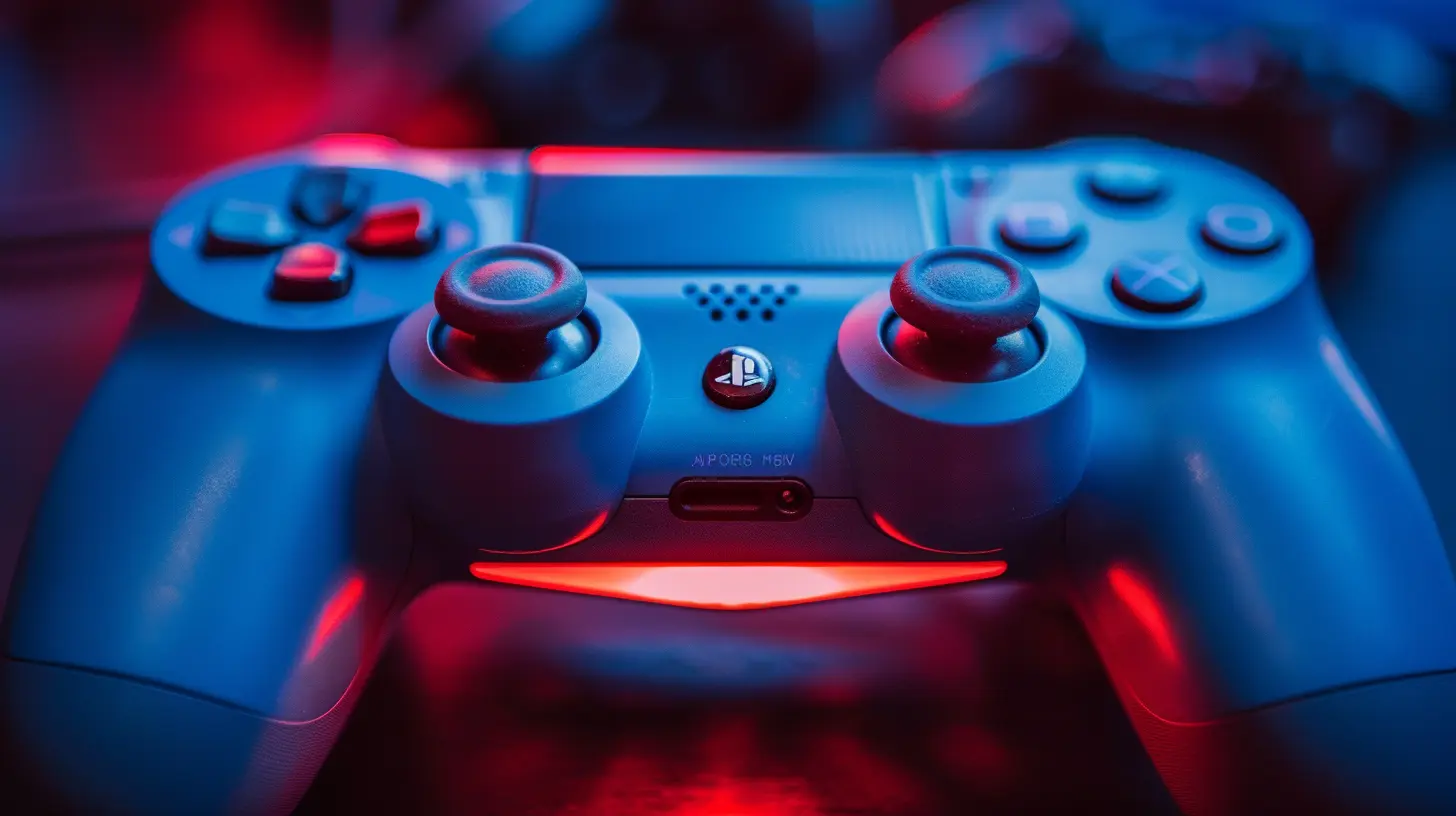
Before we start taking sides, let’s make sure we’re on the same page.A controller touchpad is a rectangular, touch-sensitive area usually located in the center of the controller. On Sony’s DualShock 4 and the DualSense for PS5, it allows players to swipe, tap, and even press down on it to register in-game actions. Think of it like a laptop's touchpad, but built for your thumbs and gaming shenanigans.
But what does it actually do?
That’s where things get a little murky — depending on the game, it might be used to open maps, swipe menus, or perform special gestures. In other cases, it basically just acts like an extra button. That inconsistency is part of what makes it both interesting and frustrating!
So, let’s lay it out — what’s working, and what totally misses the mark?
? The Pros of Touchpad Features on Controllers
1. Adds More Input Options
More buttons, more control, right? The touchpad adds at least one more click-able button and potentially more commands via swipe gestures. For developers, it opens up a whole new set of options for in-game functions.In action games like Ghost of Tsushima, the touchpad is cleverly used for different gestures — swipe left for your flute, up to bow, right to clean your sword. It feels natural and immersive, almost like performing a samurai ritual.
2. Enhances Immersion
One of the biggest selling points of new-gen gaming is immersion. From haptic feedback to surround sound, it’s all about creating a world you can feel. And guess what? When done right, touchpads can genuinely add to that.Say you're navigating a journal or map — instead of just scrolling with analog sticks, being able to swipe your finger like you would on a smartphone just feels real. It’s a subtle thing, but sometimes it’s those tiny touches that pull you deeper into the game world.
3. Great for Strategy and Map-Heavy Games
Ever played a game where you’re constantly opening maps, switching views, or dragging elements around the screen? That’s where touchpads shine. Titles like Cities: Skylines, Civilization VI, or Divinity: Original Sin 2 benefit from extra surface control.It gives console players a bit of that PC mouse-and-keyboard flavor without needing to grab a different controller.
4. Can Mimic PC Controls
Touchpads can simulate mouse movement, which is fantastic for certain genres. Ever tried to type messages or move a cursor using analog sticks? Yeah, it's about as fun as trying to herd cats.With a touchpad, navigating text boxes or UI menus is smoother and speedier — a small win, but one that makes a noticeable difference in day-to-day gaming.
5. Offers Unique Game Design Opportunities
Innovation breeds creativity. Developers who take time to integrate the touchpad can deliver really unique experiences. Swipe-based puzzles, multi-directional finger gestures, or even using the pad to trace symbols in fantasy games — when built into the gameplay from the ground up, it adds depth and novelty.
? The Cons of Touchpad Features on Controllers
1. It’s Underused in Most Games
Let’s be honest — the touchpad is often the “forgotten child” of controller features. A lot of developers just don’t bother with it or reduce it to a glorified button. That kind of defeats the purpose.Why go through all the trouble of adding this feature if you’re not gonna use it? When only a small handful of games actually make the effort, it starts to feel like wasted real estate on the controller.
2. Lack of Standardization
There’s no consistent rulebook for how the touchpad should be used from game to game. In one title, swiping right might open your inventory. In another, it might make your character do a cartwheel or pull out their phone.This lack of uniformity makes it confusing, especially for casual gamers or newcomers. It's like every game is asking you to learn its own mini language.
3. Accidental Touches Can Be Annoying
Ever been in the heat of a boss fight and accidentally brushed the touchpad? Next thing you know, you’re staring at your map while the boss dropkicks you into oblivion.Yeah... not fun.
Since it’s usually placed right in the center, it’s easy to tap it by mistake, especially in fast-paced games where every split second counts.
4. Doesn’t Always Deliver Feedback Well
You know those satisfying 'clicks' you get from regular buttons? The touchpad doesn’t always give you that same kind of tactile feedback, especially with swipe gestures. That can make it feel unresponsive or vague, which isn't ideal in precision-focused moments.And without clear feedback, you’re sometimes left wondering: “Did it register my swipe?” That uncertainty can lead to frustration — and nobody needs more of that in high-stress games.
5. Increases Controller Complexity
Not everyone wants more buttons or input methods. Some players (especially those new to gaming) prefer simple, intuitive controls. Adding a touchpad might be overcomplicating things, turning what should be a fun experience into a learning curve headache.Sometimes, less is more.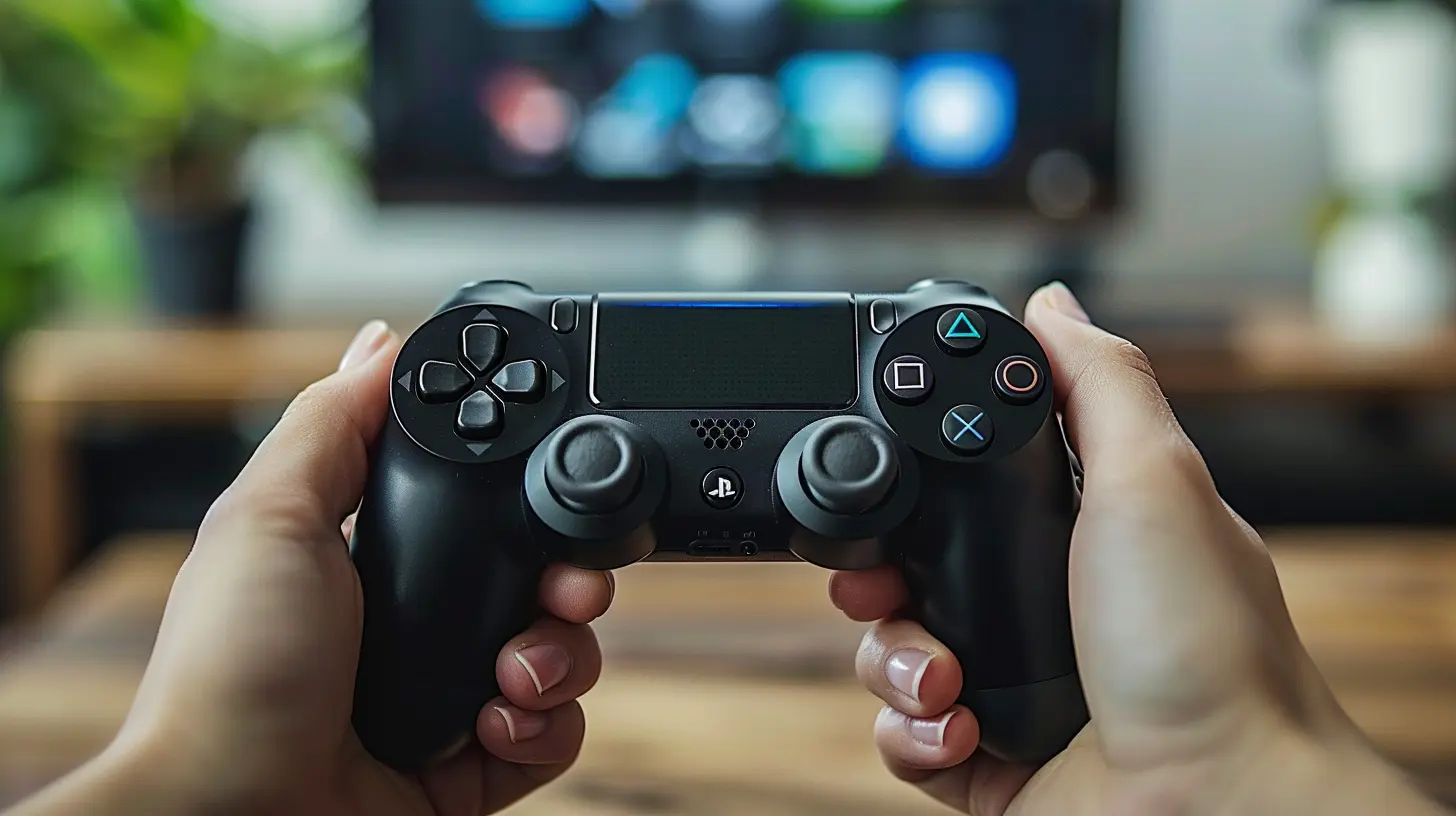
Balanced Perspective: When the Touchpad Works Best
Alright, so we’ve aired both the good and the bad. But when does the touchpad truly shine?To be honest, it works best when it’s a complement, not a crutch. When developers use it thoughtfully — as one part of a bigger control scheme that makes sense within the context of the game — it can really enhance the experience.
Games that lean into exploration, puzzle-solving, or multi-layered menus are perfect for touchpad integration. But if we’re talking twitch-reflex shooters or tight platformers? Not so much.
Also, it tends to have more success in single-player titles, where the pace is slower and there’s room for experimentation. In competitive multiplayer where timing and precision are everything, it’s often safer to leave it out.
Will Touchpads Stick Around?
That’s the million-dollar question, isn’t it?With devices like the PlayStation 5’s DualSense keeping the feature, it seems like touchpads aren’t going away anytime soon. But unless more developers start embracing it in meaningful ways, it might always sit in that weird “optional” zone — cool, but not essential.
Until then, it’s up to gamers to keep nudging devs to do more with the hardware. It has potential, no doubt about it — now it just needs the games to match.
Final Thoughts: Should You Care About the Touchpad?
So, here’s the deal — if you’re a player who values immersion and appreciates clever design, the touchpad can be a fun addition to your gaming toolkit. It opens doors to new controls and, when executed well, genuinely improves the game.But if you're someone who just wants to get in, play, and not think too hard about control layouts, you might barely notice it’s there… and honestly, that’s fine too.
Like many features in gaming, the touchpad is only as good as the creativity behind it. We’ve seen flashes of brilliance — now let’s hope more games make it shine.
all images in this post were generated using AI tools
Category:
Game ControllersAuthor:

Francesca West
Discussion
rate this article
2 comments
Seraphis McKinley
Touchpad features enhance gameplay versatility but can be cumbersome for traditional control preferences.
May 9, 2026 at 3:17 AM
Francesca West
That's a fair point. While touchpad features can add depth, they may not suit everyone's playstyle. Balancing innovation with comfort is key.
Georgia Cummings
Touchpads on controllers are like that quirky friend who can be super helpful or just a tad confusing. Sometimes they bring tasty snacks, and other times they just want to show you cat videos...
May 4, 2026 at 4:51 AM
Francesca West
That's a great analogy! Touchpads definitely have their moments. When they work well, they're a fun bonus, but they can also be a bit unpredictable.