Gaming on the Go: Best Mobile Game Controllers
17 May 2026
Let’s be honest—mobile gaming has come a long way. From casual puzzle games to full-blown action-packed titles, smartphones now rival consoles when it comes to gaming experiences. But no matter how powerful your phone is, on-screen touch controls just can’t match the precision and comfort of a real game controller.
If you’re serious about gaming on the go, then getting your hands on a solid mobile controller could completely change the way you play. In this guide, we’re diving deep into the world of mobile controllers—what they are, why they matter, and the best ones you should consider adding to your setup.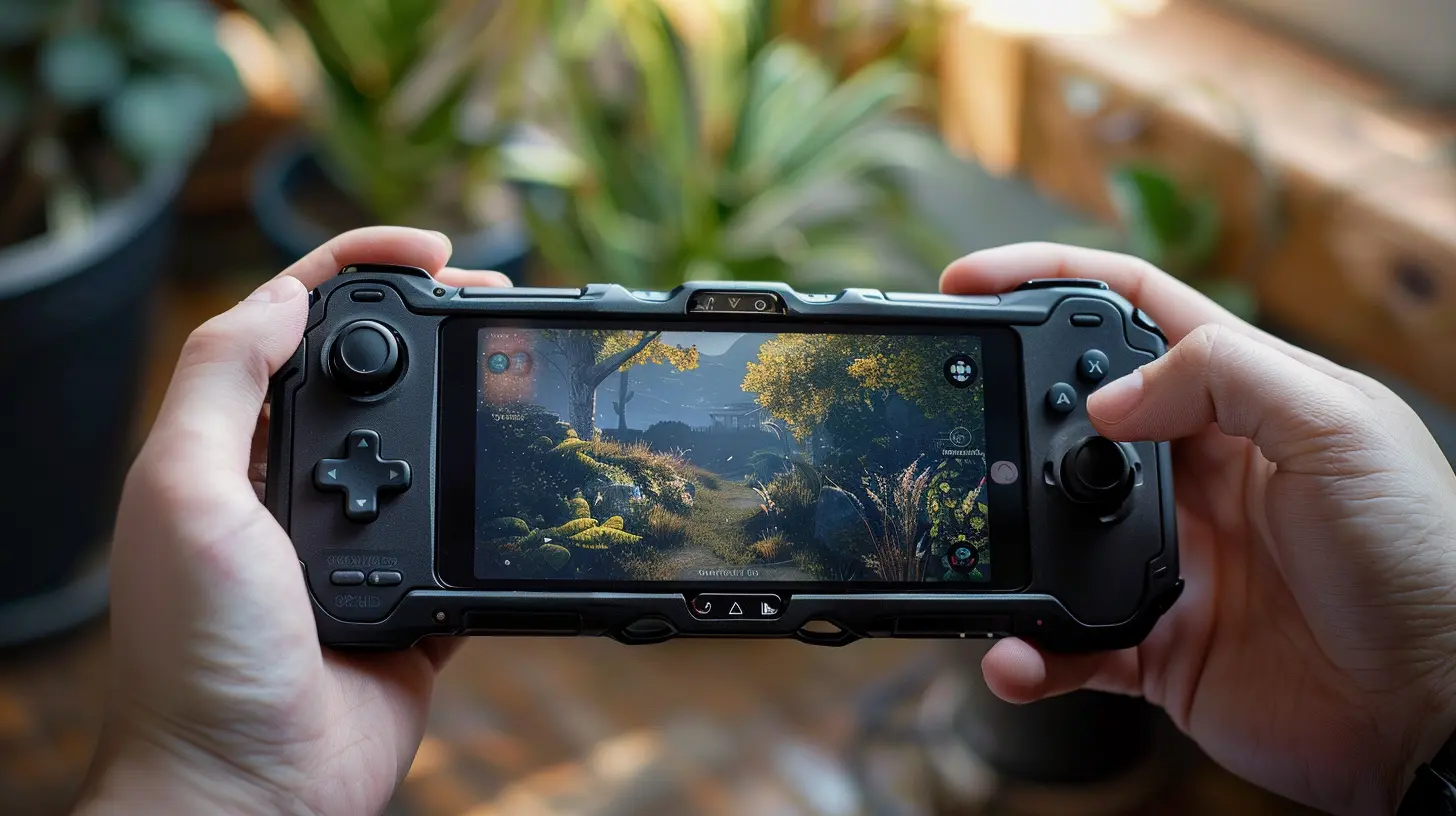
Why Mobile Game Controllers Matter
So, why all the hype over mobile controllers anyway?Imagine trying to play a fast-paced shooter or a tricky platformer using glitchy on-screen controls. You’re swiping, tapping, and missing every shot. Frustrating, right? That’s where mobile controllers come in. They offer:
- Better precision: Physical buttons and analog sticks help with aiming and timing.
- Comfort: No more hand cramps from awkward screen tapping.
- Immersion: Feels more like console gaming—just on a smaller screen.
In short, a good mobile controller could be the difference between rage-quitting and taking home the win.
What to Look for in a Mobile Game Controller
Before splurging on any random controller, you’ve got to know what matters. Here’s what you should keep on your radar:1. Compatibility
Not all controllers play nice with every device. Some are made for Android, others for iOS, and a few cover both (plus cloud gaming platforms like Xbox Cloud Gaming, GeForce NOW, and more). Always check if your phone and favorite games are supported.2. Connectivity
Controllers typically connect in two ways:- Bluetooth: More common and flexible, but can sometimes suffer from input lag.
- Wired (USB-C or Lightning): Provides a lag-free experience and often charges your phone too.
Choose based on your playstyle and tolerance for lag.
3. Design & Comfort
Handfeel matters. Look for:- Ergonomic grips
- Responsive buttons
- Quality thumbsticks
If it feels like a toy or cramps your hands, it’s not worth it – no matter how cool it looks.
4. Battery Life
Bluetooth controllers need to be charged. Look for one that lasts at least 10–15 hours of playtime. Trust me, nothing kills the vibe like your controller dying mid-fight.
Top Mobile Game Controllers to Level-Up Your Game
Now that we’ve covered what to look for, let’s get into the main event—our top picks for the best mobile game controllers in 2024.1. Backbone One (iOS and Android)
The all-in-one champ for gamers who want everything in one neat package.This controller is tailor-made for iPhone and Android devices. It plugs right in (Lightning or USB-C), requires no charging, and has a super-sleek design that turns your phone into a Switch-like gaming device.
Why We Love It:
- No Bluetooth = zero lag
- Comfortable, ergonomic design
- Built-in recording and sharing features
- Compatible with Xbox, PlayStation Remote Play, and cloud gaming
Downside? A little pricey. But hey, premium quality comes at a cost.
2. Razer Kishi V2
A futuristic beast designed for the serious mobile gamer.The Razer Kishi V2 is a heavy hitter. With clicky microswitch buttons, analog triggers, and a snug fit for most phones, this controller brings console-quality gaming to handheld format.
Why It’s Awesome:
- Direct USB-C connection = instant response
- Pass-through charging
- Feels solid and built to last
- Compatible with Android and iPhone (there are separate versions)
Things to Know: Some bulkier phone cases might need to come off for a secure fit.
3. 8BitDo SN30 Pro for Android
For retro lovers who want modern features.This one looks like it traveled through time from the '90s—and we aren’t mad about it. The SN30 Pro gives massive Nintendo vibes, but it packs a punch under the hood with full customization, Bluetooth, and USB connectivity.
What Stands Out:
- Recognizable, nostalgic design
- Works with Android, PC, and Raspberry Pi
- Fully customizable buttons (via app)
- Affordable price point
Not Ideal If: You prefer a more ergonomic, modern grip.
4. GameSir X2 Pro
A dark horse that’s climbing the ranks fast.GameSir might not be as well-known, but the X2 Pro is packed with value. Designed specifically for Xbox gamers, it includes Hall Effect triggers and even comes with one month of Xbox Game Pass Ultimate.
Why We Dig It:
- Direct USB-C plug-in for Android
- Textured grips = super comfy
- Great for Xbox Cloud Gaming
- Swappable thumbsticks
Just a Heads-Up: iPhone users need to look elsewhere—this one’s Android-only.
5. Sony DualSense & Xbox Wireless Controller
You probably already own one—and yes, it works!If you’ve got a PS5 or Xbox lying around, you don’t need to buy a new controller. Both work beautifully with mobile devices over Bluetooth and bring that premium console feel.
Pros:
- Familiar, high-quality design
- Broad compatibility with mobile games and cloud services
- Great for longer sessions
Cons: Not very portable, and you’ll need a phone mount or clip.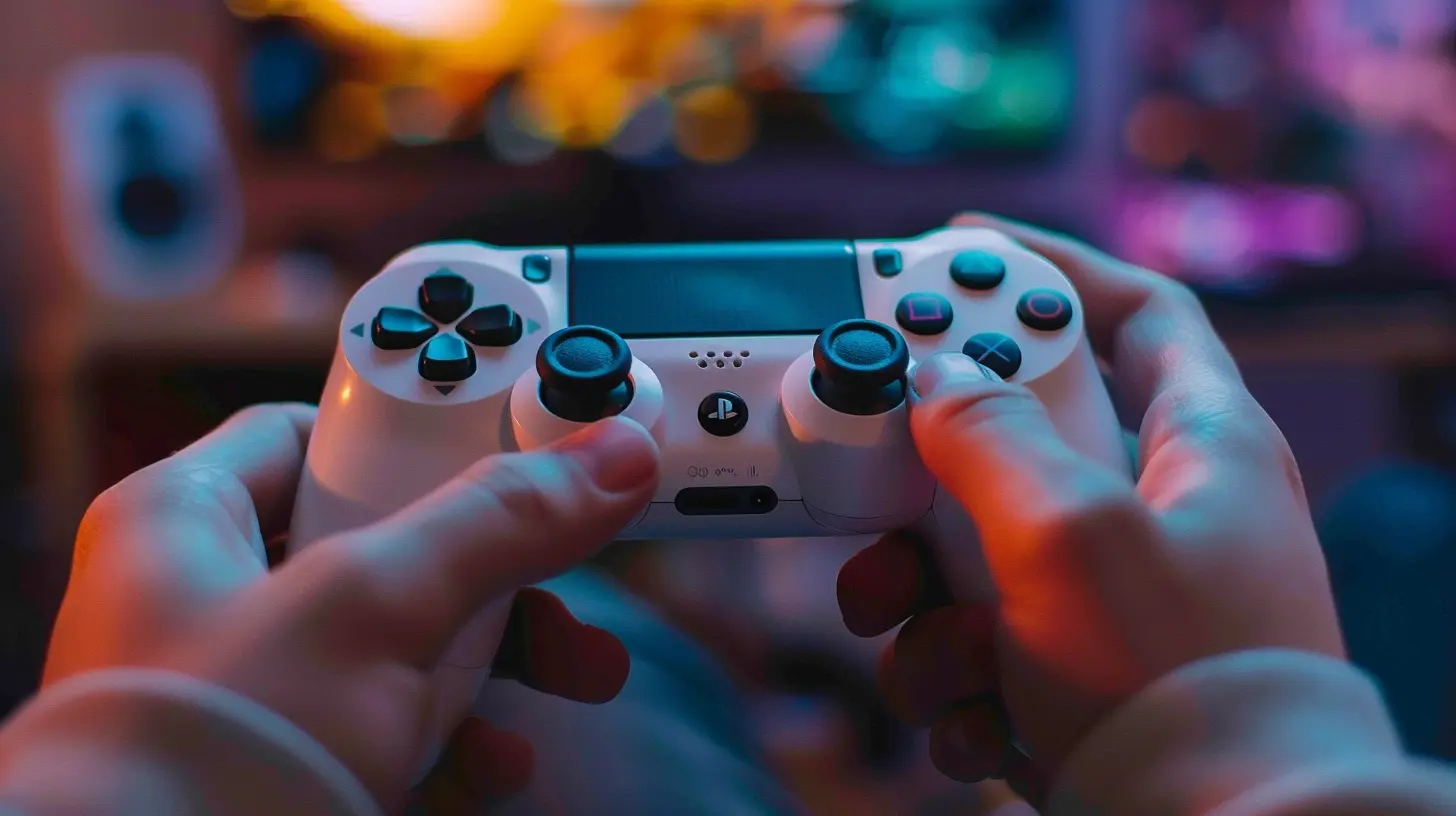
Best Use Cases for Mobile Gaming Controllers
Still wondering if a controller is worth it? Let’s break down a few scenarios where they shine.? Cloud Gaming
Services like Xbox Cloud Gaming and GeForce NOW are changing the game. You’re literally playing console titles on your phone. But without a controller? Meh. It’s like driving a sports car with a bicycle handle.? FPS Games
Games like Call of Duty: Mobile or Apex Legends need lightning-fast reflexes. Touchscreens don’t cut it when milliseconds count.?️ Retro Emulation
Emulators are a blast on mobile, but they're borderline unplayable without real buttons. A retro-style controller like the SN30 Pro is perfect for this genre.? Full-Fledged Mobile Games
Titles like Genshin Impact, Asphalt 9, or Fortnite become way more enjoyable (and winnable) with a controller by your side.Tips to Get the Most Out of Your Controller
Here are a few quick tips to make sure you’re getting the best experience possible:- Customize your layout: Many controllers let you remap buttons or adjust sensitivity.
- Use a cooling fan: Extended sessions can heat up your phone. Some controllers offer built-in cooling or extra grip space.
- Update firmware: Manufacturers often release updates to fix bugs or improve performance.
- Pair with a clip or stand: If using a traditional Bluetooth controller, get a mount for comfy positioning.
The Future of Mobile Gaming Controllers
With smartphones getting more powerful and game streaming on the rise, the future of mobile gaming is looking brighter than ever. Mobile controllers are evolving too—with better features, more flexibility, and even modular designs on the horizon.Just think about it: your phone + a controller + a good internet connection = a full-blown gaming console that fits in your pocket. That’s not the future. That’s right now.
Final Thoughts
Gaming on the go has never been more exciting, and mobile game controllers are the secret ingredient to elevating your entire experience. Whether you're chasing high scores, grinding through RPGs, or dropping into battle royales, the right controller can make your mobile gaming journey smoother, more immersive, and way more fun.So what are you waiting for? Level up your device. Grab a controller. And press start on a gaming experience that’s truly on another level.
all images in this post were generated using AI tools
Category:
Game ControllersAuthor:

Francesca West
Discussion
rate this article
2 comments
Brigitte Barnes
Great overview of mobile game controllers! The suggestions are solid, and I appreciate the tips on compatibility. Can't wait to try a few out.
August 23, 2026 at 4:13 AM
Francesca West
Thanks for the feedback! I'm glad you found the tips helpful. Enjoy trying out the controllers!
Micah Walker
Perfect for gaming anytime, anywhere!
May 19, 2026 at 3:11 PM
Francesca West
Absolutely! The convenience of portable controllers really elevates the gaming experience on the go. Enjoy the game!