Why Controller Lag Matters and How to Reduce It
7 September 2026
If you've ever been right on the brink of a perfect headshot or about to make that killer combo — and your controller doesn’t register your move until it’s too late — yeah, that’s controller lag kicking you where it hurts. And if you're wondering what the big deal is about a few milliseconds of delay, stick around. It’s a bigger problem than you think.
In this article, we’re breaking down what controller lag is, why it seriously matters, and more importantly, how you can reduce it — big time! Whether you’re a casual gamer or a sweaty tryhard grinding ranked matches, this is something you need to understand. Let’s dive in!
What Is Controller Lag?
Alright, let’s cut to the chase. Controller lag, also called input lag, is the delay between the time you press a button on your controller and when the action actually happens on screen.Sounds simple, right? But this delay — often measured in milliseconds — can turn a win into a loss, especially in fast-paced games. Imagine playing a fighting game like Street Fighter or a competitive FPS like Call of Duty and trying to pull a clutch move, but your controller takes too long to respond. Game over.
Even in single-player games, lag can break immersion and mess with the overall experience. Ever tried timing a jump in a platformer only to fall miserably because your controller lagged? Yeah, that’s the type of rage that makes you want to chuck the controller.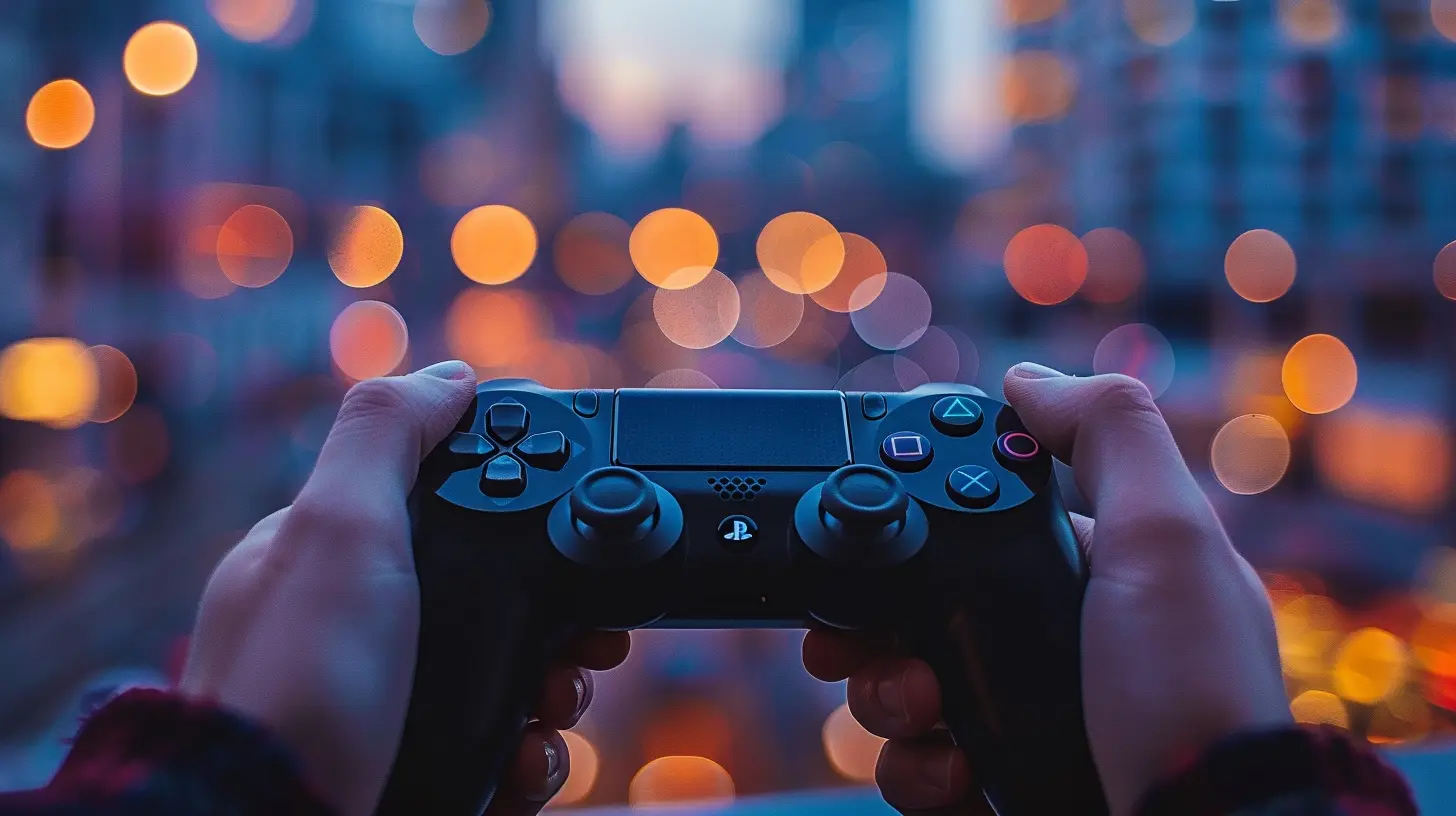
Common Signs of Controller Lag
Not sure if what you're experiencing is controller lag or just bad luck? Here’s what to look for:- Delayed responses: Press a button and the input happens after a short pause.
- Character feels “floaty” or unresponsive.
- Menu navigation is sluggish.
- Inconsistent input: Sometimes it works instantly, other times not.
If you're nodding your head to any of these, yup — you’ve got a lag problem on your hands.
Why Controller Lag Matters (A Lot More Than You Think)
Let’s get real — in the gaming world, timing is everything. Whether it's dodging an enemy attack, landing a perfect parry, or building a ramp in Fortnite faster than your opponent, every millisecond counts. Controller lag acts like that annoying friend who shows up late to the party and ruins the vibe.1. Competitive Disadvantage
This one’s a no-brainer. If you’re playing games online, even a slight delay can make a huge difference. Your opponent’s input is being registered quicker, meaning they’re reacting in real-time while you’re stuck with a handicap. That’s like trying to race someone while you’re wearing ankle weights.2. Messes With Muscle Memory
Gamers develop muscle memory over time. You get used to inputs happening quickly. But with lag, your muscle memory gets thrown off track. Suddenly, your jumps are mistimed, your combos don’t land, and your whole rhythm is out of whack.3. Kills Immersion and Enjoyment
Even in single-player games, controller lag can seriously suck the joy out of gaming. Want precise platforming? Forget it. Want fluid combat mechanics? Good luck. It turns crisp gameplay into a sluggish mess.
What Causes Controller Lag?
Before we can fix it, let’s understand where lag comes from. Warning: it’s not always your controller’s fault — there’s a whole group of suspects here.1. Wireless Interference
Wireless controllers use Bluetooth or proprietary frequencies. Things like microwaves, other Bluetooth devices, or even thick walls can interfere with this signal.2. Battery Level
Low battery? That’s like trying to sprint with no energy. A weak battery can lead to inconsistent signals being sent from your controller to your console or PC.3. Display Latency
Your TV or monitor could be adding input lag, especially if it’s not set to “Game Mode.” Some displays process images heavily, causing delay between input and display.4. Bluetooth Dongles or Adapters
Cheap or low-quality USB adapters for Bluetooth connections can introduce delay — they just aren’t optimized for high-performance gaming.5. Software or Firmware Glitches
Outdated console firmware, buggy drivers, or broken game updates sometimes cause input lag. Yes, even your software can betray you.6. System Overload
If your PC or console is overwhelmed with background applications, processes, or overheating, it can affect input processing speed.How to Reduce Controller Lag (And Get Your Game Back)
Now for the good stuff! Let’s talk about real solutions. Some of these apply whether you’re on console or PC — we’re covering all bases here.1. Use a Wired Connection
This one’s pure gold. Going wired removes the middleman (a.k.a. wireless transmission). Less interference, faster response. Even pro players use wired controllers during tournaments for this very reason.?Tip: Even if you prefer wireless overall, plug in your controller for competitive sessions. You’ll notice the difference instantly.
2. Switch to “Game Mode” on Your Display
Your snazzy 4K TV or 144Hz monitor might be awesome for movies or Netflix, but that post-processing magic (like motion smoothing) adds input lag.Find “Game Mode” or “Low Latency Mode” in your display settings — this minimizes processing and speeds up your input response time.
3. Keep Firmware and Drivers Updated
Don’t sleep on updates. Firmware patches for controllers, consoles, drivers, or even the game you're playing can fix input lag issues. Check for updates regularly. Yes, it's boring. But it's worth it.4. Reduce Bluetooth Interference
Keep your wireless controller close to your device. Turn off other Bluetooth devices nearby. Avoid placing your console behind your TV or inside a closed cabinet. You want a clear, strong signal.5. Use High-Quality Cables and Dongles
If you’re using a USB dongle for connecting a controller to PC or console, make sure it's a reputable, gaming-quality one. Cheap dongles are cool till they start causing lag.Same goes for USB cables — a good quality cable with minimal wear and tear goes a long way.
6. Close Background Apps (Especially on PC)
Your PC has only so many resources. If you’ve got Chrome, Discord, OBS, Spotify, and five Twitch streams running, guess what? Your inputs might be delayed because your system’s sweating buckets.Close unnecessary apps or use a performance booster when gaming.
7. Optimize Your Game Settings
Lower the graphics settings in your game if you’re running into frame drops. Why? Because if your frame rate is low and inconsistent, input lag increases. Aim for higher and stable FPS over flashy visuals.Controller Lag: Console vs. PC
Wondering which platform gets hit harder by lag? Here’s a quick breakdown:- PC has more variables — different hardware, diverse software, endless controller compatibility issues. It’s like trying to herd cats.
- Consoles, on the other hand, are usually more plug-and-play with fewer lag inconsistencies — but not immune. Display settings and firmware still matter.
Pro Tip: If you're gaming on PC, investing in a good controller (like Xbox Elite or DualSense) and high-quality input devices can really smooth things out.
Do Better Controllers Actually Help?
Short answer: Yep.High-end controllers are engineered with better latency, better wireless protocols, and more stable firmware. Some even come with performance modes or custom input settings to shave off milliseconds.
It’s like swapping out your average running shoes for a pair of Nikes with a carbon plate. The edge is real.
Next-Level Fixes to Tweak Performance Even Further
Looking to go full sweat mode and maximize response time? Check these out:- Get a low-latency monitor. Look for sub–1 ms response time and 120Hz or higher refresh rate.
- Use wired internet connection. Lag from network jitter sometimes gets confused with controller lag (especially in online games).
- Turn off V-Sync. In many games, V-Sync can introduce input lag. Test it off and see if things feel snappier.
- Overclock your controller (for advanced users). On PC, tools like “HIDUSBF” let you overclock USB polling rates to lower latency. Be cautious and research thoroughly if you go down this rabbit hole.
Final Thoughts: Fine-Tune Your Setup
Let’s face it — controller lag sucks, but it’s not some unsolvable mystery. Most of the time, it’s fixable with a few setup tweaks and awareness. Whether you're out to beat your personal best or just jump around in a game smoothly, reducing lag turns good gameplay into great gameplay.So, next time you miss a shot or your character delays an action, don’t curse the game. Your controller might just be screaming for attention.
Happy gaming, lag-free!
all images in this post were generated using AI tools
Category:
Game ControllersAuthor:

Francesca West
Discussion
rate this article
1 comments
Thornefield McRae
Controller lag is like a bad date-frustrating and totally avoidable. Get your game on point!
September 9, 2026 at 2:47 AM
Francesca West
Absolutely, avoiding controller lag is key to a smooth gaming experience. It's all about timing and precision. Thanks for the comment!