Upgrading Your Controller Without Breaking the Bank
4 July 2026
Let’s be real for a second—gaming has become a serious business. Not just for esports professionals or streamers, but even for couch warriors like you and me. And one of the things that truly defines your gaming experience? Your controller.
Whether you're on Xbox, PlayStation, Nintendo Switch, or PC, your controller is your weapon of choice. But here comes the kicker—good gear isn’t always cheap. So what do you do when your controller's buttons are sticking, the analog stick’s got a mind of its own, or you find yourself drooling over those high-end pro controllers?
Well, you don’t need to drop $200 just to keep up. This guide will show you exactly how to upgrade your controller without breaking the bank.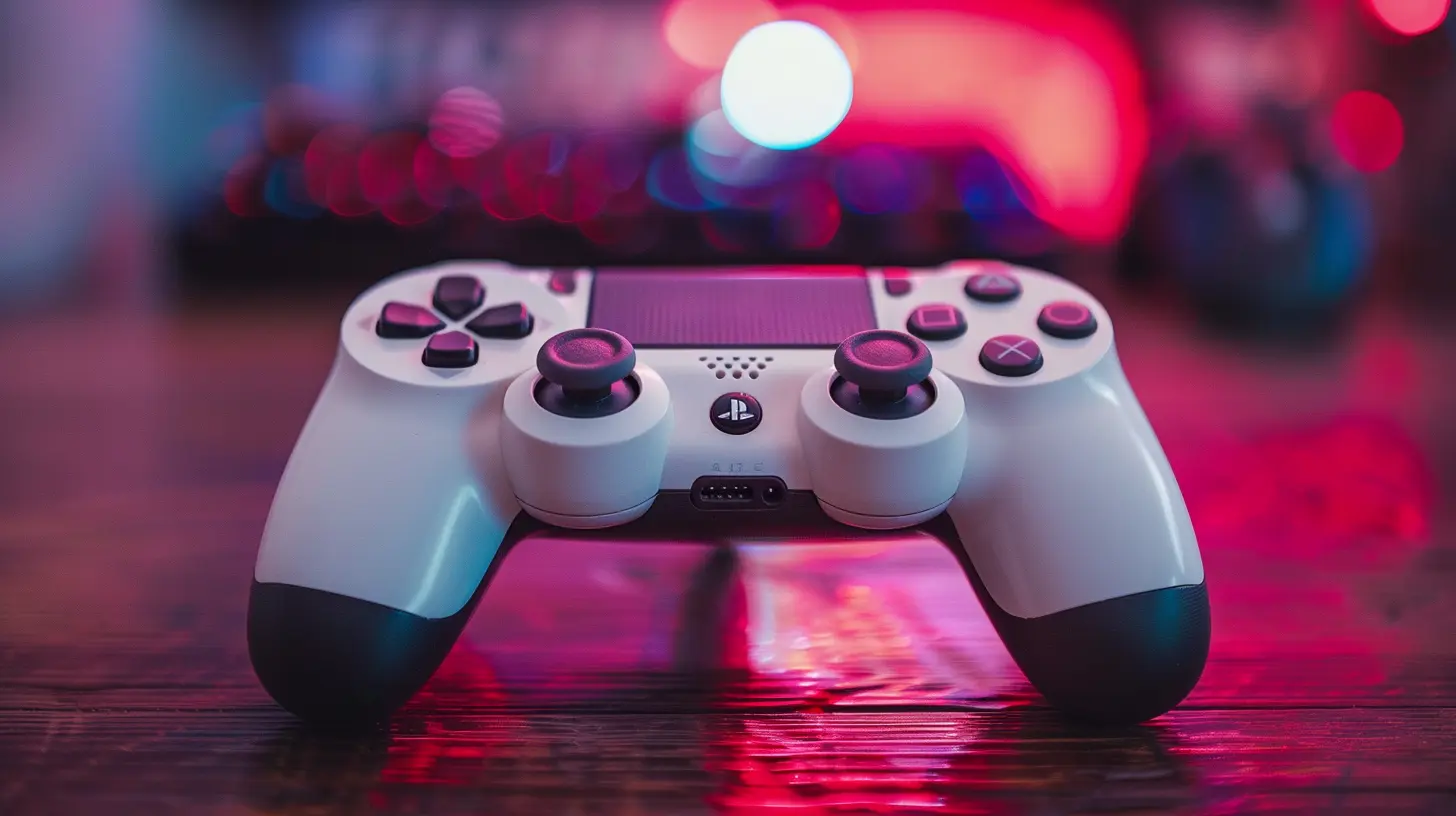
Why Upgrade Your Controller in the First Place?
Picture this: you're deep into a match, the action's intense, you're clinging to victory by a thread—and just as you’re about to line up that perfect shot… your controller misfires. Rage-inducing, right?Controllers wear out. Buttons get mushy, analog sticks drift, and rubber grips start to peel. Not to mention, newer games are demanding more precision and more customizable controls.
If you’re still gaming with the same controller you unboxed 5 years ago, the difference an upgrade makes could blow your mind. But no, you don’t need to empty your savings to feel that difference.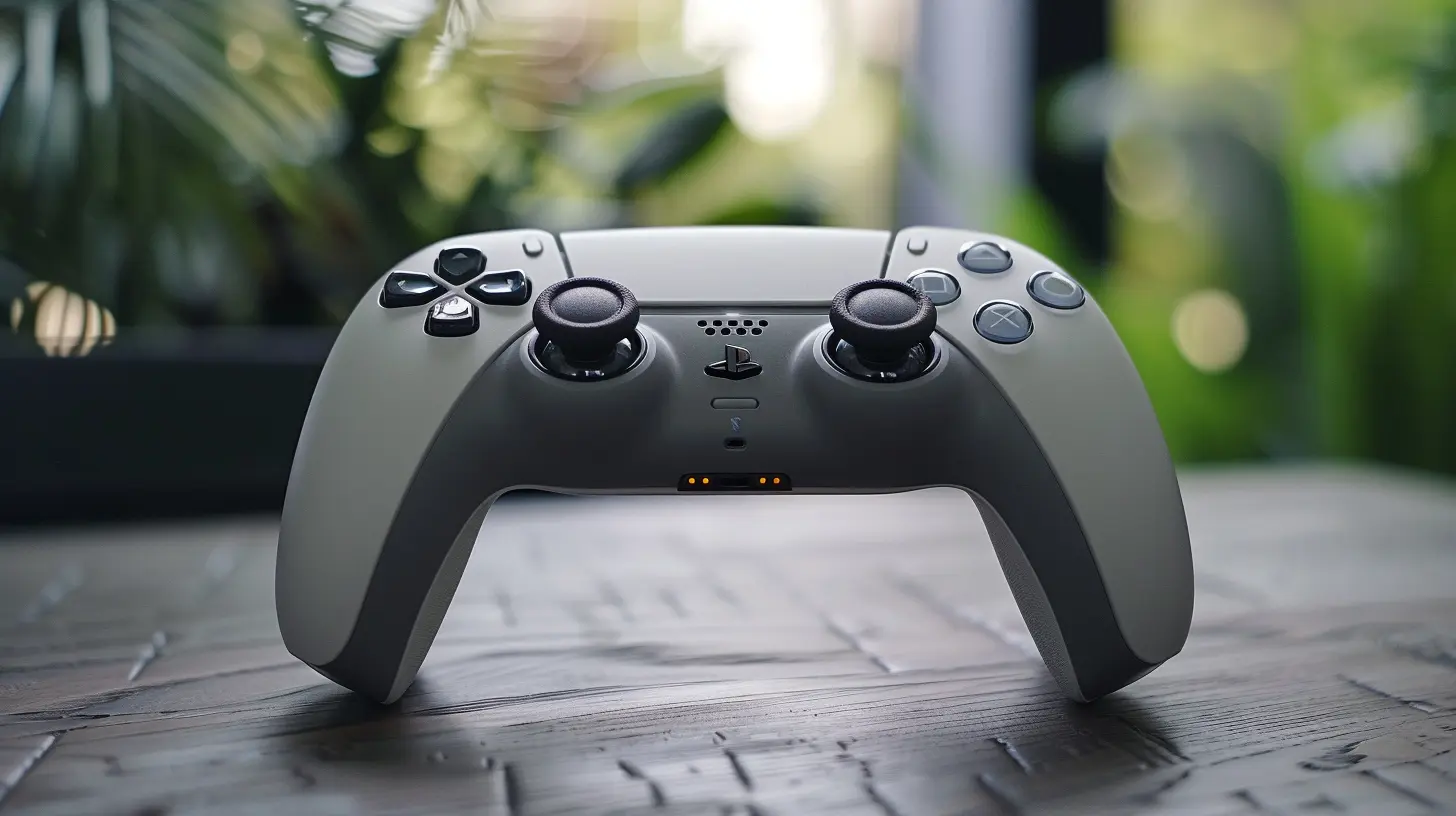
Signs Your Controller Needs an Upgrade (Like, Now)
Let’s do a quick checklist. If your controller’s doing any of these things, it’s basically screaming for help:- ?️ Analog stick drift (a.k.a. your character moves even when you’re not touching anything)
- ? Buttons not responding or sticking
- ? Short battery life
- ? Connectivity issues
- ? Parts falling off or worn out grips
- ? Lack of customization options (trigger stops, button remapping, etc.)
If you’re nodding along to more than one of these, don’t ignore it. Bad hardware messes with your reaction time and can make or break your game—especially in competitive shooters or fast-paced fighting games.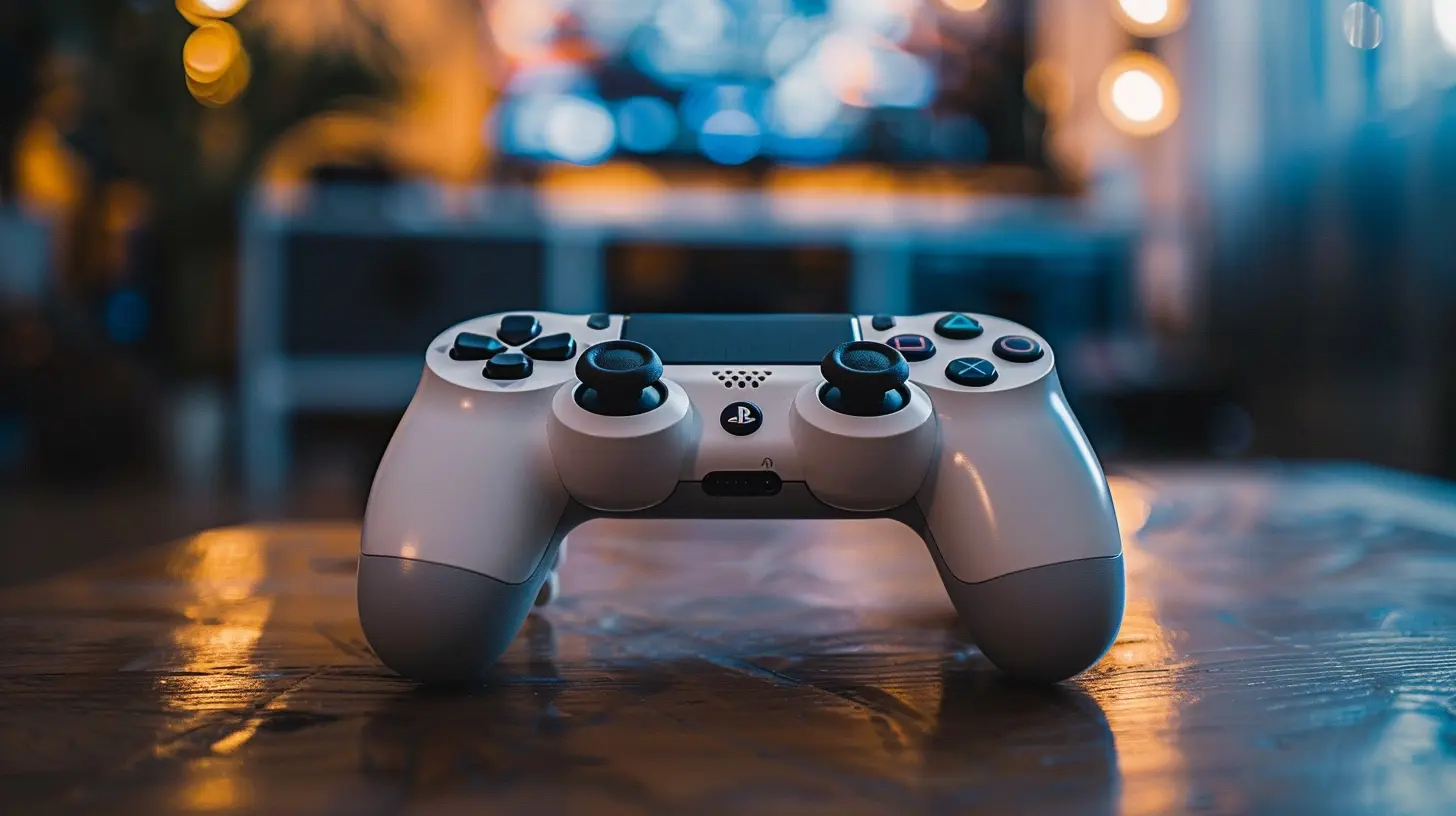
Budget-Friendly Options for a Controller Upgrade
You’ve got two paths in front of you: buy a new controller or mod your current one.Let’s break both paths down, and spoiler alert—they don't have to wreck your wallet.
1. Affordable Aftermarket Controllers
You’d be surprised how many solid third-party controllers exist out there, and they cost a fraction of the "official" ones. Brands like PowerA, PDP, Hori, and 8BitDo are killing the game with budget-friendly, feature-rich controllers.What to Look for in a Budget Controller:
- Compatibility – Make sure it works with your console or PC.- Build Quality – Read reviews carefully. Cheap doesn’t have to mean flimsy.
- Features – Some affordable ones come with remappable buttons, turbo modes, and even paddles.
- Wired vs Wireless – Wired is usually cheaper and has no input lag—perfect for competitive gameplay.
? Tip: 8BitDo makes ridiculously versatile controllers that work on PC, Android, iOS, Switch, and more. It’s like the Swiss Army knife of controllers.
2. Buying Used or Refurbished
Now don’t make that face—buying refurbished doesn't mean you're settling for junk. In fact, some refurbed controllers go through more testing than the new ones on shelves.Where to Grab Refurbs:
- Official Stores – Xbox and PlayStation both have official refurbished options.- Retailers like GameStop, Best Buy, or Amazon Renewed
- Local listings (Facebook Marketplace, Craigslist, eBay)
Bonus points if you grab one from someone upgrading to a next-gen console. People toss practically new controllers for cheap just to chase the latest shiny thing.
3. DIY Mods: Pimp What You Already Own
Alright, for my fellow tinkerers and hands-on gamers—this part’s for you.Modding your current controller adds personality and boosts performance. And no, you don’t need to be an engineer to do it.
Easy DIY Mod Ideas:
- Change the Thumbsticks – Swappable thumbsticks with better grip are super affordable.- Trigger Stops – Helps reduce the travel distance on triggers. Great for FPS games.
- Button Swaps – Replace mushy buttons with mechanical ones.
- New Shells or Skins – Style points! A new shell makes your controller feel brand new.
- Performance Grips – For those sweaty, high-stakes gaming sessions.
? Pro Tip: There are full mod kits that cost under $20 with all the tools and parts you need. Hit up YouTube for handy tutorials, and boom—you’re basically a controller surgeon.
4. Use Controller Accessories to Boost Performance
Sometimes, all you need is a little boost—not a whole new controller.Accessories That Pack a Punch:
- KontrolFreek Thumb Grips – These snap onto your analog sticks and give you better aim and control.- Clip-on Back Buttons – Brands like Collective Minds offer budget-friendly button attachments for added inputs.
- Charging Docks and Longer Cables – Keeps you always ready mid-session.
- Phone Mounts – Essential if you're into mobile cloud gaming.
A few well-placed accessories can take your gameplay from "meh" to "marvelous" without ever touching your wallet too hard.
Controller Comparison: Bang for Your Buck
| Controller | Price Range | Key Features | Best For ||------------|-------------|--------------|----------|
| Xbox Series X Controller (Refurb) | $45–$55 | Bluetooth, textured grip, solid build | Xbox, PC |
| PowerA Enhanced Wired | $35–$45 | Mappable buttons, wired connection | Switch, Xbox |
| 8BitDo Pro 2 | $49.99 | Wireless + wired, remappable buttons, great for PC/Switch | Multi-platform users |
| PDP Wired Controller | $29.99 | Responsive, durable, budget-friendly | Casual gamers |
| Hori Split Pad Pro (Switch) | $49.99 | Full-sized handheld controls | Handheld Switch players |
Don’t Get Tricked by Cheap Knockoffs
Here’s the thing—cheap doesn’t always mean value. Watch out for ultra-cheap knockoff controllers with fancy names and poor performance.Ask yourself:
- Does it have verified reviews?
- Is it backed by a warranty?
- Has it been reviewed by trusted YouTubers/bloggers?
- Does it use quality internal components?
The rule? If it looks too good to be true for the price, it probably is.
When You Should Actually Invest in a Premium Controller
Okay, you've done your research, maybe even tried a couple budget options, and you're still craving more. Sometimes, it's worth saving up a bit more for that premium feel.If you’re into esports, competitive multiplayer, or serious streaming, a high-end controller (like the Xbox Elite or Scuf controllers) might be the right call.
Think of it like a gaming chair. You can sit on a folding chair, sure, but once you get that comfy ergonomic throne, going back feels tragic.
That said, don’t rush—plenty of mid-range options punch above their price class. Gradually scaling up is the smart gamer’s move.
The Bottom Line
Upgrading your controller doesn’t mean you have to spend a fortune. You’ve got options. Tons of 'em!Whether you go for a budget-friendly aftermarket controller, a refurbished official piece, or you roll up your sleeves and mod your old one, the goal is the same—enhancing your gameplay experience without burning a hole in your wallet.
And honestly, it’s kind of fun. There’s something satisfying about customizing your gear or hunting down a great deal. It’s like finding treasure that improves your KD ratio.
So next time your controller acts up, don’t panic or run to buy the most expensive one around. Think smart, shop right, and upgrade like a boss. Your fingers (and your bank account) will thank you.
Final Quick Tips for Controller Hunting on a Budget
- ? Do your homework—check user reviews and YouTube hands-on videos.- ? Don’t ignore used/refurb options—they’re often just as good.
- ?️ Consider mod kits to breathe new life into your old gear.
- ? Watch for sales during holidays and gaming events.
- ? Don’t settle for junk—there’s affordable quality out there, you just have to look.
all images in this post were generated using AI tools
Category:
Game ControllersAuthor:

Francesca West
Discussion
rate this article
1 comments
Fallon McWilliams
Why pay for a new controller when you can just upgrade your existing one with duct tape and sheer determination... right?
July 22, 2026 at 3:42 PM