Designing Casual Games for Non-Gamers
13 June 2026
Casual gaming has become one of the most exciting and inclusive parts of the gaming industry in recent years. But designing casual games for non-gamers? That’s a whole different ball game. You’re not just making a game—you’re opening a door for someone who might be stepping into the gaming world for the very first time. It’s about empathy, simplicity, and, most importantly, fun.
So, whether you're a developer looking to break into the casual space, or you're just curious about what it takes to appeal to folks who don’t even consider themselves “gamers,” let’s dive into what makes casual games click with non-gamers.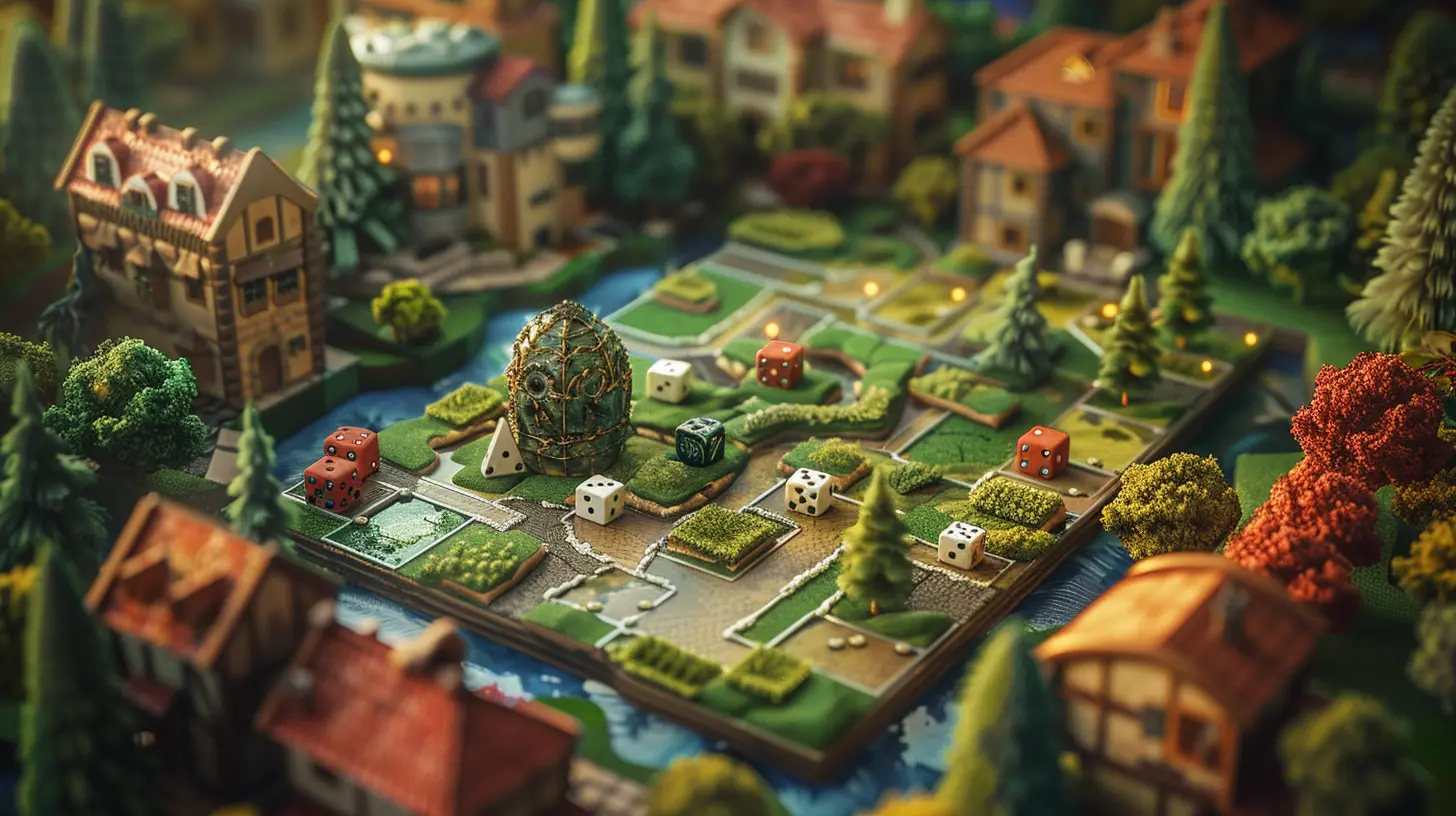
Why Non-Gamers Matter
Let’s get real—non-gamers are literally the biggest untapped audience. They’re your grandma scrolling through puzzle games on her tablet. They're your co-worker who never talks about gaming but plays Wordle every morning. They're the millions of people who just need a nudge (and a well-designed game) to join the club.In fact, non-gamers often become the most loyal casual players once they find a game that gets them. And let’s face it—who doesn’t want more players loving the stuff we make?
Understanding the Mindset of a Non-Gamer
Before you try to draw someone into a game, you have to understand where they’re coming from. Non-gamers aren’t avoiding games because they hate fun—they might just be intimidated, uninterested, or frankly, overwhelmed.Think about it:
- “Too complicated,” they say.
- “I don’t have time for that.”
- “I just don’t get it.”
Sound familiar? That’s the wall we need to break down. Designing for non-gamers means gently guiding them across the threshold, not throwing them into a tutorial hell with 20 different buttons to press.
Keep It Stupid Simple (K.I.S.S.)
Seriously. Simplicity isn't a step down in quality—it’s a step in the right direction.1. Intuitive Controls
Your game should be playable in snack-sized sessions and shouldn’t require a deep dive into a controller setup. That means:- One or two-tap mobile gameplay
- Drag and drop mechanics
- Swipes and taps with clear feedback
Games like Candy Crush, Angry Birds, or Two Dots nailed it. You don’t need a manual. Just open the app and start playing.
2. Minimal UI
Overloading a first-time player with a bunch of buttons, pop-ups, and modes is a sure way to lose them. Keep menus clean. Don’t be afraid of white space. Guide their eyes with smart layout and gentle animations.
Theme is Everything
You know what’s scarier than a complex control scheme? A theme that doesn’t speak to the player. Non-gamers are more likely to be drawn to lighthearted, familiar, or emotionally uplifting aesthetics.What Works:
- Cozy vibes (think Stardew Valley)- Puzzles
- Simple stories about daily life
- Word games
- Pet simulators or cooking games
What Doesn’t (Usually):
- Dark, violent, or ultra-realistic themes- Confusing fantasy lore
- Jargon-heavy environments
Give them something they can relate to, and you’re halfway there.
First Impressions Are Everything
The first 60 seconds of your game are make-or-break. In fact, many non-gamers will decide whether or not they'll continue playing based on the very first moment.Onboarding Should Feel Like Play
If your tutorial feels like a chore, you’ve already lost them. Instead:- Show, don’t tell
- Use guided interactions rather than walls of text
- Reward tiny wins early on
Make them feel smart right away. Success breeds motivation.
Eliminate Friction
Friction is anything that gets in the way of play. Sign-up requirements? Friction. Ads popping up mid-game? Friction. Slow load times? Yep—friction again.If you're designing a game for someone who's not already invested, even the tiniest inconvenience can make them bounce.
Tips to Reduce Friction:
- Allow instant gameplay without an account- Optimize for fast loading
- Introduce monetization gradually (if at all)
- Keep ads optional or well-integrated (like for bonus rewards)
Design With Accessibility in Mind
Non-gamers come from all walks of life. Some might be older adults with vision issues. Others might have less experience with tech. Designing for accessibility is not just ethical—it’s smart game design.Think about:
- Adjustable text size
- Clear contrast and visuals
- Colorblind-friendly palettes
- Simple, calming audio cues
Every time you make your game easier to understand, you make it more welcoming.
Make It Mobile First
Let’s face it—if you're designing for non-gamers, your game better run on a smartphone. It’s what they're most familiar with. Touchscreens are second nature.Mobile Design Principles:
- Design for vertical screens- Keep sessions short (1-3 minutes)
- Use offline functionality if possible
- Prioritize battery life and low storage usage
Think of your game as something they can play while waiting for coffee or during a quick break—not something they need to schedule time for.
Emotional Connection Beats High Scores
A lot of non-gamers aren’t chasing achievements—they’re chasing feelings. They want to feel relaxed, entertained, or inspired.So instead of competitive leaderboards, try:
- Personal goals
- Gentle storytelling
- Visual progression (growing a garden, decorating a home, unlocking characters)
These elements create a bond with the game that isn’t rooted in pressure but in enjoyment.
The Power of Positive Feedback
You know that little burst of confetti when you finish a level? That’s dopamine, baby.Non-gamers need encouragement just like anyone else. Give them:
- Clear, positive audio-visual feedback
- Milestone rewards
- Supportive language ("Well done!" vs. "Try again")
Make them feel good every time they play, and they’ll keep coming back.
Avoid the "Gamer" Lingo
You don’t need to "dumb down" your game, but let’s not scare people away with terms like XP, DPS, cooldowns, or buffs. Keep your language grounded. Use everyday terms. Instead of "Dungeon Boss," maybe it's "Final Challenge."Think of it like this: You're not removing depth; you're wrapping it in familiarity.
Real Life Examples That Got It Right
Let’s look at a few games that totally nailed casual gaming for non-gamers:1. Candy Crush Saga
- Intuitive design- Quick levels
- Visually addictive
- Frictionless onboarding
2. Wordle
- One word a day- No clutter
- Shareable fun
- Satisfying and social
3. Animal Crossing: Pocket Camp
- Cozy and social- Personalized design
- Non-linear progression
- No pressure to “win”
4. Monument Valley
- Visually stunning- Calming puzzles
- Short sessions
- Emotional music and storytelling
Each of these found a unique way to connect with players who might not have considered themselves gamers. And that’s not just good design—it’s magical.
Measure, Iterate, Repeat
Even the most intuitive designs need testing. Playtest with real non-gamers. Watch how they interact. What confuses them? Where do they lose interest?Design isn’t static. It's a living, breathing process of improvement. Lean into user feedback, tweak your UX, and never stop asking, “Is this easy, fun, and clear?”
Don’t Underestimate Empathy
At the heart of designing for non-gamers is empathy. You're not just building a product—you’re creating an experience for someone who might’ve felt left out.So walk a mile in their shoes. Imagine picking up a game with zero context. What would make you feel safe? Curious? Excited?
If you can answer those questions and build with heart, you’re on the right track.
Final Thoughts
Designing casual games for non-gamers isn’t about stripping down gaming—it’s about building a bridge. It’s about inviting more people to the table and making sure they feel valued once they’re there.If you can create something that’s easy to pick up, fun to stick with, emotionally rewarding, and visually delightful, you’re not just making a game. You’re creating joy.
And in a world that can sometimes feel a little too serious, that joy? It matters more than ever.
all images in this post were generated using AI tools
Category:
Casual GamingAuthor:

Francesca West
Discussion
rate this article
2 comments
Faryn Kirkland
It's wonderful to see the gaming community expanding to include everyone. Designing casual games for non-gamers opens up so many opportunities for connection and enjoyment. Making games accessible can truly enhance lives and foster shared experiences. Keep up the great work!
October 5, 2026 at 4:59 AM
Francesca West
Thanks for your kind words! I completely agree-making games accessible really does create new connections and experiences for everyone.
Maisie Warren
This article highlights an important challenge in game design. Making games accessible and engaging for non-gamers is key to expanding the audience and creativity.
June 28, 2026 at 2:24 AM
Francesca West
Absolutely! Accessibility and engagement are crucial for reaching a wider audience and fostering creativity in game design. Thanks for your insight!