UX Design in Games: Creating Intuitive and Seamless Experiences
9 September 2025
When was the last time you played a game that just felt right? You know, the ones where navigating menus, controlling your character, or understanding objectives felt so natural that you didn’t even have to think about it. That’s great UX design at work.
UX (User Experience) design in games isn’t just about making things look pretty—that’s UI (User Interface) design. Instead, UX is about crafting fluid, intuitive, and satisfying experiences that keep players engaged and coming back for more. Let's dive into what makes UX design in games so important, how it works, and what developers can do to nail it every time.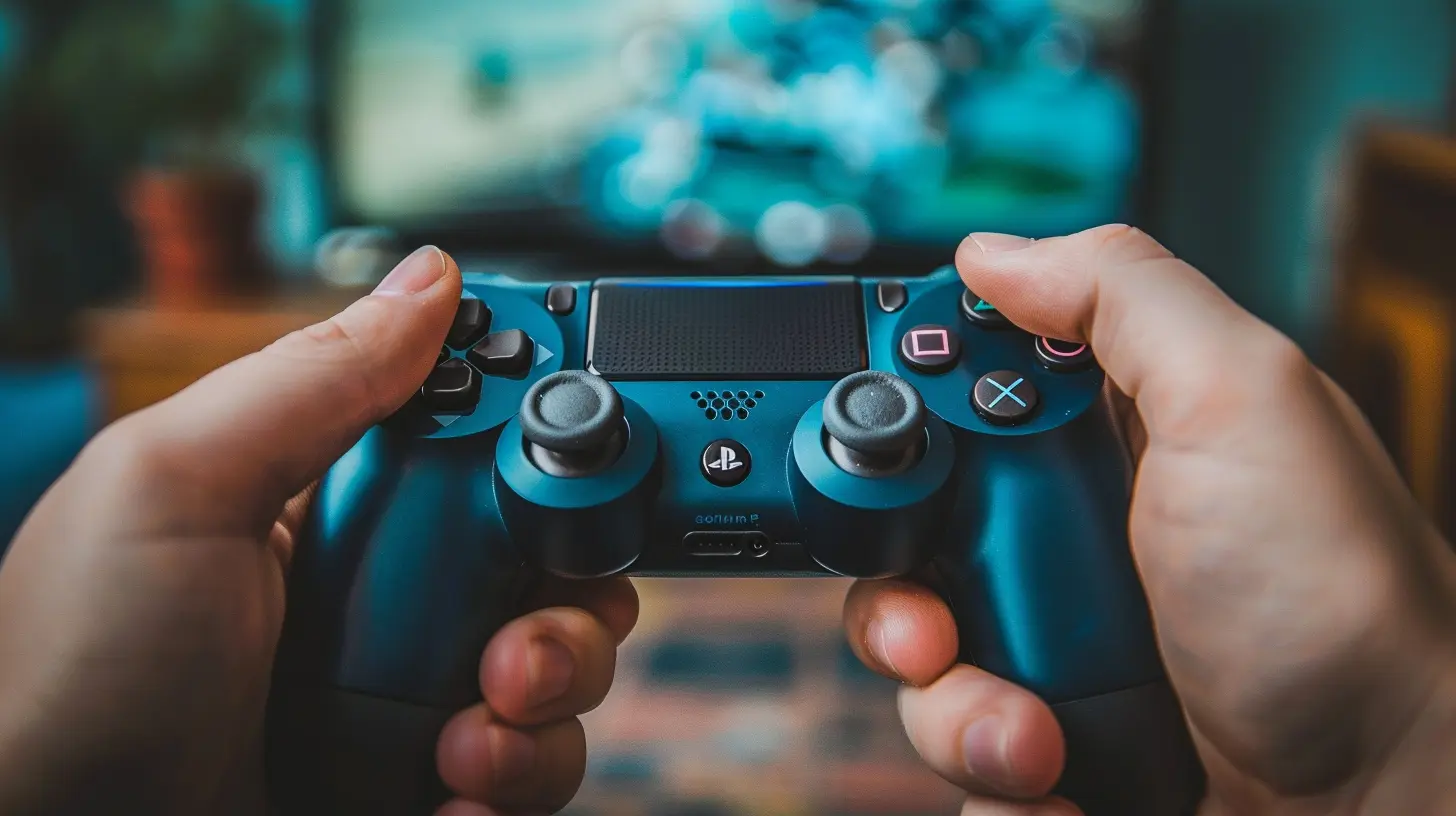
Why UX Design Matters in Games
Imagine booting up a new game. You’re excited. But as soon as you start playing, you’re faced with clunky controls, confusing menus, and a tutorial that might as well be written in hieroglyphics. Frustrating, right? Bad UX can ruin an otherwise stellar game.On the flip side, great UX design removes barriers between the player and the game. It allows the player to immerse themselves fully in the experience without constantly being reminded they’re interacting with a piece of software. In short, UX is the invisible force that transforms "just playing a game" into "losing track of time because you’re so absorbed."
Good UX design:
- Enhances player immersion. No one wants to fight the controls or menus when they’re trying to fight a dragon.
- Reduces frustration. Happy players stick around longer. Frustrated players hit “uninstall” faster than you can say “patch update.”
- Increases accessibility. Games should be inclusive, accommodating players of varying skill levels and abilities.
Key Principles of UX Design in Games
So, what does it take to create a seamless gaming experience? While every game is different, here are some universal principles that every game designer should keep on their radar.1. Simplicity is Key
“Keep it simple, stupid” might sound harsh, but it’s one of the golden rules of UX design. Overcomplicated menus, unclear objectives, or a million things happening on-screen? That’s a recipe for disaster.Think of mobile games like Candy Crush. It doesn’t bombard you with unnecessary information. Instead, it gives you just enough to start playing and have fun within seconds. That’s simplicity in action.
2. Consistency, Consistency, Consistency
Players thrive on predictability. If pressing “A” opens doors in one area, it shouldn’t suddenly make your character jump in another. Consistency in controls, interactions, and design patterns ensures players can focus on the game itself rather than figuring out how it works.Take The Legend of Zelda: Breath of the Wild, for example. Its intuitive controls and uniform mechanics let players experiment without fear of unexpected outcomes. The game consistently follows its own rules, which builds trust with the player.
3. Clear Feedback
Imagine clicking a button in the game and... nothing happens. Is the game broken? Did you press the wrong button? Without feedback, players are left guessing—and frustrated.Good games provide clear, immediate feedback for player actions. Whether it’s the sound of a sword clashing, a health bar depleting, or an error message saying, “You need more gold,” feedback keeps players informed and in control.
4. Accessibility
Games aren’t just for one type of player. Accessibility features—like customizable controls, colorblind modes, and difficulty adjustments—help ensure that everyone can enjoy the experience. The industry has made strides in recent years (shoutout to The Last of Us Part II), but there’s still room for growth.Consider how Celeste handled accessibility. It included an “Assist Mode” that let players tweak settings like game speed and invincibility, catering to both casual players and hardcore platformer fans.
5. Progression and Flow
Ever felt like a game’s pacing was all over the place? Maybe it threw too much at you too fast—or worse, dragged on for hours without any meaningful progress. A well-designed game maintains a smooth progression curve, gradually introducing mechanics, challenges, and rewards.Great examples include Portal and Super Mario Bros., which teach players by doing. They introduce new mechanics in bite-sized, manageable chunks, while making sure the learning process feels organic.
Common UX Pitfalls in Game Design
Even AAA games sometimes miss the mark when it comes to UX. Avoiding these common traps can mean the difference between a critically acclaimed masterpiece and a rage-inducing flop.1. Overloading Players with Information
Some games throw a wall of text at you in the first five minutes and expect you to remember every detail. Newsflash: Most people won’t. Overloading players with tutorials, lore, or mechanics all at once is a sure way to overwhelm them.Instead, let players discover as they go. Use environmental storytelling, visual cues, or bite-sized tutorials to ease them in.
2. Clunky Controls
Good controls are like a well-tailored suit—they should feel like they’re made for you. Games with unresponsive, awkward, or overly complex controls risk alienating players.Think of how smooth swinging through the city feels in Spider-Man PS4. The controls are so intuitive that you almost become Peter Parker. That’s how it should feel.
3. Confusing Interfaces
A messy or confusing UI can make even the best games feel unplayable. Menus, maps, and HUDs should serve the player, not the other way around. If a player has to Google “how to equip items” in your RPG, something’s gone wrong.
Tools and Techniques for Designing Better UX in Games
Great UX doesn’t happen by accident. Developers use a mix of tools, techniques, and player feedback to fine-tune their games. Here are some tips for getting it right:1. Playtesting Is Your Best Friend
Want to know if your game’s UX works? Hand it to someone who’s never played it before. Watching a fresh pair of eyes navigate your game can reveal blind spots and areas of confusion you’d never notice otherwise.2. Wireframing and Prototyping
Before diving into full development, many designers create wireframes or prototypes of their game. These simple, stripped-down versions focus on functionality and player experience without all the bells and whistles.3. Player-Centric Design
Always prioritize the player experience. Ask yourself: What do players want to do in this moment? How can I make that as easy and enjoyable as possible?The Future of UX Design in Games
As technology evolves, so too will UX design in games. VR and AR are already pushing the boundaries of what’s possible, with immersive interfaces and gestures becoming the new normal. The rise of AI might also allow for more personalized gaming experiences, tailoring difficulty or mechanics to individual players.But no matter how fancy the tech gets, the core principles of UX design will remain the same: simplicity, consistency, clarity, and—above all—putting the player first.
Final Thoughts
UX design in games is more important than ever. In an industry where player expectations are sky-high, creating intuitive and seamless experiences can make or break a game. Whether you’re developing the next indie darling or a big-budget blockbuster, nailing UX should be at the top of your priority list.So, the next time you’re playing a game that feels like second nature, take a moment to appreciate the role of UX design. Behind every fluid control, intuitive menu, and satisfying interaction is a team of designers who worked tirelessly to make it happen.
all images in this post were generated using AI tools
Category:
Video Game DesignAuthor:

Francesca West
Discussion
rate this article
2 comments
Olivia McLoughlin
Great UX turns play into pure joy!
February 28, 2026 at 4:35 PM
Francesca West
Thank you! I'm glad you resonate with the idea that great UX can elevate the gaming experience to pure joy.
Summer Moses
Great insights! Seamless UX design truly enhances player engagement and overall gaming enjoyment. Keep it up!
September 12, 2025 at 3:50 AM
Francesca West
Thank you! I'm glad you found the insights valuable. Seamless UX is indeed key to enhancing player engagement!