Using Storyboards and Animatics to Plan Game Cutscenes
14 December 2025
Game cutscenes are like those blockbuster movie moments in your favorite game—the emotional twists, action-packed sequences, or jaw-dropping reveals that pull players deeper into the story. But here’s the thing: behind every epic cutscene lies a well-thought-out plan. That’s where storyboards and animatics step into the spotlight.
If you’ve ever wondered how developers plan those cinematic gems or maybe you're looking to up your own cutscene game, you're in the right place. Let's break it all down, from the basics to pro-level tips, in the most human way possible.
What Are Storyboards and Animatics?
Alright, let’s start at ground level.Storyboards: Your Visual Script
Think of storyboards as a comic strip version of your cutscene. They’re a series of hand-drawn (or digitally drawn) panels that map out major visual beats—composition, camera angles, character positions, and action flow.Basically, storyboards are your first visual draft. They help you visualize the script before jumping into costly animation or 3D modeling. They’re quick to tweak, cheap to produce, and incredibly helpful for spotting pacing or story issues early.
Animatics: Storyboards in Motion
Now, animatics are like storyboards 2.0. You take those storyboard frames, toss them into video editing software, add some placeholder audio, basic transitions, maybe even some rough movement—and boom, you’ve got your first working cutscene prototype.Animatics give you a rhythm. They let you test timing, music, voiceover, and emotional beats. It’s like a dress rehearsal for your final scene.
Why Cutscenes Need Solid Pre-Planning
You wouldn’t shoot a film without a script and a shot list, right? Same logic applies here.Cutscenes are expensive and time-consuming. You're juggling animation, voice acting, lighting, camera movement, dialogue, and more. Without a clear plan, things go sideways fast—wasted time, confused devs, missed story beats, or worse, a flat scene that bores your players.
Using storyboards and animatics minimizes waste. They let you prototype fast, spot problems early, and communicate your vision clearly across the dev team—from animators and designers to voice actors and audio engineers.
The Storyboarding Process (Step-by-Step)
Let’s get practical. How do you actually storyboard a cutscene?1. Write or Refine Your Script
Before you draw anything, lock in your cutscene's script or at least a solid draft. Understand the emotional beats. What’s the goal of this scene? Is it to inform, create tension, build character, or show something big happening?2. Break Down the Scene into Shots
Next, think like a director. Split the scene into camera shots:- Wide shot to establish the space
- Medium shots for dialogue
- Close-ups for emotion
- Cutaways for reactions
- Tracking shots for movement or tension buildup
Each shot should have a purpose.
3. Sketch the Frames
Now, start drawing. You don’t need to be Picasso. Even stick figures work! Focus on conveying composition, perspective, and character placement.Include little notes like:
- Camera movement: “Pan left”
- Character action: “John reaches for sword”
- Dialogue snippet: “JOHN: I won’t let this happen again.”
Use either pen and paper or tools like Photoshop, Clip Studio Paint, or specific storyboarding software (Storyboarder, Boords, etc.).
4. Organize Your Board
Once you’ve got your sketches, lay them out in sequence. Add arrows, timing notes, or quick transitions. Make sure the emotional pacing flows naturally.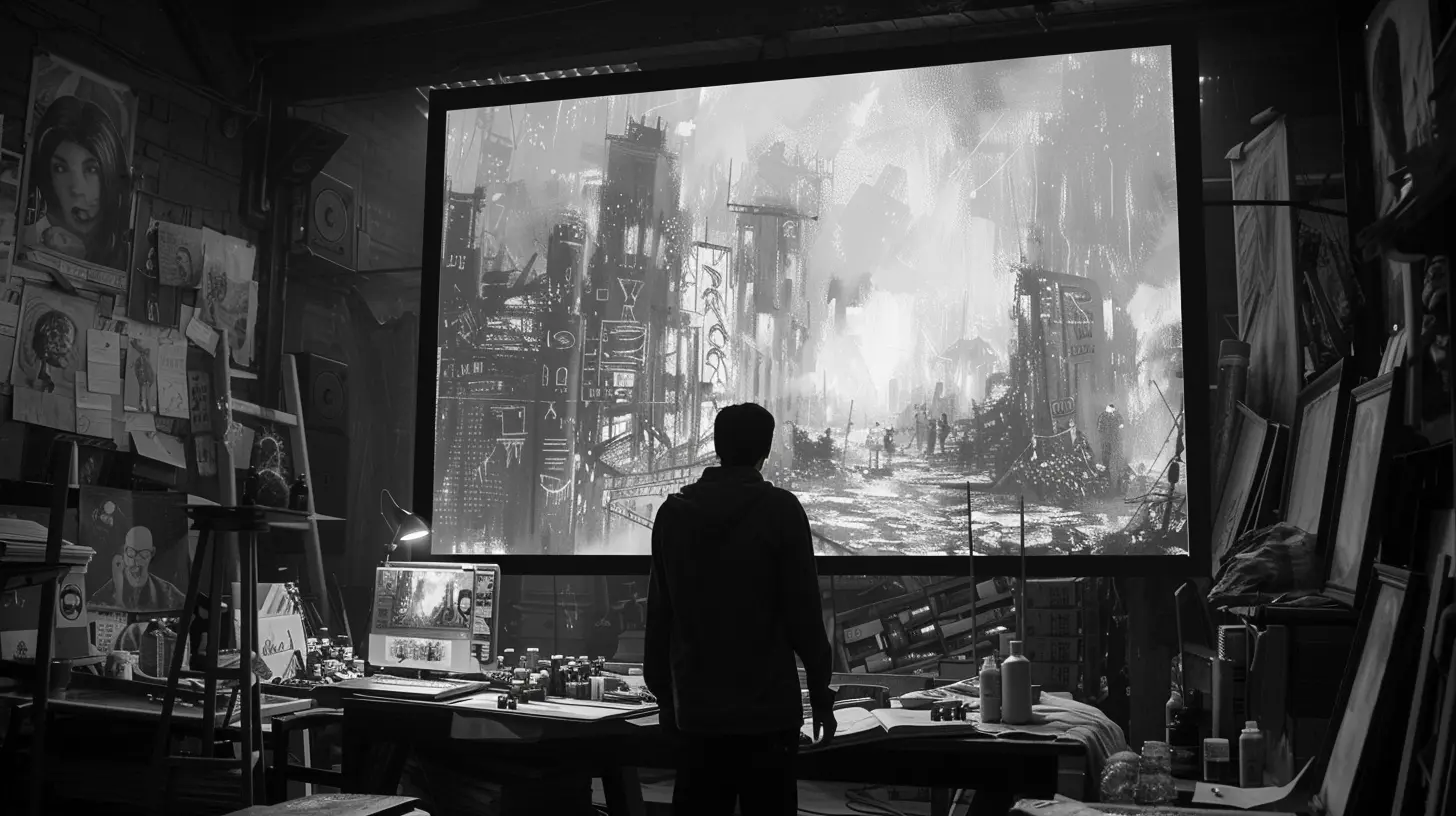
Creating Animatics: Bringing It to Life
Once your storyboard's baked, it’s time to roll into animatics. Here’s how:1. Import Frames into Editing Software
Use something light and flexible like Adobe Premiere Pro, After Effects, DaVinci Resolve, or even Storyboard Pro. Just drag your storyboard images onto the timeline.2. Add Placeholder Audio
Drop in the dialogue—could be voice actors or temp recordings (even your own voice!). Also, throw in music and basic sound effects to capture mood and rhythm.3. Tweak the Timing
Play around with timing to hit emotional beats. Is the reaction too fast? Is that moment landing flat? Adjust each frame’s duration until it feels right.4. Add Basic Transitions and Movement
Pan across a frame or zoom in slightly to simulate camera movement.Using keyframes, you can animate elements subtly—like a character moving slightly or flickering lights—all to make your animatic feel more alive.
5. Review and Get Feedback
Once you've got a rough cut, share it with your team or testers. You’ll often find pacing issues, confusing cuts, or moments that don’t hit as hard as you thought. That’s the beauty of animatics—you can fix those now without redoing expensive work later.Best Practices for Using Storyboards and Animatics
Let’s talk tips. If you want your game cutscenes to feel tight and polished, here are some golden rules.Keep it Visual, Not Just Verbal
Show, don’t tell. If a character’s angry, don’t have them say “I’m angry.” Instead, use camera angles, lighting, and facial expressions to do the heavy lifting.Use Color and Framing to Set the Mood
Even in rough boards, hints of color or thoughtful framing can suggest emotion. Think how horror games use tight framing and shadows to unnerve players.Time it Right
Timing is everything. A pause can be more powerful than a line of dialogue. Let scenes breathe when needed, and cut fast when tension spikes.Don’t Overcomplicate Early
Keep early storyboards simple. You’re not making the final render yet. Focus on clarity. It’s okay to revise later.Get Everyone Involved
Early storyboards and animatics should be shared across departments. Writers, artists, animators, audio teams—they all bring something to the table. Collaboration makes scenes stronger.
How AAA and Indie Studios Use These Tools
From small indie outfits to massive game studios, storyboards and animatics are everywhere.AAA Example: Naughty Dog
Take Naughty Dog (creators of Uncharted and The Last of Us). Their cutscenes are cinematic masterpieces, and guess what? They storyboard and pre-vis everything. Shots are designed with emotional impact and player immersion in mind.They even use motion capture paired with animatics to get a feel before polishing the final scenes.
Indie Example: Supergiant Games
Even resource-tight indie devs like Supergiant Games (Hades, Transistor) rely on lean storyboarding and animatics. Their stylized visuals and emotionally charged moments are all carefully mapped out ahead of time without blowing the budget.Tools You Can Use to Get Started
You're getting hyped and thinking, "Alright, I want to try this!" Here are some great starter tools:For Storyboarding:
- Storyboarder (free & user-friendly)- Boords
- Clip Studio Paint
- Photoshop
For Animatics:
- Adobe Premiere Pro- After Effects
- DaVinci Resolve
- Toon Boom Storyboard Pro
Even PowerPoint or Google Slides can work in a pinch, especially for smaller teams or early prototypes.
Storyboards and Animatics Aren't Just Pre-Production Fluff
Let’s bust a myth. These tools aren’t just optional fluff. They’re crucial steps that save time, money, and mental energy down the line.They let you:
- Catch story problems early
- Align creative vision between departments
- Improve emotional storytelling
- Iterate fast without heavy asset investment
Basically, they’re your roadmap to storytelling gold.
Final Thoughts
So, next time you’re crafting an in-game cutscene—whether it’s a quick dialogue exchange or a full-blown cinematic—don’t just wing it. Grab a pencil or tablet, sketch your vision, build an animatic, and iterate until it clicks.Great games don’t just happen—they’re planned, tested, refined… and then refined again.
Using storyboards and animatics isn’t about adding work—it’s about working smarter.
And trust me, when players are holding their breath during your game’s big moment, you’ll know it was all worth it.
all images in this post were generated using AI tools
Category:
Game DevelopmentAuthor:

Francesca West
Discussion
rate this article
2 comments
Runeveil Long
Storyboards and animatics are essential tools that bridge the gap between vision and execution in game design. They not only streamline the creative process but also invite collaboration, allowing diverse ideas to coalesce into a cohesive narrative. This meticulous planning enriches player experience, making every frame a story in motion.
December 30, 2025 at 5:37 AM
Francesca West
Thank you for your insightful comment! I completely agree that storyboards and animatics are vital for enhancing collaboration and storytelling in game design. They truly elevate the creative process and player experience.
Rowan McIlroy
Storyboards are essential; don't neglect visual storytelling in game design!
December 20, 2025 at 4:36 AM
Francesca West
Absolutely! Visual storytelling enhances narrative flow and player engagement, making storyboards a key tool in game design. Thanks for your insight!