The Science Behind Controller Ergonomics
10 April 2026
If you’ve ever gripped a video game controller for hours on end and started feeling that telltale twinge in your wrist or fingers—you're not alone. Whether you're a casual console gamer or a hardcore eSports athlete, the design of your controller plays a huge role in how long and how comfortably you can play. But have you ever stopped to wonder why some controllers just feel right while others seem to cramp your hands within minutes?
Let’s unpack the science behind controller ergonomics, one button at a time.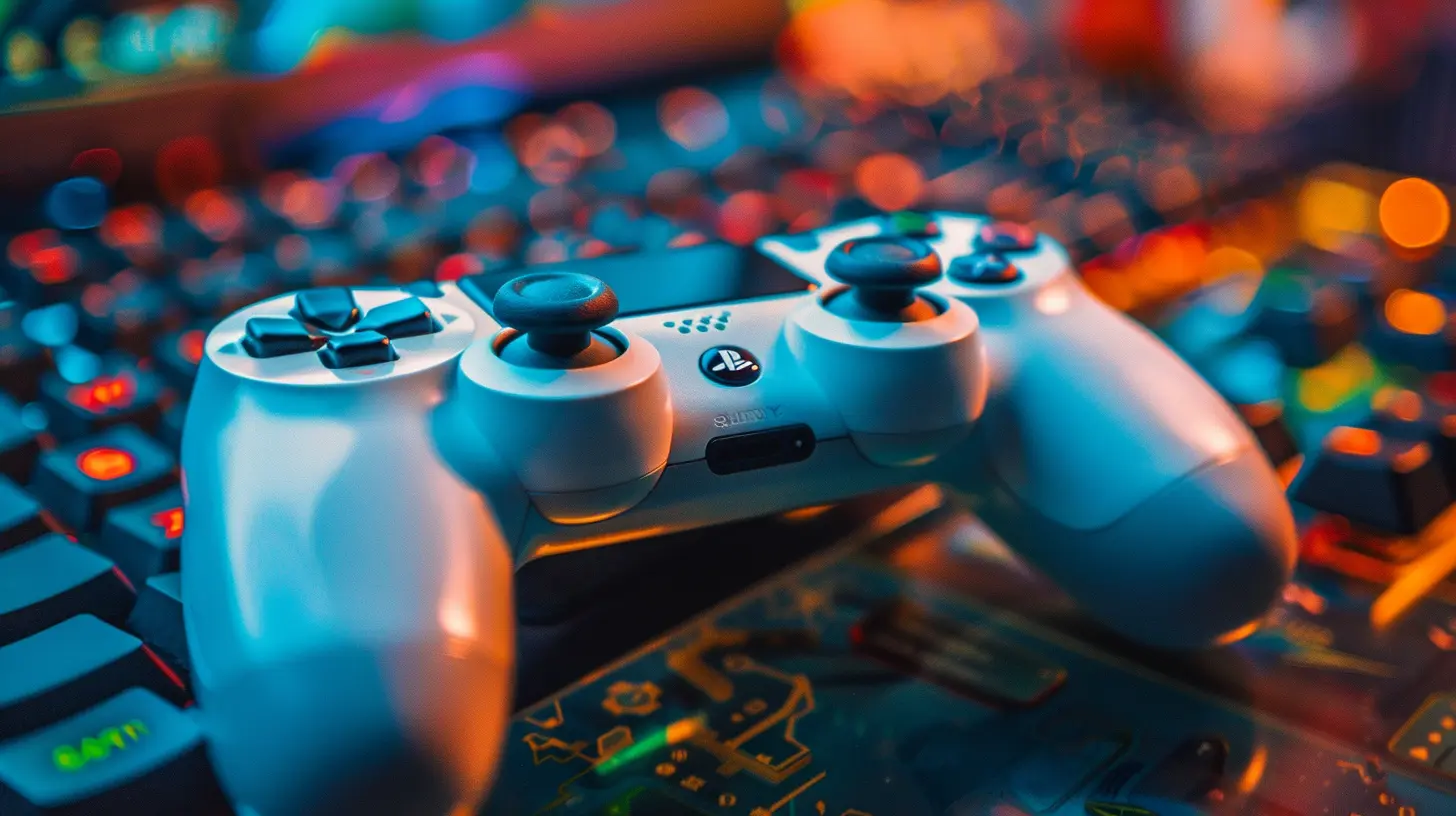
Why Ergonomics Matter in Gaming
Ergonomics isn’t just a fancy word thrown around by keyboard manufacturers—it’s a real game-changer (pun intended). At its core, ergonomic design is all about creating products that fit the user’s body and not the other way around. When it comes to gaming, this means crafting controllers that reduce physical strain, support natural hand positions, and minimize the risk of injuries like carpal tunnel syndrome or tendinitis.Think about it. We spend hours gripping these chunks of plastic, moving thumbs, pressing triggers, and tapping buttons. Without proper ergonomic design, your favorite gaming pastime could turn into a literal pain.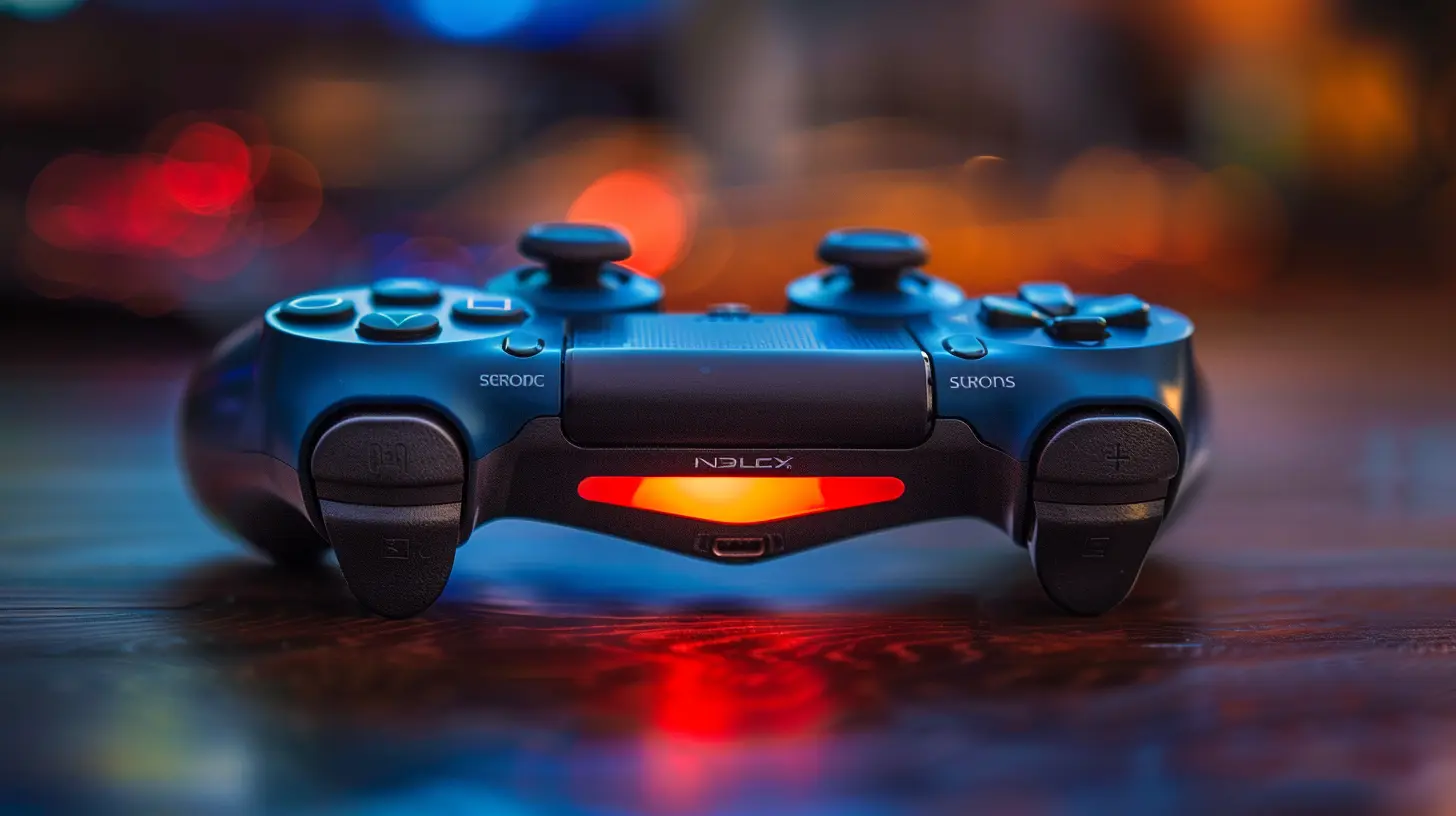
The Anatomy of the Human Hand Meets Controller Design
Here’s where things get interesting. Our hands aren't designed to grip rigid objects in fixed positions for long periods. We’ve got 27 bones, dozens of muscles, and tendons designed for dynamic, fluid movements.So, for a controller to be truly ergonomic, it has to:
- Match the natural curve of your hands.
- Offer button placement that doesn’t force unnatural motions.
- Provide enough grip without making you feel like you’re holding a brick.
That's a tall order, right? But here's how designers tackle it.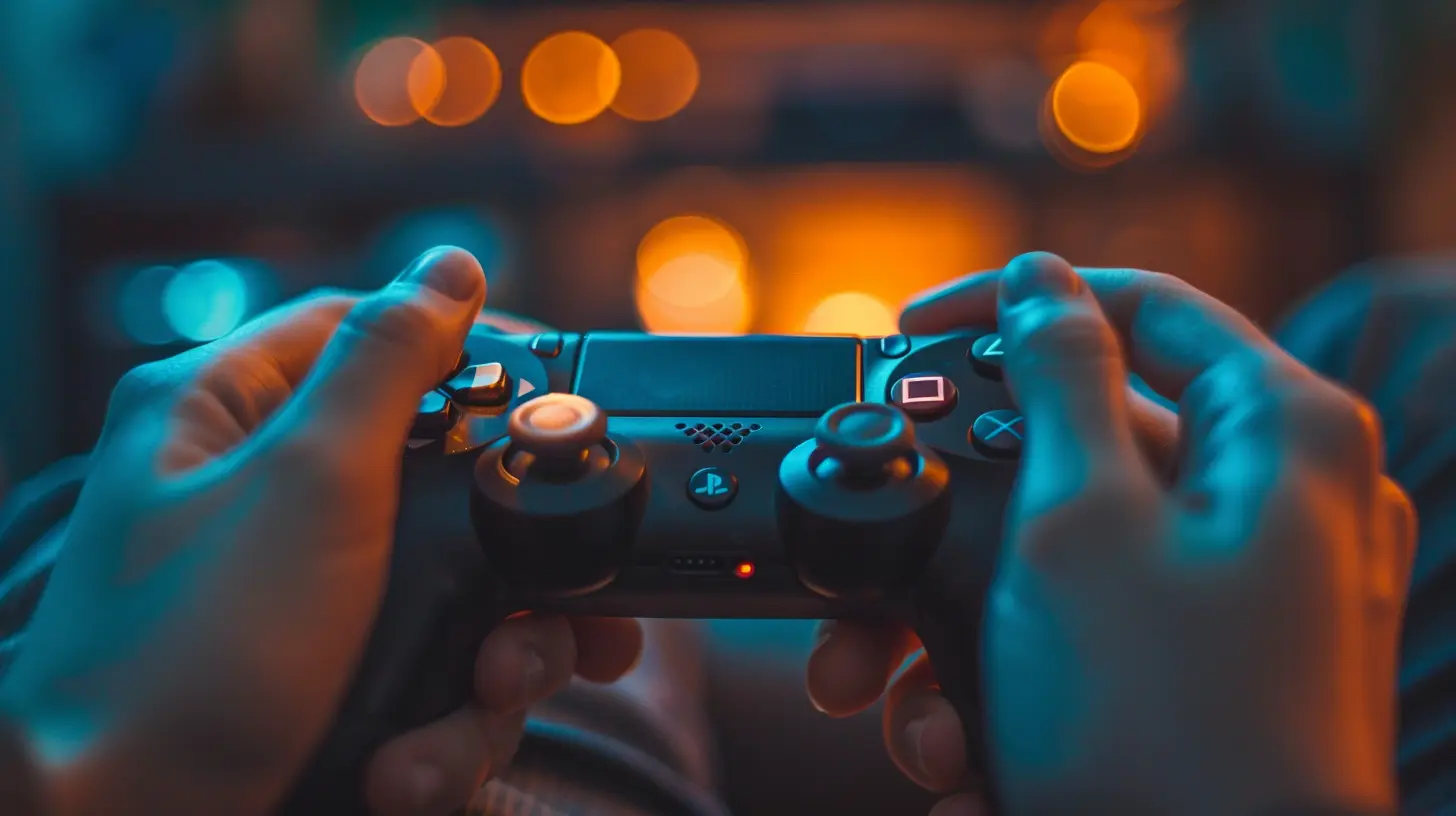
A Brief History of Game Controllers and Ergonomics
Let’s rewind a bit. Do you remember the original NES controller? That rectangular, hard-edged piece of plastic wasn’t exactly ergonomic. It was functional, sure, but it didn’t care much for your hands' comfort. Fast forward to today's controllers—like the Xbox Series X controller or the PlayStation DualSense—and you can tell just how far we’ve come.Modern controller designs are sculpted with 3D modeling, tested with hand-tracking software, and refined with user feedback. It’s not just trial and error anymore—it’s science.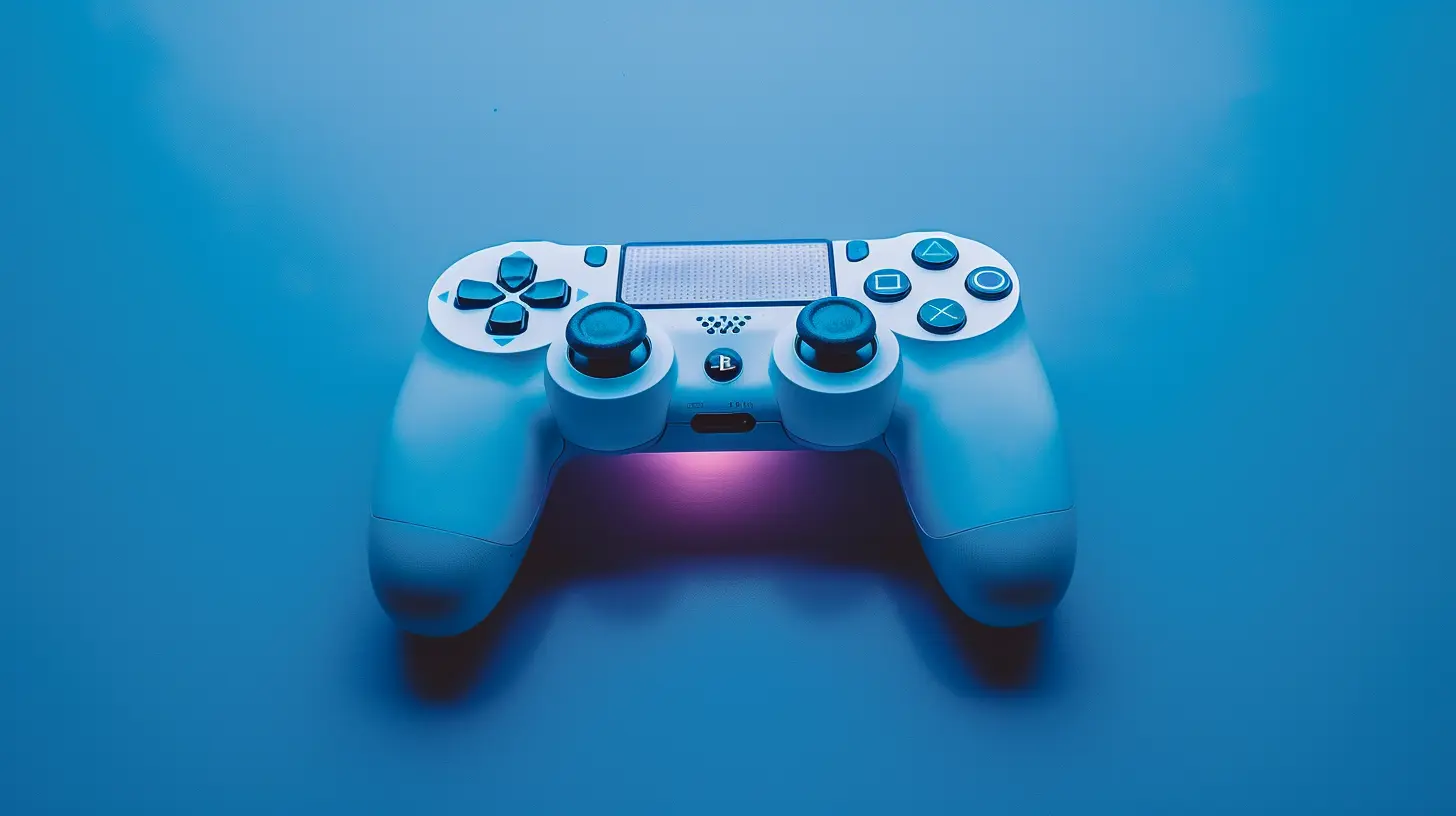
Core Elements of Ergonomic Controller Design
Want to know what makes a controller truly ergonomic? Let’s break it down into a few key elements:1. Shape and Size
This is the first thing you notice. A controller that fits snugly in your hands reduces the effort needed to hold it. If it’s too big or too small, you’ll end up overextending your fingers or straining your hand muscles just to reach certain controls. That’s a one-way ticket to hand fatigue.2. Button and Trigger Placement
Ever tried to reach a button that seems just out of place? Yeah, that’s a red flag. Every button should be within easy reach of your thumbs or fingers without twisting your wrist or stretching your digits.3. Weight Distribution
Controllers shouldn't feel like a dumbbell or a feather. The weight needs to be balanced so you’re not constantly adjusting your grip to compensate. A well-balanced controller just feels right—like it naturally rests in your hands.4. Grip Texture and Materials
A controller that slips during an intense firefight is no good. On the flip side, one with too much stickiness can feel gross after a while. Designers now use textured surfaces, rubberized grips, and moisture-wicking materials to keep things comfy even during marathon sessions.5. Feedback and Tactile Response
Ergonomics isn’t just about physical shape—it’s also about feel. The responsiveness of buttons, the resistance of triggers, and the realism of haptic feedback all contribute to reducing strain and improving control.The Role of User Testing in Controller Ergonomics
Here’s something cool: before major controllers hit the shelves, they go through rigorous testing with real gamers. Developers work with people of different hand sizes, ages, and gaming styles to identify pressure points, awkward angles, or discomfort during prolonged use.They even use heat maps and motion sensors to track fatigue and stress during gameplay. This ensures that the final product is something that actually works for the majority of users—not just what looks good on a designer’s screen.
Different Hands, Different Needs: One Size Doesn’t Fit All
Let’s face it—no two gamers are exactly alike. What feels great in your hands might feel clunky in someone else’s. That’s why we’re starting to see more customizable or alternative controllers on the market.From modular controllers with swappable parts to adaptive controllers designed for gamers with disabilities, the industry is waking up to the fact that ergonomics isn’t a “one size fits all” situation.
And that’s a beautiful thing.
Console Wars and the Ergonomic Edge
Ever notice how Xbox, PlayStation, and Nintendo each have very distinct controller designs?- Xbox is known for its beefier build and offset thumbsticks. Many find this more natural, especially for first-person shooters.
- PlayStation sticks with symmetrical thumbsticks and a lighter frame. It’s great for balance and often preferred by fans of fighting games and RPGs.
- Nintendo likes to experiment. The Joy-Cons, for instance, are innovative but controversial when it comes to long-term hand comfort.
Each company has its own philosophy when it comes to ergonomics. And let’s be real, sometimes it’s about more than just comfort—it’s about legacy, game compatibility, and even brand identity.
The Link Between Ergonomics and Performance
You might not think ergonomics impacts your K/D ratio—but it absolutely can. When your controller is comfortable, your reaction times are faster, your movements smoother, and your overall gameplay more consistent. That’s because you’re not wasting mental energy adjusting your grip or dealing with discomfort.Think of it like driving a car. A steering wheel that feels natural in your hands makes you a better driver. Same principle here.
Future of Controller Ergonomics: What’s Next?
With advancements in AI, biometrics, and even neural tech, controller design is only going to get better. Imagine a controller that adapts to your hand shape in real-time, or something that tracks your muscle fatigue to adjust resistance levels on triggers. Sounds like sci-fi? Maybe. But it’s closer than you think.We’re also likely to see more integration with virtual reality and motion-tracked systems, requiring even more attention to how users move and interact physically with their games.
Tips for Gamers: How to Improve Your Ergonomic Setup
Even the best-designed controller can't do all the heavy lifting. You’ve got to do your part too. Here are some quick tips to keep your gaming hands happy:- Take breaks every 30-60 minutes. Stand up, stretch, shake out your hands.
- Switch up your grip occasionally to avoid strain.
- Stay hydrated—yes, really! Hydration helps your muscles recover.
- Use controller grips or accessories if the default design isn’t cutting it.
- Consider an ergonomic mouse or keyboard if you’re crossing over into PC territory.
Your hands are your lifeline—treat them well, and they’ll carry you to victory.
Final Thoughts
So, the next time you're holding your favorite controller, take a moment to appreciate what went into its design. It’s not just plastic and buttons. It's a piece of tech that’s been sculpted, tested, and refined with science to give you the best gaming experience possible—while keeping your hands happy and healthy.Ergonomic design isn’t a luxury in gaming anymore. It’s a necessity. And the more we understand it, the better decisions we can make about the gear we use every day.
Stay comfy out there, gamers. Your thumbs will thank you.
all images in this post were generated using AI tools
Category:
Game ControllersAuthor:

Francesca West
Discussion
rate this article
2 comments
Nadine McTigue
This article beautifully highlights the often-overlooked importance of controller design. Understanding ergonomic science not only enhances our gaming experiences but also keeps us comfortable and engaged for hours. Thank you!
April 16, 2026 at 3:12 PM
Francesca West
Thank you for your insightful comment! I'm glad you found the article valuable. Ergonomic design truly makes a difference in our gaming experience.
Robert McGlynn
Ergonomics: The silent game-changer.
April 14, 2026 at 4:02 AM
Francesca West
Absolutely! Proper ergonomics can really enhance comfort and performance. It's often overlooked but makes a huge difference in long gaming sessions.