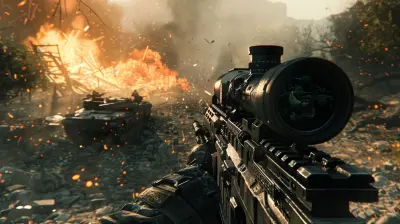
Implementing VR in Your Game: A Beginner's Guide to Virtual Reality Development
7 December 2025
So, you want to bring your game into the immersive world of Virtual Reality? Good call—VR is no longer some distant sci-fi dream. It's here, and it’s growing faster than ever. Whether you're an indie dev tinkering in your room or a small studio ready to step it up, this guide is your friendly companion into the realm of VR game development.
We’re going to break it all down—from understanding what VR really is to tools you’ll need, design principles, challenges, and how to survive your first VR dev experience without losing your sanity. Let’s plug in, shall we?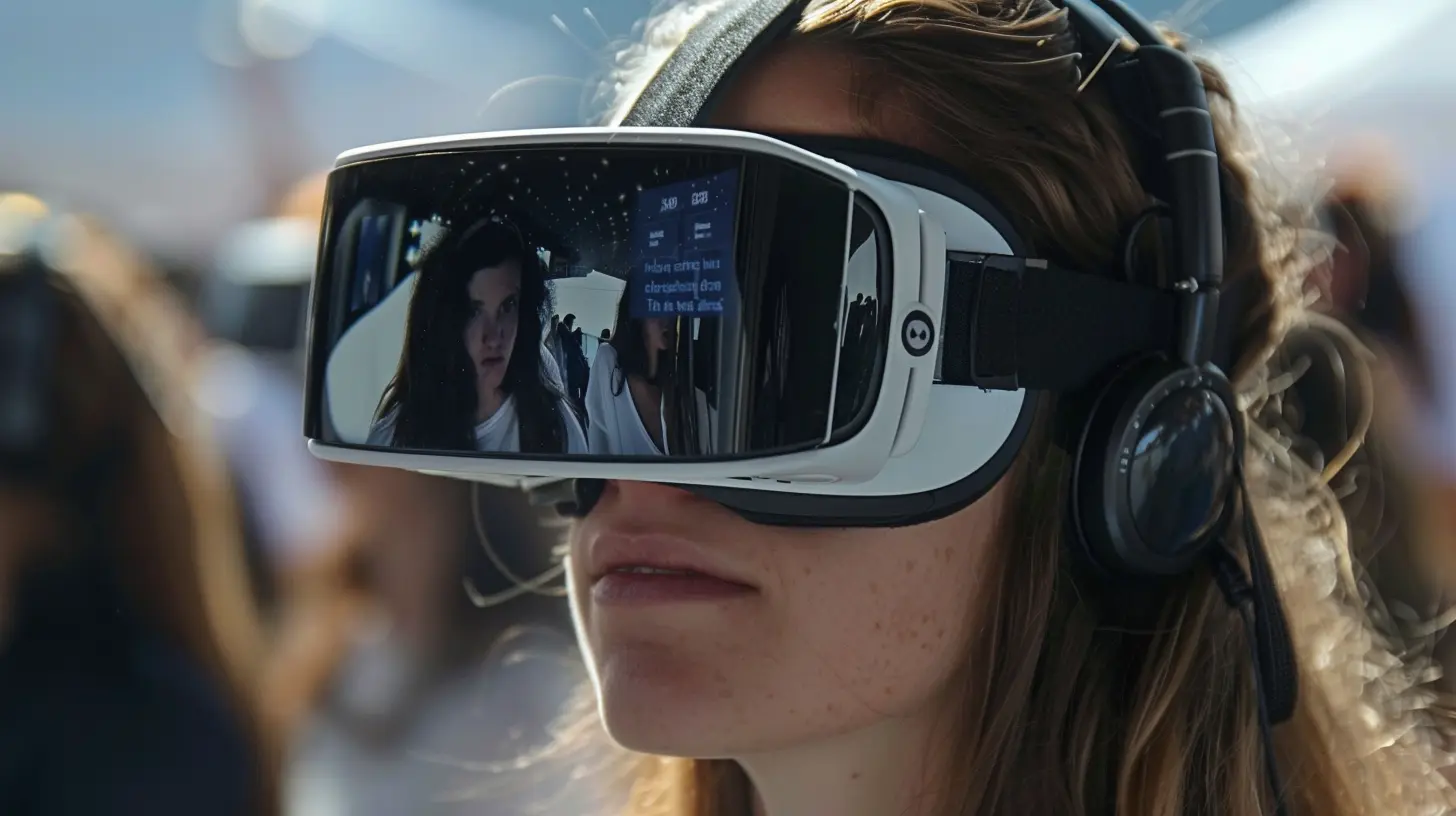
🧠 First Things First: What is VR, Really?
Virtual Reality (VR) isn’t just about strapping a headset on your face and waving controllers around like a maniac (although that’s definitely part of the fun).It’s a fully immersive, 3D computer-generated environment that players can interact with in real-time. Unlike traditional games, VR wraps the player in the world—there’s no screen acting as a barrier. You’re in there, experiencing it with your senses, your movements, and often, your emotions.
With platforms like Oculus Quest, HTC Vive, PlayStation VR, and Valve Index, VR is more accessible than ever. The question now is, how do you get started?
👣 Step 1: Choose the Right VR Platform
First things first—decide where you want your game to live. Different platforms mean different technical requirements, user bases, and performance expectations.Here are some common options:
- Oculus Quest 2 (Meta Quest) – Great for standalone VR experiences.
- HTC Vive & Vive Pro – Popular with PC VR enthusiasts.
- Valve Index – High-end with impressive visuals and finger-tracking.
- PlayStation VR – Taps into the console market. Good luck getting Sony to publish your game 😅.
- Pico VR – Rising in popularity, especially in Asia.
When you're starting out, Oculus Quest 2 is a solid choice due to its wireless convenience and huge user base.
👉 Pro Tip: Don’t try to support every single platform right away. Pick one and get it right. You can port later.
🧰 Step 2: Pick a Game Engine With VR Support
Choosing a game engine is like picking your partner for a long journey—you want someone reliable, flexible, and easy to live with. Luckily, there are two big names that make VR development a breeze (well, kind of):1. Unity – The MVP for Indie Devs 🏆
- Tons of VR tutorials and plugins- Huge community (you’ll never be stuck without help)
- Asset Store = life saver
Unity offers the XR Interaction Toolkit, which gives you ready-made tools for VR input, locomotion, and interactions. If you’ve built a non-VR game in Unity before, transitioning is smoother than you think.
2. Unreal Engine – For Visual Perfectionists 🎨
- Better graphics out of the box- Blueprint visual scripting (code without code!)
- Used in AAA VR titles
Unreal comes with built-in VR support, especially for Oculus and SteamVR. It’s a bit heavier resource-wise but ideal for visually rich experiences.
🛠 Step 3: Set Up Your VR Development Environment
Before you dive into code and shaders, make sure your dev environment is ready to roll. Here’s the basic checklist:What You Need:
- A VR-ready PC or Mac- Unity or Unreal installed
- SDKs for your platform (e.g., Oculus Integration from the Unity Asset Store)
- The headset and controllers
- Patience (you’re gonna need this one A LOT)
It’s like prepping your kitchen before cooking a complex dish. Mise en place, baby.
🎮 Step 4: Start Small with a Simple Prototype
Here’s where most beginners make the classic mistake—they go TOO BIG, TOO FAST.VR development isn’t like regular game dev. You’re dealing with motion tracking, input systems, physics, player comfort, and a whole new dimension of design complexity.
Start with a small prototype. Maybe:
- A basic room where you can pick up objects
- A simple shooting gallery
- A puzzle room where you teleport and interact
The goal here is momentum. Nothing motivates like seeing your virtual environment come to life—just keep it small and manageable.
👀 Step 5: Design for VR, Don’t Port From Flat
You can’t just take your 2D game and throw it into VR. Nope. Doesn’t work.VR is a very personal experience. People are literally inside the game—they feel it. That means your design choices must prioritize immersion and comfort.
Key VR Design Principles
- Player Comfort is King 👑Avoid fast movements, sudden jerks, or unnatural camera shakes. Motion sickness is REAL and no joke.
- Natural Interactions
Let players use their hands to grab, push, pull. Controllers should feel like extensions of their body.
- Intuitive UI
Traditional HUDs don’t work well in VR. Use diegetic interfaces (like a wristwatch for menus, or in-world buttons).
- Freedom of Movement
Provide multiple locomotion options: teleportation, walk-in-place, or smooth movement with thumbsticks (only if done RIGHT).
🐞 Expect Bugs, Glitches, and Weirdness
VR development isn’t always smooth sailing. You've got hardware nuances, SDK updates that break your game, tracking bugs, performance hiccups—you name it. At some point, you’ll probably scream “WHY?!” at your screen.Breathe. It’s all part of the process.
Common Issues for Beginners:
- Controllers not responding- Head tracking lag
- Performance drops
- Objects falling through the floor
- Players walking through walls (yikes)
Use logging, debugging tools, and the good ol’ community forums. And remember—every bug squashed is one step closer to that sweet, sweet immersion.
🧰 Must-Have Tools, Assets, & Plugins
Let me save you some time digging through endless Reddit threads. Here’s a short list of go-to tools and plugins that will supercharge your VR dev journey:For Unity:
- XR Interaction Toolkit – Core of VR interactions- Oculus Integration SDK – Platform-specific tools
- VRTK (VR Toolkit) – Advanced toolset for complex interactions
- Final IK – Fantastic for hand and body tracking
- Shader Graph – Customize your visuals
For Unreal:
- VR Expansion Plugin – A bit complex but powerful- Motion Controller Maps & Blueprints – Great starting points
- SteamVR Plugin – Essential if targeting Steam users
Remember: Always keep things updated and compatible with your engine version!
🧠 Think Like a Player, Not Just a Dev
Once you get into testing, put yourself in the player’s shoes. Or better—put someone else in the headset and just watch.What confuses them? What delights them? Where do they struggle?
VR is a sensory experience. If someone’s reaching for a virtual coffee mug and it doesn’t react? Immersion shattered. If the virtual space leaves them motion sick? You’ve lost them.
Test early, test often. And always be ready to iterate.
🚀 Publish & Share Your Game
Once you’ve polished your VR demo or full game, it’s time to push it out into the world! You can publish on:- Meta Quest Store or App Lab
- SteamVR
- itch.io (great for indies)
- SideQuest (for Oculus users)
Get feedback, watch streamers play it (nerve-wracking but so useful), and keep updating based on player input.
🌟 Quick Tips for VR Success
- Keep your framerate above 72 FPS—below that, motion sickness city.- Use spatial audio—it adds A TON to immersion.
- Design for room-scale movement but be flexible for smaller spaces.
- Don’t overcrowd the scene. The brain gets overwhelmed easily in VR.
- Think about accessibility—some players can’t stand for long or use both hands.
👋 Final Thoughts: Your Journey Into VR Starts Now
Implementing VR in your game is like learning a new musical instrument. It's awkward at first, your hands might not do what you want, and it takes time. But when it clicks? It’s magic.You'll feel a little thrill when you first reach out and grab a virtual object. You’ll smile when your friend tries your game and ducks from a flying ball. That’s the power of VR—it's not just gaming, it's embodiment.
So fire up your engine, strap on that headset, and start building. Trust me, there’s nothing quite like watching someone physically step into a world you created.
Let’s make some realities, shall we?
all images in this post were generated using AI tools
Category:
Game DevelopmentAuthor:

Francesca West
Discussion
rate this article
2 comments
Brigitte McPherson
Ever wondered what lies beyond the screen? Dive into the enigmatic world of VR development, where reality bends and imagination takes flight. Uncover the secrets of captivating immersion and transform your game into a surreal experience!
December 24, 2025 at 6:08 AM
Francesca West
Thank you! Exploring VR truly opens up a fascinating realm where creativity meets technology. Excited to guide beginners on this transformative journey!
Sebastian Barrett
Diving into realms unseen, where dreams and code entwine, Your guide to VR's embrace ignites the spark divine. Craft worlds anew, let players soar— In virtual skies, imagination’s core.
December 8, 2025 at 3:50 PM
Francesca West
Thank you for your poetic insights! I'm thrilled to share this journey into VR development and inspire creativity in building immersive worlds. Happy coding!