How to Clean and Maintain Your Controller
2 May 2026
We’ve all been there — mid-game, palms sweaty, headset on, with a controller that doesn’t feel quite right. Maybe the buttons are a little sticky, or the analog stick is acting up. Maybe it even smells a bit off (ew). But don’t sweat it — keeping your controller clean and running like new is easier than you think.
Today, we’re diving deep into how to clean and maintain your controller with simple, effective, and no-nonsense steps that actually work.
? Why Bother Cleaning Your Controller?
Before we get our hands dirty (ironically, to clean), let’s answer the question: Why does cleaning your controller even matter?You use this thing every day — sometimes for hours on end. Your fingers are all over it, food crumbs sneak in between buttons, sweat builds up, and dust loves to find those tiny USB ports. Over time, this gunk messes with responsiveness, causes sticky buttons, and could even shorten your controller’s lifespan.
Plus, let’s be honest, a crusty controller is just gross.
⚠️ What You’ll Need to Get Started
You don’t need a fancy toolkit or some super-specific brand-name cleaner. Here’s what you do need:- A microfiber cloth (or soft lint-free cloth)
- Cotton swabs or Q-tips
- Isopropyl alcohol (preferably 70% or higher)
- Toothpicks (wooden or plastic)
- Canned air (optional but super handy)
- A small brush (like a soft-bristle toothbrush)
- A screwdriver (if you’re going deep and disassembling)
- Your dirty controller (obviously)
? Before You Dive In — A Few Quick Warnings
- Unplug or turn off your controller before cleaning. Safety first, people.- If it has removable batteries, take them out.
- Don’t saturate anything in liquid. Moist, not soaked.
- If you're doing a deep clean and want to take your controller apart — you void the warranty, so do it only if you're comfortable.
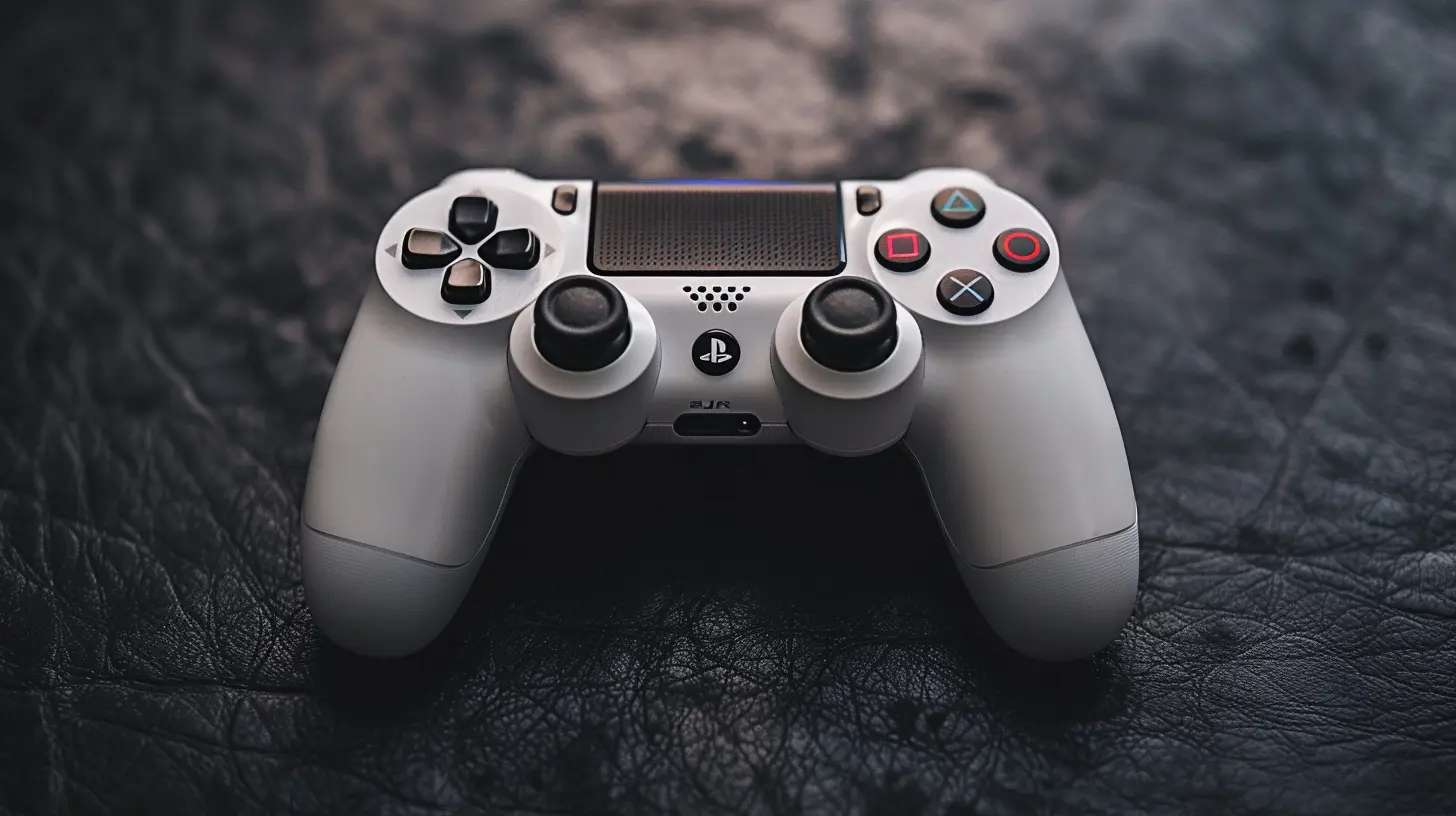
? Step-by-Step Guide to Cleaning Your Controller
Now, let’s get into the nitty-gritty — button by button (literally).1. Surface Clean: Wipe Down the Exterior
Start with the basics. Use your microfiber cloth and gently wipe down the whole outside surface. Don’t forget the handles — that’s where the sweat parties happen.You can lightly dampen the cloth with water or, even better, a small amount of isopropyl alcohol for extra cleaning power. Alcohol evaporates fast, so it’s safe for electronics when used in moderation.
Pro Tip:
Use a toothbrush or soft brush to sweep dirt out of crevices — like where the buttons meet the shell or around the D-pad.2. Button and Joystick Attention: No More Stickiness
Here’s where you’ll want to take a cotton swab, dip it in isopropyl alcohol, and gently clean around each button. Press the buttons while swabbing to get into the grooves.For joysticks, use the same method — clean around the base and under the edges. Rotate them while cleaning to get all the grime underneath.
Are your buttons sticking? Alcohol and persistence go a long way, but if that doesn’t fix it, you may need to open it up (more on that in the deep clean section).
3. Crumb Patrol: Removing Gunk from Seams and Ports
This part’s oddly satisfying.Take a toothpick and gently scrape dirt out of seams and along the edges. Don’t jam it in — you’re not trying to dig for buried treasure here. Be gentle.
Use canned air to blow out dust from the USB charging port, headphone jack, and around the triggers. You’d be surprised how much lint can hide in there.
4. Deep Clean (Optional): Opening Things Up
If you’ve tried everything and your controller still isn’t playing nice — sticky buttons, drift, unresponsiveness — it’s time to consider opening it up. This step should only be for the brave at heart (or at least mildly tech-savvy).What to Do:
- Use a screwdriver to carefully remove the screws (check under stickers or grips).- Open the casing slowly.
- Now you can get to the inner buttons, board, and triggers.
- Use a dry brush or gentle blower to remove dust.
- Clean sticky contacts with a swab and isopropyl alcohol — use a light touch.
Take pictures as you go if you’re scared you won’t remember how it goes back together. No shame in it!
? Regular Maintenance = Longer Life
Cleaning once is great — but consistency is what keeps your controller in top shape.So here’s a super simple maintenance schedule:
| Frequency | Task |
|----------|------|
| Weekly | Wipe with microfiber cloth; clean buttons lightly |
| Monthly | Scrub around sticks/buttons; canned air in ports |
| Every 3-4 Months | Deep clean exterior; inspect for stickiness or strange behavior |
| Annually (or as needed) | Full internal clean (optional) |
? What NOT To Use When Cleaning
Tempted to grab whatever's under the kitchen sink? Please don’t.Avoid:
- Bleach or harsh chemicals (they'll damage the plastic)
- Soaking your controller (it's not waterproof)
- Paper towels (can scratch or leave lint)
- Dishwasher (yes, people have tried…)
Stick to alcohol, cloth, and common sense.
? Bonus Tips to Keep Your Controller Looking & Feeling New
Here’s how to take care of it between cleanings:- Wash your hands first. Yeah, Mom was right.
- Don’t eat while gaming. Crumbs + consoles = chaos.
- Use a case or stand to keep it off dusty surfaces.
- Avoid overcharging — this helps with battery longevity.
- Don’t throw it (even when you lose). Physical damage is harder to clean.
Keeping your controller in shape is a mix of good habits and occasional cleaning. It’s like brushing your teeth — do it regularly, and your controller won’t gross you out in six months.
? What About Controller Drift?
Ah, the dreaded analog stick drift — when your character keeps moving even when you’re not touching the stick. Cleaning can help, but sometimes it's a sign of internal wear.Try cleaning around and under the stick with a cotton swab and alcohol. Rotate the stick as you do this. If it doesn't stop, it may be time to open it up or even consider a replacement stick. In worst-case scenarios, a new controller might be needed, especially with older models.
? Final Thoughts
Your controller is your game-time lifeline. Whether you’re sniping enemies, racing cars, or building blocky houses — greasy buttons and grimy sticks just ruin the vibe.Cleaning it doesn’t take long, and it keeps your gameplay buttery-smooth. Plus, it’s kinda therapeutic once you get into it. So grab a cloth, a few Q-tips, and show your controller the TLC it deserves.
And hey — maybe next match, your K/D ratio will thank you.
all images in this post were generated using AI tools
Category:
Game ControllersAuthor:

Francesca West
Discussion
rate this article
2 comments
Renata Wells
If your controller is dirtier than your secrets, it's time for a clean-up. Grab those wipes and show it some love... or just get a new one.
June 5, 2026 at 3:46 PM
Francesca West
Haha, true! A clean controller makes all the difference. Time to give it some TLC!
Ace Vaughn
Great tips! Regular cleaning really enhances controller performance and longevity. Thanks for sharing these insights!
May 4, 2026 at 4:51 AM
Francesca West
Thanks for the feedback! I'm glad you found the tips helpful. Happy gaming!