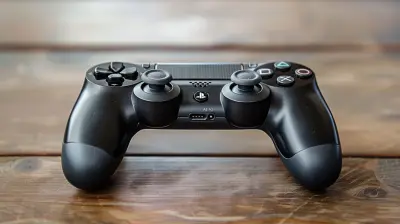
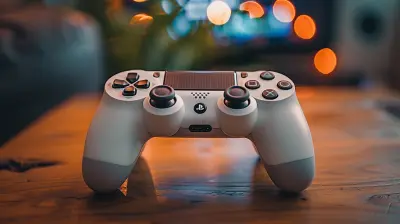
How Controller Layouts Affect Gameplay
25 May 2026
Let’s be honest here—playing video games with a weird controller layout is about as comfortable as trying to eat spaghetti with a spoon. You can technically do it, but something just feels… off. Maybe you’re missing jumps, fumbling your attacks, or yelling “WHY WOULD THEY PUT SPRINT ON L3?!” into the gaming void. We've all been there.
Today, we’re diving headfirst into the surprisingly deep rabbit hole of how controller layouts affect gameplay. Whether you're a casual couch warrior or a pro-level button masher, this one's for you.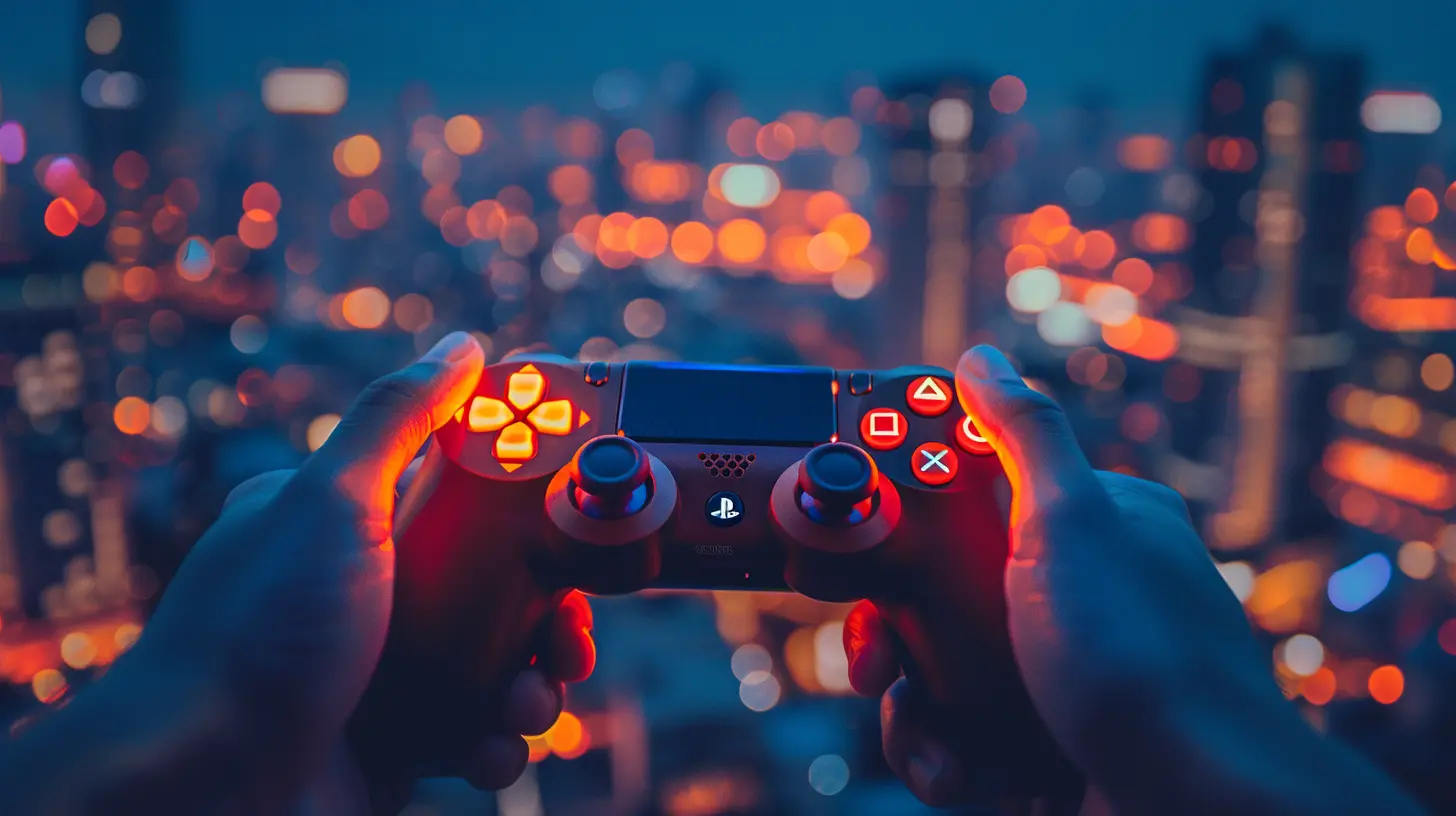
Wait, Do Controller Layouts Really Matter That Much?
Short answer: Yup. Long answer: Oh, absolutely, but let me explain why.Controller layouts are like the steering wheel of your gaming experience. If the buttons aren't where your fingers expect them to be, you're going to crash that metaphorical car straight into a wall of frustration. The whole point of intuitive layouts is to keep you in the zone. When your brain and fingers are in sync, you're not thinking about buttons—you’re just playing, reacting, living your best pixelated life.
But change that layout even a little, and suddenly your thumbs are on a scavenger hunt they didn’t sign up for.
The Classic Layout: The Gold Standard or Outdated Relic?
Ah, the classic controller layout. You know the one: left stick for movement, right stick for camera, face buttons (A/B/X/Y or Cross/Circle/Square/Triangle depending on your console allegiance) for actions, and triggers for aiming and shooting.It's like grandma’s favorite recipe—familiar, comforting, and reliable. Most games default to this setup because it works for the majority of players. If it ain’t broke, why fix it?
But just like grandma's meatloaf, it’s not for everyone. Depending on the game and your play style, this layout might feel a bit vanilla. And in a world full of spicy gameplay, vanilla doesn’t always cut it.
When Your Thumbs Go on Strike: Bad Layouts That Hurt
Have you ever played a game where the jump button is mapped to R1? Or worse, where sprinting is tied to double-tapping the left stick (aka thumb-murder)?Poorly optimized layouts are a one-way ticket to rage quitting. They mess with your muscle memory and cause some serious thumb acrobatics. That's not gameplay; that's finger gymnastics.
Bad layouts can lead to:
- Delayed reaction times (pressing the wrong button in the heat of the moment)
- Missed inputs (goodbye, killstreak)
- Physical fatigue (hello, sore thumbs)
- Mental confusion (where the heck is the dodge button?!)
Some layouts just aren’t ergonomically friendly. If your hands feel like they're solving a Rubik’s Cube during a boss fight, your controller’s layout might be to blame.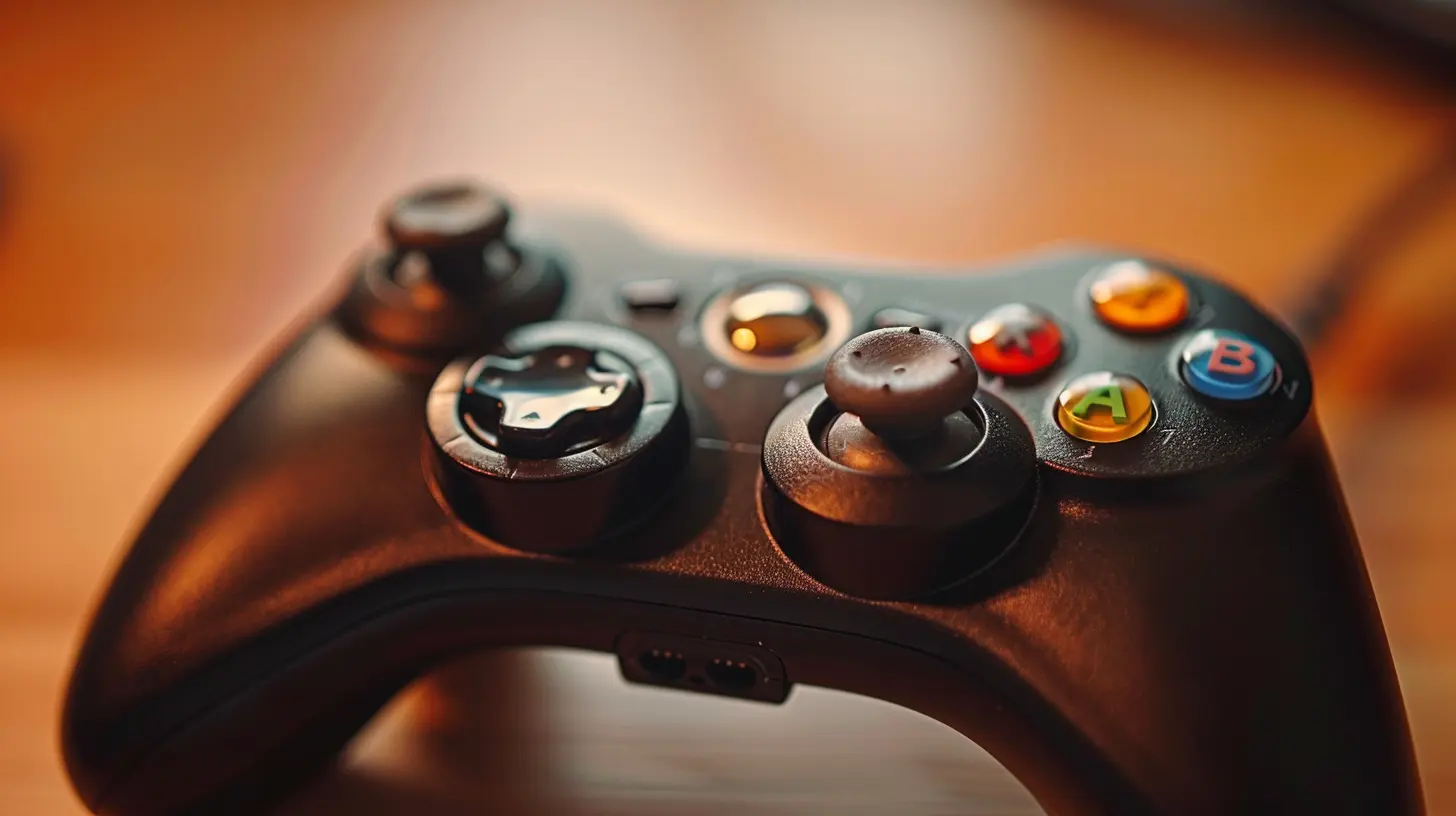
Games That Let You Remap Controls Are the Real MVPs
Say what you want about accessibility settings, but button remapping is the unsung hero of modern gaming. Whether you’ve got tiny thumbs, double-jointed fingers, or just an unusual grip, customizing your controls is a gamer right (and honestly, a necessity sometimes).Some games even let you save multiple layouts—one for stealthy gameplay, one for going full Leroy Jenkins on the enemy. It’s like having customizable loadouts, but for your fingers.
Want to crouch on B instead of clicking the stick? Do it. Want to swap trigger functions because your index fingers have trust issues? Live your truth.
The best games understand that players aren't robots. We all play differently, and that flexibility can be the difference between a so-so experience and a totally immersive one.
The FPS Problem: Sprint, Aim, and the Trigger Tango
First-person shooters are where controller layouts really start to flex their muscles (or fail miserably). You’re juggling movement, aiming, shooting, sprinting, grenades, crouching—basically enough mechanics to make a piano player sweat.Traditionally, aiming and shooting are mapped to L2 and R2 (or LT/RT), which makes sense… until you start realizing that switching weapons mid-firefight means moving your fingers off the triggers. That’s like trying to reload a musket in the middle of a paintball tournament.
Some devs now let players “bumper-jump”—mapping jump to a bumper like R1—so your thumb stays on the right stick. It sounds tiny, but to seasoned FPS players? It's a game changer.
The right layout here can literally be the difference between top of the scoreboard and bottom-feeding bullet sponge.
Fighting Games: Where Muscle Memory Reigns Supreme
Fighting games are their own wild beast. Timing, combos, and inputs are everything. You don't just play a fighting game—you train for it.In this genre, controller layouts are sacred ground. One wrong input and you’re not throwing a Hadouken—you’re awkwardly punching the air and watching your health bar cry.
Most pros have their own layout preferences, often fine-tuned after hundreds of hours of gameplay. Some replace buttons with paddles, others use arcade sticks, and a few brave souls even stick with the default.
The point? Layouts seriously affect your performance here. It’s like setting your car up for drag racing—you don't just grab the keys and go; you tweak every little thing for perfect control.
Racing Games: The Pedal Problem
Alright, so in racing games, acceleration is usually on R2/RT and braking on L2/LT. Makes sense, right?But did you ever try switching those? You’d think you were driving drunk with oven mitts on. Changing layout in a racer messes with your head so much, because your brain is just hardwired for “right trigger = go vroom.”
That’s the power of layout familiarity. Sometimes it's less about what's objectively best and more about what your brain's used to. When in doubt, trust the muscle memory. Unless it keeps driving you into walls—then maybe reconsider.
Sports Games: Buttons, Joysticks, and Broken Controllers
In FIFA, shooting is one button. In NBA 2K, it might be tied to a joystick flick. In Madden, you've got like 18 options just to snap the ball. Controller layouts in sports games can get complicated.Here’s where layouts affect not just gameplay, but learning curves. The more intuitive the setup, the faster new players can jump in and have fun. But if your pass button is also your slide tackle button? Oh boy, prepare for some referee drama.
A good controller layout in a sports game makes the difference between yelling “GOOOAAALLL!” and yelling “WHY DID HE DO THAT?!” at 2 a.m.
The Rise of Back Buttons and Paddle Mods
If you're a competitive gamer, chances are you've looked into pro controllers with extra back buttons or paddles. They’re like cheat codes for your thumbs.Back buttons let you keep your thumbs glued to the sticks while still performing actions like jumping, dodging, or reloading. It’s like growing extra fingers overnight. Magic.
Do they take some getting used to? Absolutely. But once you’re comfortable, it’s hard to go back. It’s like switching from dial-up internet to fiber optic. Life-changing.
Accessibility and Inclusive Layouts
Let’s not forget the real champions of layout customization—players with disabilities.Adaptive controllers, remappable buttons, and custom layouts let gamers of all abilities experience the joy (and occasional heartbreak) of gaming. The industry’s come a long way, but there’s still work to do.
Why does this matter? Because when games offer thoughtful layouts, everyone wins. And if a layout tweak lets more people enjoy a game, then that’s a beautiful thing.
So, What’s the Best Layout?
Here’s the great secret: there’s no universal “best” layout. The best layout is the one that works for you. It’s the setup that feels like an extension of your hands, not a weird alien object you’re trying to decode.That said, if you’re struggling in a game, it’s worth experimenting. Try swapping jump to a bumper. Try remapping melee to something easier to access. See what clicks.
Gaming isn’t one-size-fits-all, so your controller layout shouldn’t be either.
Final Thoughts: Respect the Layout, Respect the Game
If you’ve ever fumbled a grenade throw or accidentally teabagged the ground instead of crouching, now you know—it’s not (always) your fault. Controller layouts are powerful little things with a big impact on gameplay.A good layout fades into the background. A bad one sticks out like a sore thumb—literally. So take the time to find a setup that works for you. Your thumbs (and your kill/death ratio) will thank you.
And the next time someone scoffs at your “weird” layout? Just smile, nod, and continue outplaying them. Because at the end of the day, it’s not about how you press the buttons—it’s about what you do with them.
all images in this post were generated using AI tools
Category:
Game ControllersAuthor:

Francesca West
Discussion
rate this article
2 comments
Felix Wells
Great insights on how controller layouts truly shape the gaming experience. It's fascinating how even small changes can impact our playstyle and comfort. This article highlights important factors that many players often overlook. Appreciate your thoughtful analysis!
August 24, 2026 at 2:28 AM
Francesca West
Thanks for the kind words! I'm glad you found the article insightful. Controller layouts definitely play a big role in how we experience games.
Josephine Fletcher
Ever wondered how a simple button change can shift the game's entire outcome? Think again...
June 7, 2026 at 4:18 AM
Francesca West
Absolutely, a small tweak in button layout can lead to major gameplay shifts. It's fascinating how something so simple can alter performance and strategy.