Exploring the World of Modular Game Controllers
19 April 2026
Gaming has come a long way since the days of wired joysticks and clunky D-pads. Now, we live in an era where personalization is key, and one-size-fits-all no longer cuts it. Enter modular game controllers—the Swiss Army knives of gaming peripherals. Whether you're a casual gamer or an esports warrior, these bad boys are turning heads for all the right reasons.
But what makes modular controllers so special? Why are gamers raving about them? Let’s dive into the world of modular game controllers and see what all the hype is about.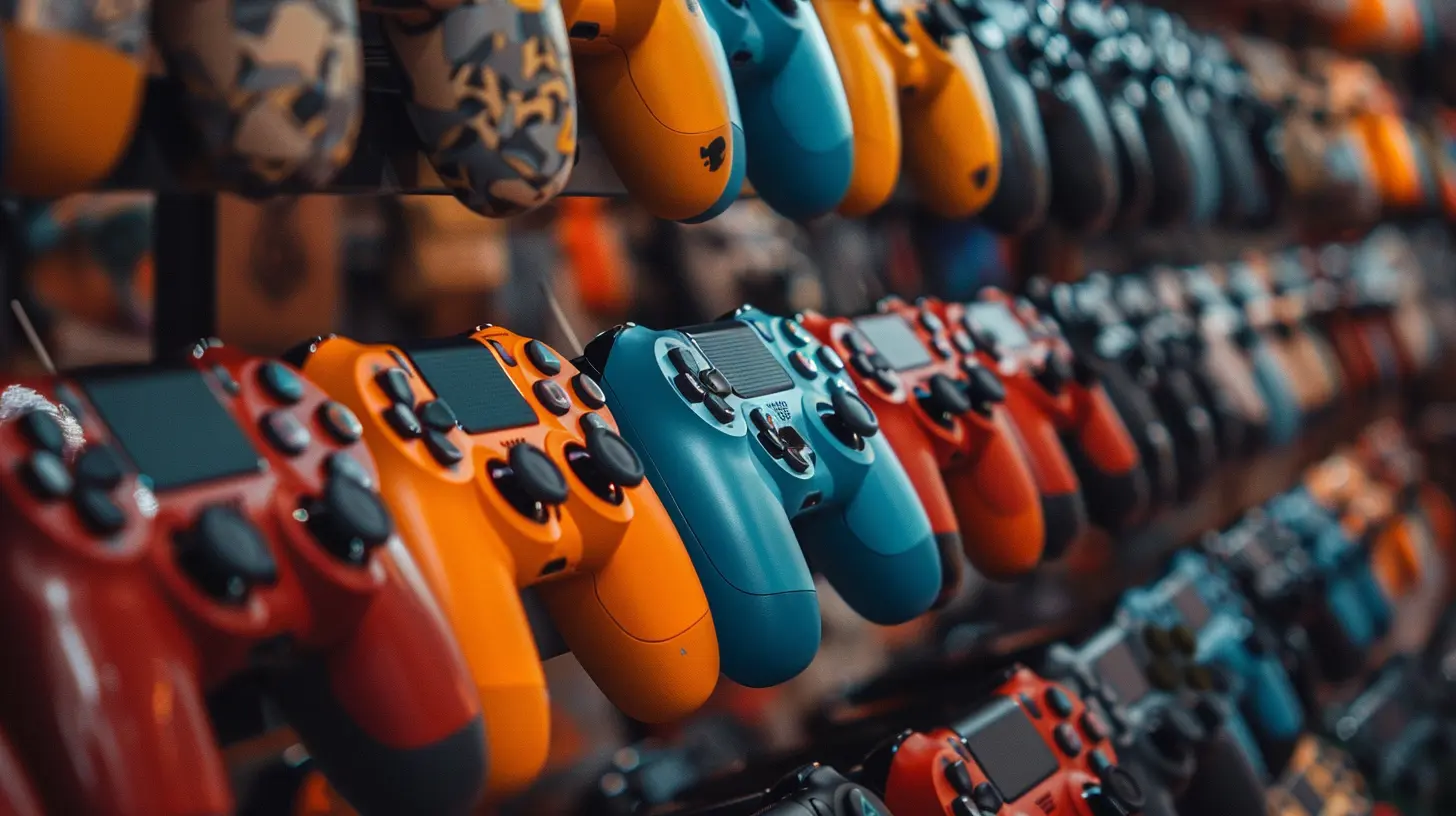
What Are Modular Game Controllers?
Let’s break it down. A modular game controller is like Mr. Potato Head for gamers. You can swap out buttons, sticks, triggers, and even grips to customize how it looks and feels. Unlike traditional controllers that come as-is, modulators give you the freedom to tweak the hardware to match your playstyle.Got larger thumbs? Swap in wider thumbsticks. Prefer clicky triggers? Pop in hair triggers. Want paddles for those quick FPS maneuvers? Attach some. It’s all up to you.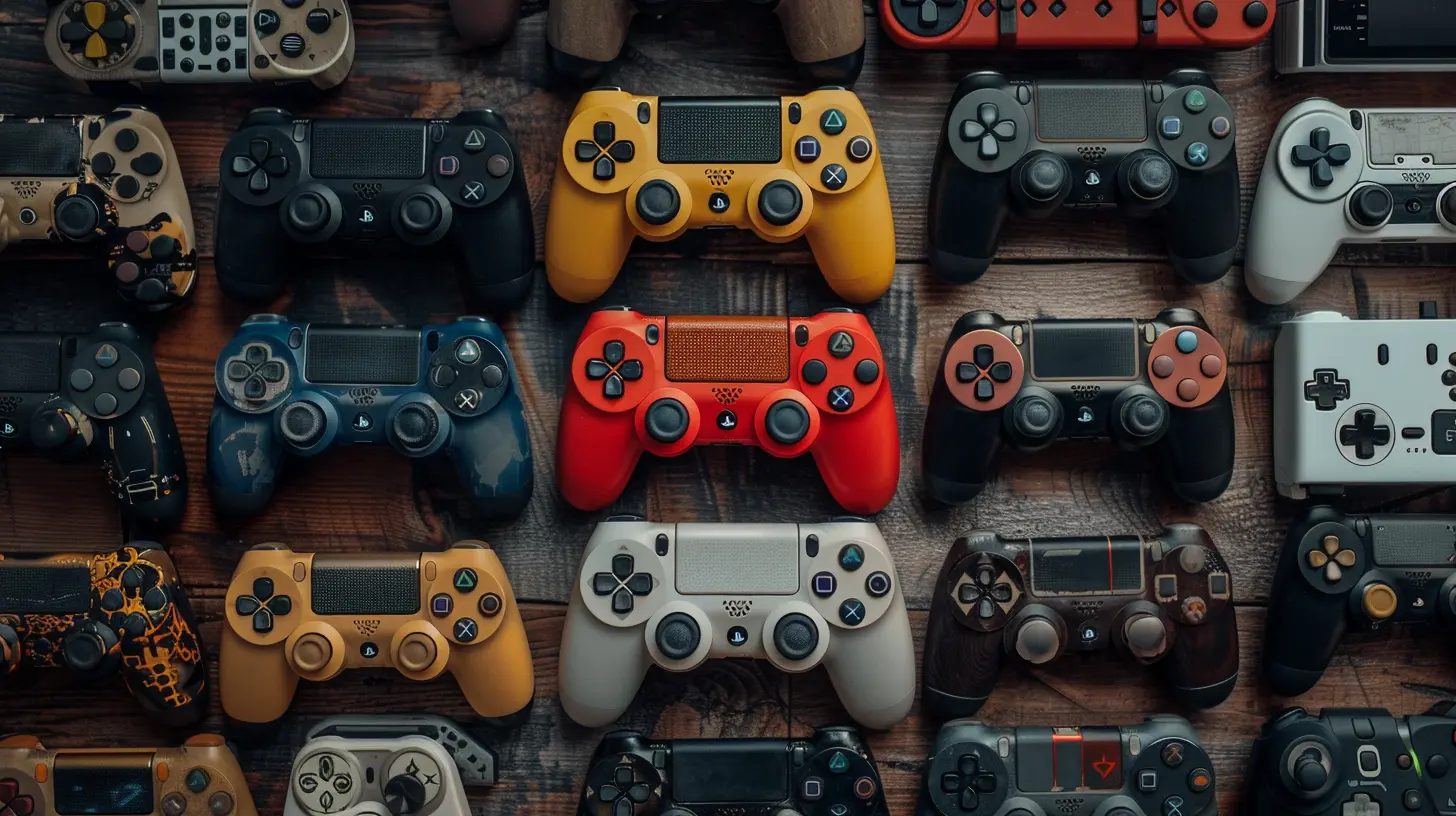
Why Customization Matters in Gaming
Think about it—when you sit down to game, you're not just looking to pass time. You're trying to win, to immerse yourself, to feel in control. And control starts with the controller.Modular customization lets you fine-tune every inch of your controller. It’s like having a custom-fit glove instead of a one-size-fits-all mitten.
- ? Precision – Want tighter aiming in FPS games? Adjust your thumbstick resistance.
- ⚡ Speed – Insert low-tension triggers for faster response.
- ?️ Comfort – Replace bulky grips with ergonomics that fit your hands.
It’s like upgrading from a stock car to a custom-tuned race car. Same chassis, but designed for performance.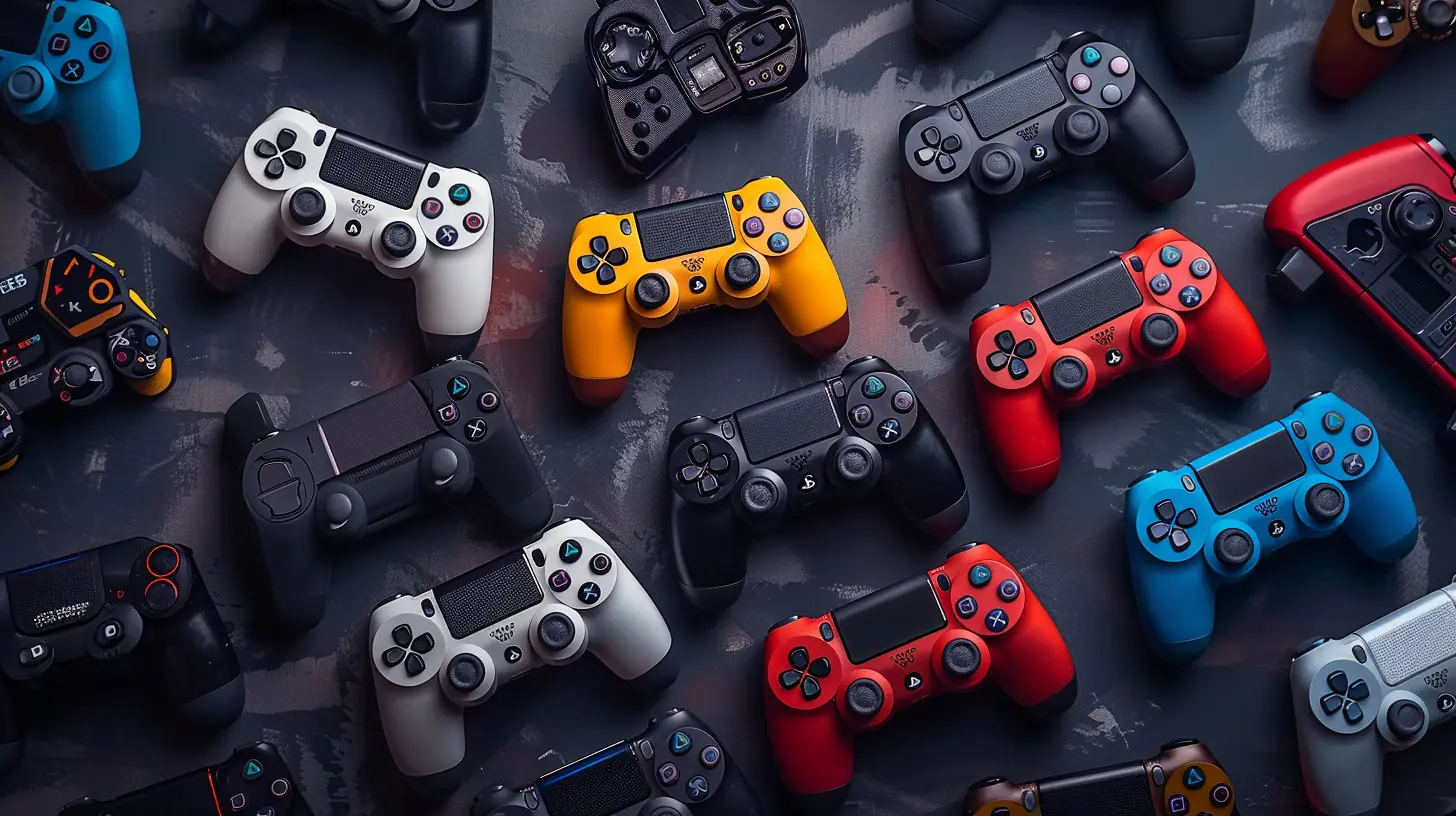
Key Features That Set Modular Controllers Apart
Let’s look under the hood. What makes these controllers tick?1. Swappable Thumbsticks
Different games need different stick lengths. Shorter sticks for speed; taller ones for precision sniping. Modular units allow you to switch these sticks out in seconds—no tools required.2. Adjustable Triggers
Hair triggers, digital taps, or full-pull analogs—you choose. Pro gamers love hair triggers for shooters, while racers might prefer full travel for throttle control.3. Remappable Buttons
Tired of awkward layouts? Remap your buttons using dynamic software or onboard profiles. Put jump on a paddle or reload on a bumper—it’s your call.4. Interchangeable D-Pads
Fighting game fan? Use a circular D-pad. If you’re into RPGs or retro titles, a classic cross might work better. Mix and match for optimal input.5. Modular Grips and Backplates
Whether you’ve got sweaty palms or long gaming sessions ahead, changing your grips can make a world of difference. Go rubberized, textured, or even weighted—whatever works best.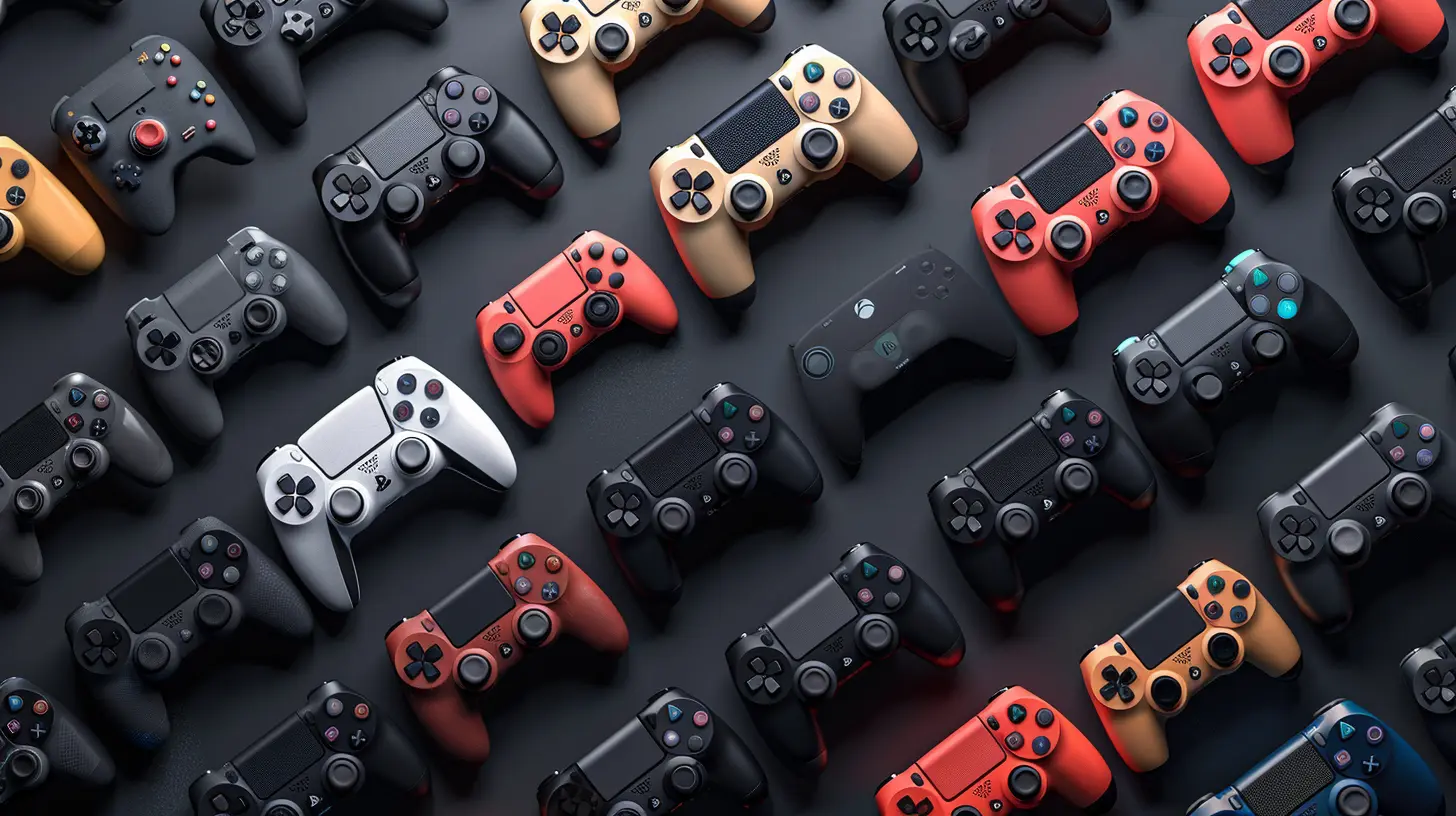
Top Modular Controllers in the Market
Ready to try one out? Here are some of the most talked-about modular game controllers available now.? Xbox Elite Series 2
This baby is the gold standard. It features:- Swappable thumbsticks and D-pads
- Trigger locks for quicker shots
- Rear paddles for extra control
- Rechargeable battery with 40-hour life
Built like a tank but feels like a luxury car. Perfect for Xbox and PC players.
? SCUF Instinct Pro
SCUF basically invented the customizable controller game.- Rear paddles with remapping
- Instant triggers for FPS games
- Swappable faceplates and sticks
- Tuned ergonomics for comfort
It’s pricey, but if you're serious about performance, it's worth every penny.
? Thrustmaster ESWAP Pro X
The Thrustmaster line doesn't play around.- Hot-swappable modules (yes, hot-swappable!)
- Custom resistance analog sticks
- Versatile D-pad for fighting games
- PC and Xbox compatible
Great choice for gamers who love to tinker.
? Victrix Pro BFG (for PS5)
A dream for PlayStation users. You get:- Modular thumbstick and D-pad placement
- Multiple stick lengths and caps
- Swappable modules for left and right configurations
- Tournament-focused build quality
This one’s quickly becoming the go-to for PS5 esports players.
Benefits of Using a Modular Game Controller
So, why make the switch? What’s in it for you?1. Personalization = Better Performance
You can literally build a controller that fits your gameplay. FPS player? Go for paddles, short triggers, and tight sticks. Casual platformer lover? Stick to comfy grips and responsive D-pads.2. Competitive Advantage
Let’s be real, in the world of online gaming, milliseconds matter. Being able to fine-tune your inputs can be the edge you need to win that 1v1 clutch or time that drift perfectly.3. Ergonomics and Comfort
No more hand cramps during marathon sessions. Modular grips and button layouts reduce fatigue, especially for players with larger or smaller hands.4. Long-Term Value
They might cost more upfront, but modular controllers last longer. You can swap out worn parts instead of tossing the whole thing. Think of it as future-proofing your gaming gear.Ideal Games That Shine With Modular Controllers
Some games just feel better with a modular setup. Here are genres where a customizable controller makes a huge impact:- First-Person Shooters (FPS): Think Call of Duty, Apex Legends, Destiny 2
- Racing Games: Like Forza Horizon or Gran Turismo
- Fighting Games: Mortal Kombat and Street Fighter benefit from D-pad mods
- Battle Royale Games: Fortnite or Warzone—paddles can free up your thumbs
- MMOs and RPGs: With so many skills to manage, remapping makes combat smoother
Are Modular Controllers Worth It?
Ah, the golden question. They’re not cheap, that’s for sure. But it's like buying a tailored suit. Once you feel the difference, it's hard to go back.Ask yourself:
- Do you play games often?
- Are you into competitive or ranked matches?
- Do you feel like your standard controller is holding you back?
If you said yes to even one of those, a modular controller might just level up your game—literally.
Tips Before Buying a Modular Controller
Buying your first modular controller? Here are a few things to consider:✅ Compatibility
Make sure the controller works with your main platform—whether it's PS5, Xbox Series X, or PC.✅ Customization Level
Some allow total overhaul, others just offer swappable sticks. Know what features matter most to you.✅ Build Quality
Durability is key. Go for known brands, read reviews, and watch hands-on videos if possible.✅ Software Support
Check if the controller comes with a solid app or PC tool for remapping and firmware updates.Future of Modular Controllers: What’s Next?
The future looks modular, folks. As cloud gaming and cross-platform play grow, the demand for ultra-custom controllers is only going to skyrocket.We may even see:
- AI-driven customization: Controllers that adjust settings based on your game style.
- 3D printed parts: Create your own designs at home and snap them on.
- Eco-friendly designs: Replace only what you need, reducing e-waste.
Basically, we’re only scratching the surface.
Final Thoughts
In a world where gamers push for every competitive edge, modular controllers are stepping up in a big way. They’re not just about looking cool (though let’s be honest—they do); they’re about giving you the tools to play better, feel more comfortable, and enjoy gaming on your terms.So whether you're climbing the ranked ladder or just vibing with your favorite game, having a controller that adapts to you makes all the difference.
Welcome to the world of modular game controllers—where gameplay meets personalization.
all images in this post were generated using AI tools
Category:
Game ControllersAuthor:

Francesca West
Discussion
rate this article
2 comments
Candice McCabe
Finally, a controller I can reconfigure faster than my gaming chair's lumbar support.
April 30, 2026 at 4:39 AM
Francesca West
Glad to hear it! Modular controllers really do make customization a breeze. Enjoy your gaming!
Fable McCord
Great read! Modular controllers really enhance customization—excited to see future innovations in gaming!
April 25, 2026 at 4:26 PM
Francesca West
Thanks for your feedback! I'm excited too-there's so much potential in modular controllers.