Do You Need a Controller for PC Gaming?
4 February 2026
PC gaming is like stepping into an all-you-can-eat buffet; the options are endless, and everyone has their own favorite combo. Between beefy graphics cards, mechanical keyboards, high-refresh-rate monitors, and ultra-comfort gaming chairs, there’s one piece of hardware that often stirs up debate — the controller.
So here’s the million-dollar question: Do you really need a controller for PC gaming?
Some say it's essential, others swear by their keyboard and mouse. Let's break it down, so you can figure out what’s right for your style, your setup, and, hey, even your thumbs.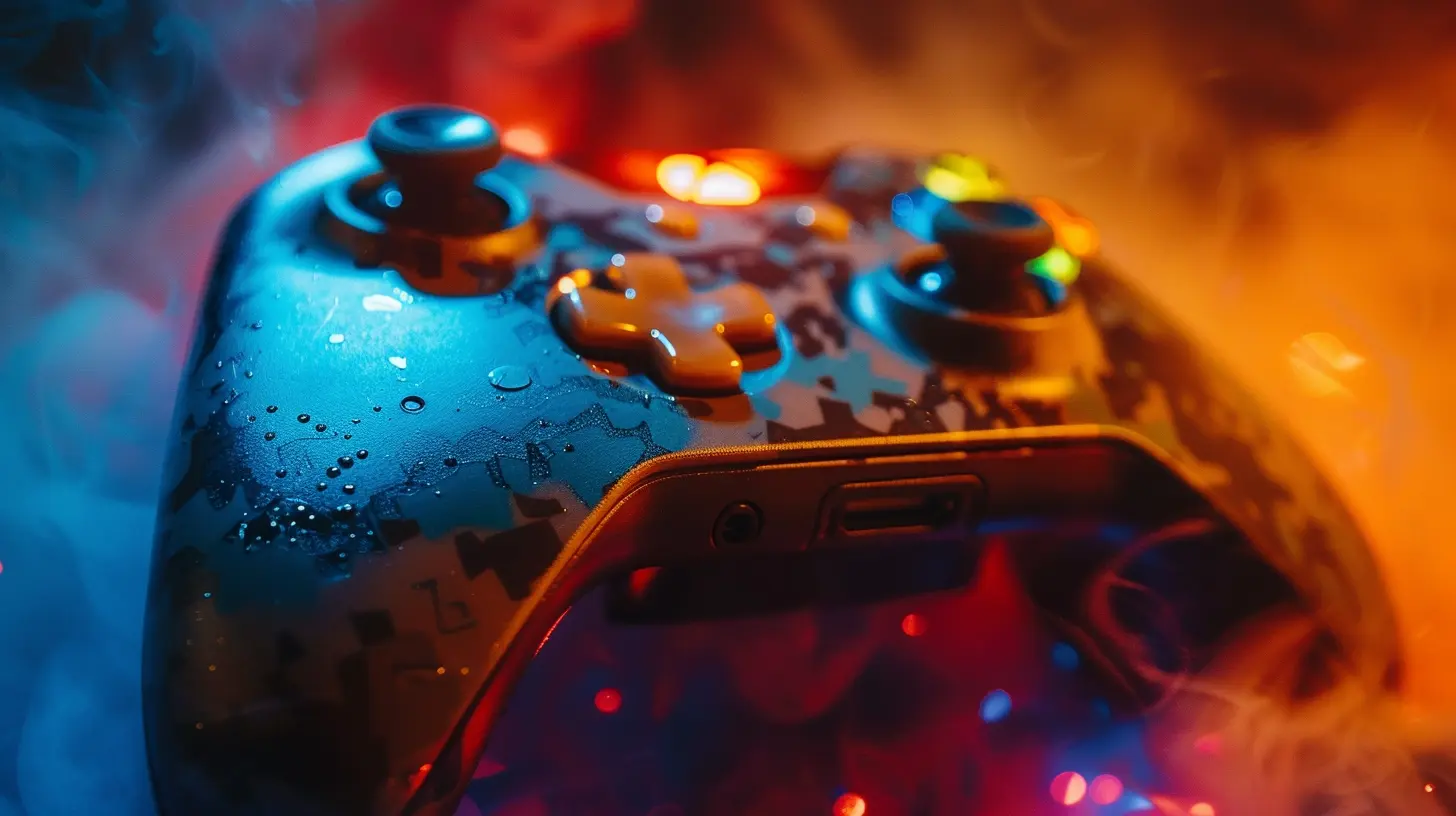
The Great Divide: Keyboard & Mouse vs. Controller
The keyboard and mouse combo has been the PC gamer’s bread and butter for decades. Precision, speed, and customization — it’s hard to beat. But sometimes, it’s not about being razor-sharp; it’s about comfort and control, especially in games that were built with a controller in mind.Controllers, on the other hand, bring a more laid-back, console-like vibe to the PC experience. You relax on the couch, recline your chair, grip a gamepad — and boom, you're in the zone. But is that enough to make it necessary?
Let’s look at both sides.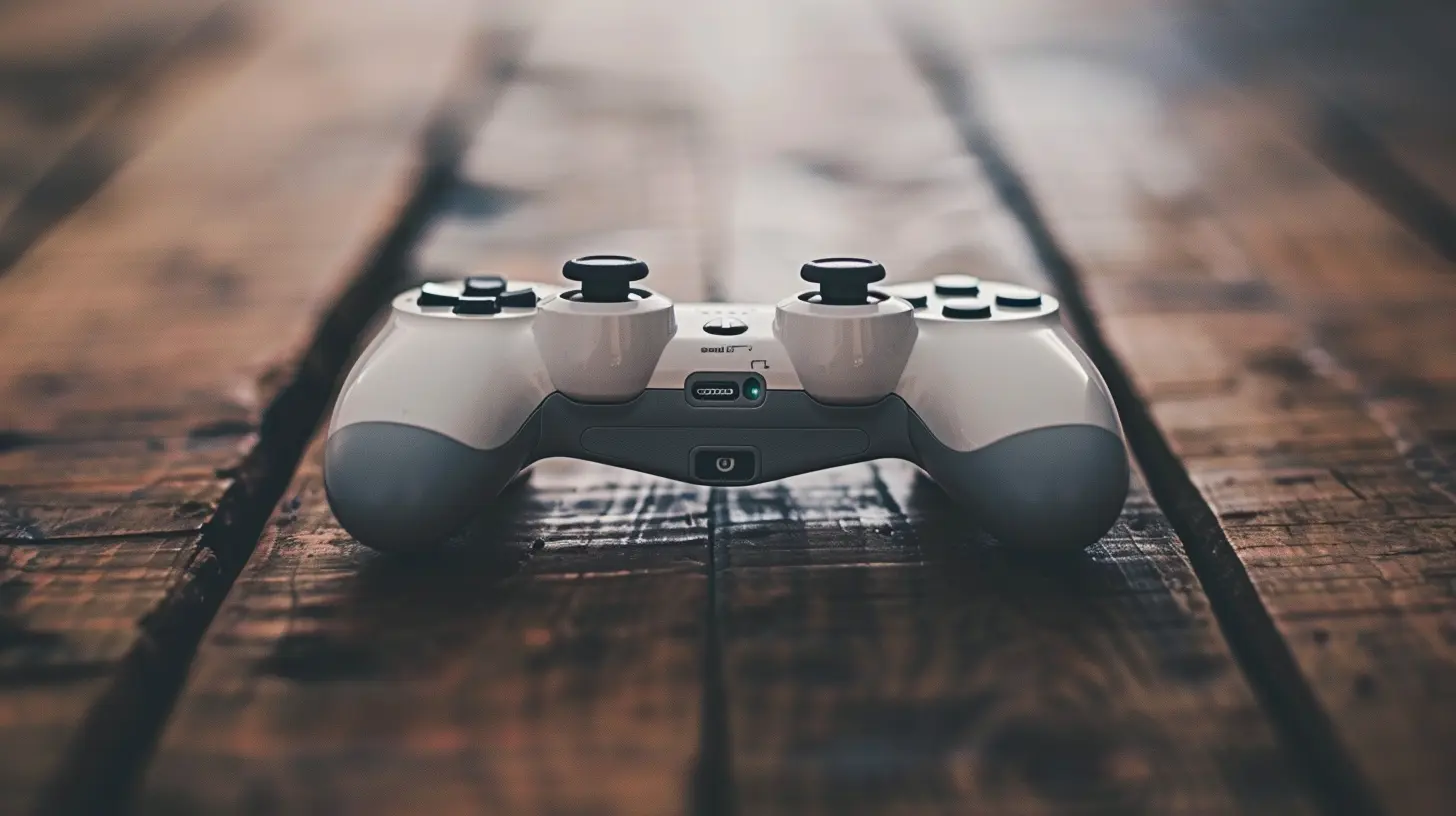
When a Keyboard and Mouse Shine
🎯 First-Person Shooters (FPS)
Ever tried aiming with a thumbstick in an FPS after years of mouse control? It kinda feels like trying to thread a needle with oven mitts on.With a mouse, you get pinpoint accuracy, super quick reflexes, and full control over your camera movement. That’s gold in shooters like:
- Call of Duty
- Valorant
- Counter-Strike: Global Offensive
- Apex Legends
When milliseconds matter, a mouse wins. No contest.
⌨️ Real-Time Strategy (RTS) & MOBAs
For games that involve managing units, building civilizations, or executing complex spells, the sheer number of keys at your disposal makes the keyboard king.Games like:
- StarCraft II
- Dota 2
- League of Legends
These games rely on hotkeys, macros, and quick point-and-click movements that a controller simply can’t replicate.
🛠️ Level Editors & Mods
If you dabble in level creation or modding, from Minecraft worlds to Skyrim overhauls, keyboard and mouse input is hugely more efficient. Precision editing, shortcut keys, even dragging and dropping files—all that’s nightmarish with a controller.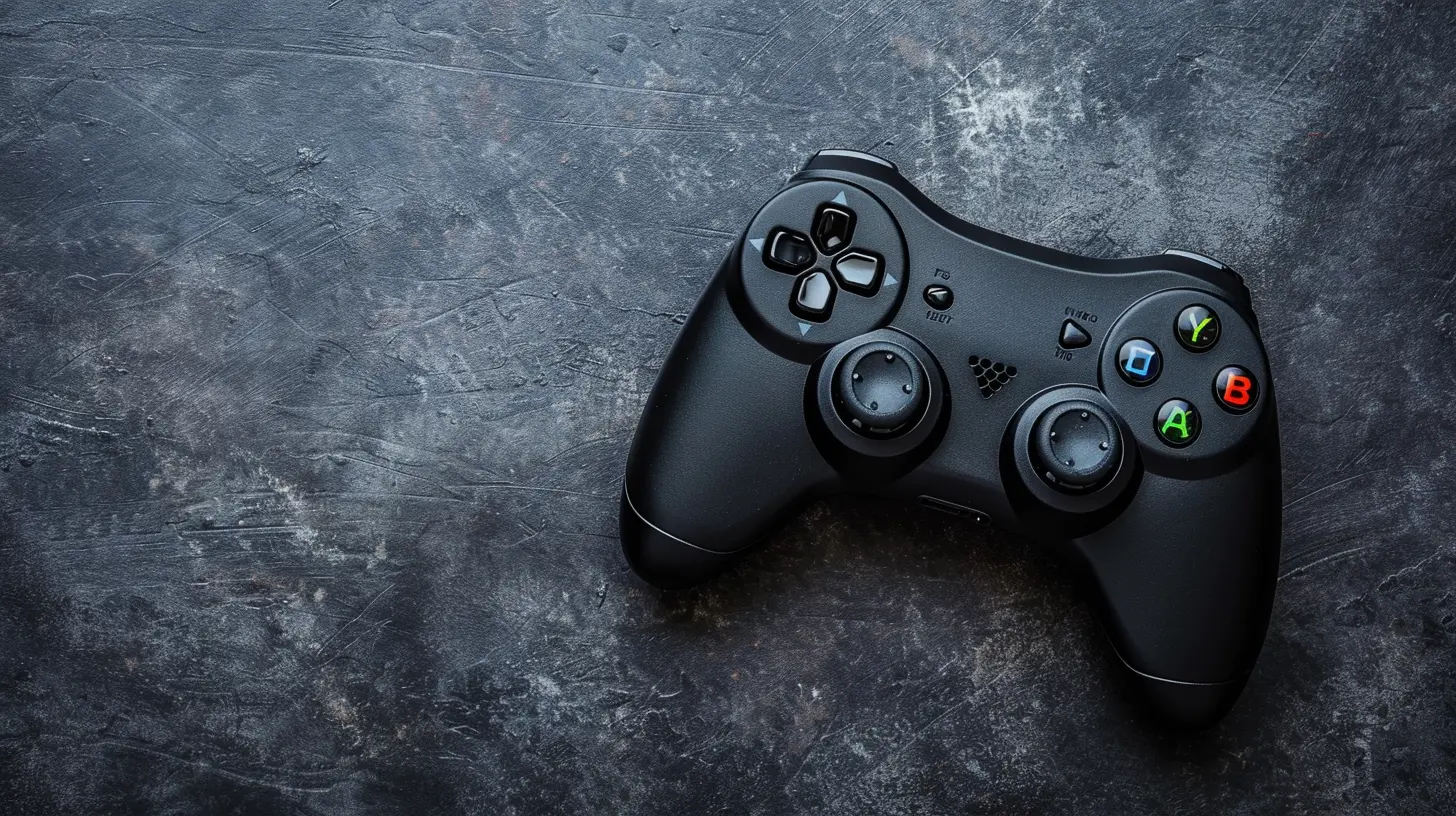
When a Controller Becomes a Game-Changer
Now, let’s not throw shade at controllers. They come through, big time, in certain genres. Sometimes, it's not about logic — it's about feel.🚗 Racing Games
Try handling tight corners in Forza Horizon 5 or drifting in Need for Speed on a keyboard — yeah, no thanks. Analog triggers on controllers give you variable acceleration and braking, and thumbsticks offer smoother steering than the abruptness of key presses.Controllers make racing games less of a chore and more of a joyride.
🎮 Platformers & Action-Adventure
Games like Ori and the Will of the Wisps, Celeste, or even Hollow Knight feel way more natural on a controller. The combination of fluid movement, precise jumping, and tactile feedback is just smoother with a gamepad.It’s like dancing — it feels better when the moves flow seamlessly.
⚔️ Fighting Games
Unless you’re rocking a custom joystick setup, playing Street Fighter or Mortal Kombat on a keyboard is rough. Combos, d-pads, and muscle memory are made for controllers.Ever tried pulling off a Hadouken with WASD and JKL? It’s not pretty.
🛋️ Couch & Co-op Games
When the squad's over for a casual gaming night and you’re playing something like Overcooked, Cuphead, or Rocket League — nothing beats passing around controllers. It’s simple, intuitive, and way more social than grouping around a keyboard.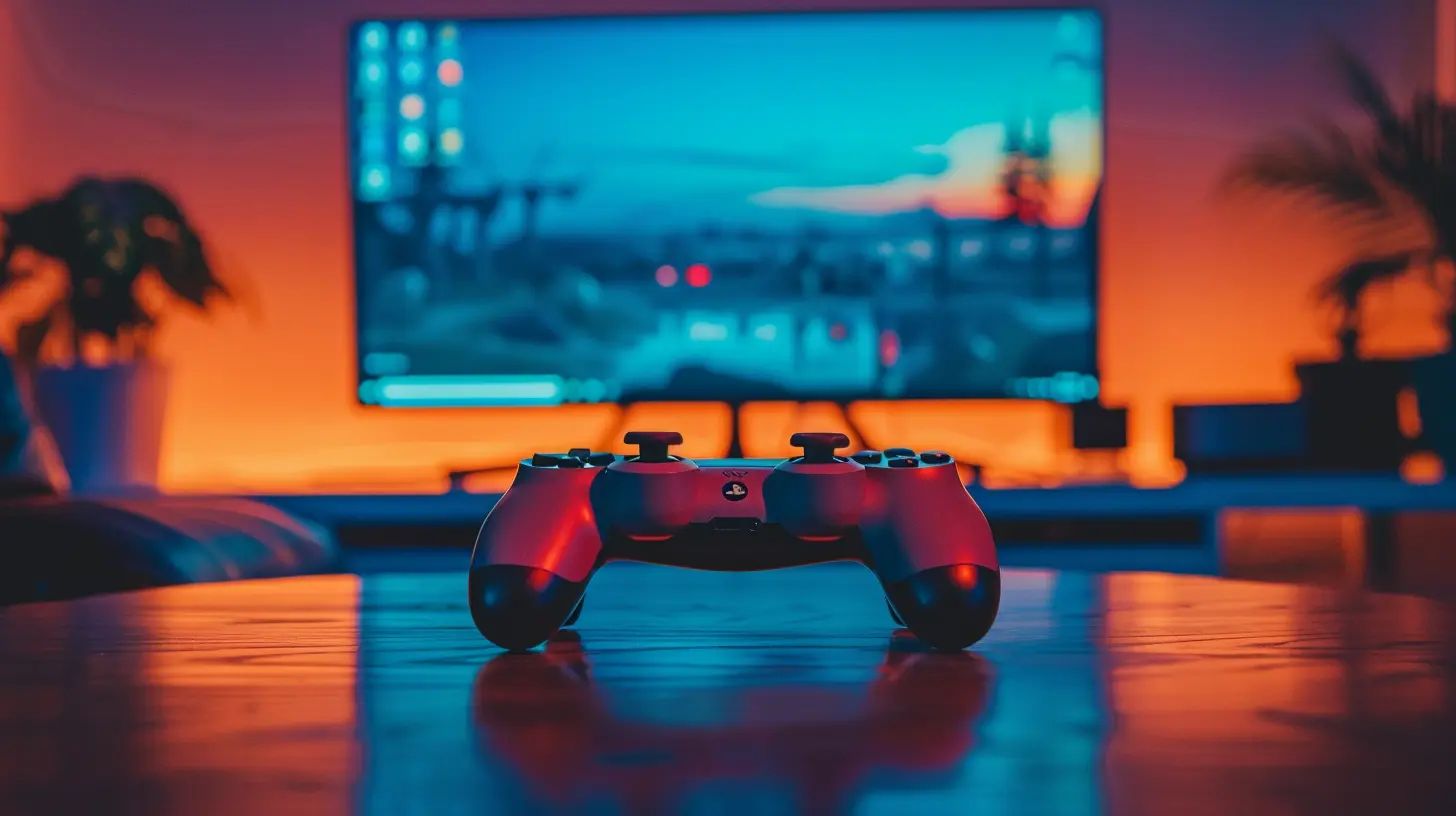
The Hybrid Approach: Best of Both Worlds
Here’s a little secret: you don’t have to choose sides.Yep, it’s 100% okay — and actually pretty common — to use both. PC gaming is versatile like that. Most modern PCs can easily detect a controller when it’s plugged in and switch input modes on the fly.
You can:
- Use a mouse and keyboard for FPS and strategy games
- Grab a controller for chill evenings with platformers or racing titles
- Switch depending on your mood or the game mechanics
Some titles even let you hot-swap mid-game. Play how you want, when you want.
What Types of Controllers Can You Use on PC?
You’ve got more options than you think. PC gaming is flexible like that.1. Xbox Controllers
Microsoft hit gold with the Xbox controller line. Xbox One and Series X/S controllers are practically plug-and-play with Windows. Just plug it in via USB or pair it via Bluetooth, and you’re good to go.These offer great ergonomics, solid durability, and near-universal compatibility.
2. PlayStation Controllers
DualShock 4 and DualSense controllers can also work with PC, though setup might need third-party software like DS4Windows — especially if you want features like haptic feedback and trackpad support.Steam supports these natively, so if you’re mostly gaming through Steam, it’s not a problem.
3. Nintendo Switch Pro Controller
Surprised? The Pro Controller pairs beautifully with PCs via Bluetooth and offers a solid, comfortable feel. Support isn’t always universal, but for games through Steam, it works really well.4. Third-Party Controllers
Brands like 8BitDo, Razer, and PowerA make some fantastic third-party gamepads. They often have lower prices, customizable buttons, and unique styles.Just make sure whatever you buy is PC-compatible and supports the games you want to play.
Pros & Cons of Using a Controller for PC Gaming
Let’s break it down real simple:| Pros | Cons |
|------|------|
| Comfortable for long sessions | Not ideal for FPS or strategy games |
| Better for certain genres | Can require extra setup |
| Great for couch gaming | Some controllers are pricey |
| Fewer buttons, less overwhelm | May lack customization |
| Play how you do on consoles | Battery life (for wireless ones) |
How to Decide If You Need a Controller
So, how do you know if you need a controller for PC gaming? Here are a few questions to ask yourself:- What kind of games do you usually play?
- Are you coming from a console background?
- Do you like relaxing while gaming, away from a desk?
- Are precision and speed crucial to your gameplay?
If you're heavily into shooters, MOBAs, or any game where split-second decisions count, you’re probably better off with a keyboard and mouse. But if you enjoy a wide mix of genres or value comfort and laid-back sessions, a controller could seriously elevate your experience.
Can You Be Competitive With a Controller on PC?
Short answer? Yes — but with limitations.Games like Rocket League, FIFA, and fighting titles are dominated by players using controllers. Even in Fortnite or Warzone, some PC players dominate with controllers thanks to aim assist.
But put a controller against a mouse in high-tier FPS play, and things start leaning toward the mouse. It’s just more accurate by design.
Your Comfort Is King
At the end of the day, it’s not about what’s “best.” It’s about what feels right to you.Gaming should be fun — not a battle between peripherals. If using a controller makes gaming more immersive, more comfortable, or just plain better for you, then the answer is yes, you need one.
If all your favorite games already feel awesome with a mouse and keyboard, then maybe you're all set.
But owning a controller gives you more options, more freedom, and more ways to enjoy your favorite titles.
So why not have both?
Final Thoughts
You don’t have to pick sides in the great input war. PC gaming is all about choices. A controller isn't mandatory — but in many cases, it's a game-changer. Especially if you're dipping into genres where analog input, comfort, or nostalgia make a big difference.Think of a controller like a Swiss Army knife: maybe you don't use it every day, but when the time's right, nothing else does the job better.
If your gaming library includes platformers, racing games, or couch co-op titles — or if you just like kicking back after a long day — a controller might be just what you need to level up your game.
all images in this post were generated using AI tools
Category:
Game ControllersAuthor:

Francesca West
Discussion
rate this article
2 comments
Mary McCarty
Great article! It's true that while some games shine with a controller, many are just as enjoyable with a keyboard and mouse. Ultimately, it's all about personal preference!
February 6, 2026 at 4:57 PM
Francesca West
Thank you! I agree—personal preference plays a key role in gaming experiences!
Anna Reed
While a controller can enhance certain games, the choice ultimately depends on personal preference and playstyle. Embracing both keyboard and controller can enrich the gaming experience, allowing players to adapt to various genres seamlessly.
February 5, 2026 at 5:12 PM
Francesca West
Absolutely, the choice between keyboard and controller comes down to personal preference. Each offers unique advantages, and using both can enhance your gaming experience across different genres.