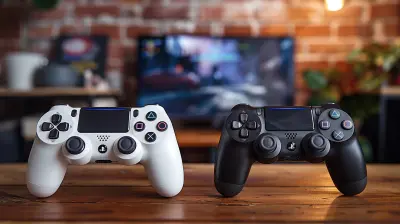
Comparing Xbox, PlayStation, and Nintendo Controllers
4 April 2026
Welcome to the ultimate thumb war—it's time to dig deep into the battle of the buttons, the saga of the sticks, and the duel of the D-pads. We’re talking controllers, folks! Specifically, comparing Xbox, PlayStation, and Nintendo controllers—the holy trinity of modern gaming hardware that decide whether your K/D ratio goes up or if you rage quit after yet another accidental roll instead of a dodge. (You know who you are.)
In this piece, we’re going to size up these iconic gamepads in a way that’s fun, fair, and fantastically geeky. Ready to press 'Start'? Let's go!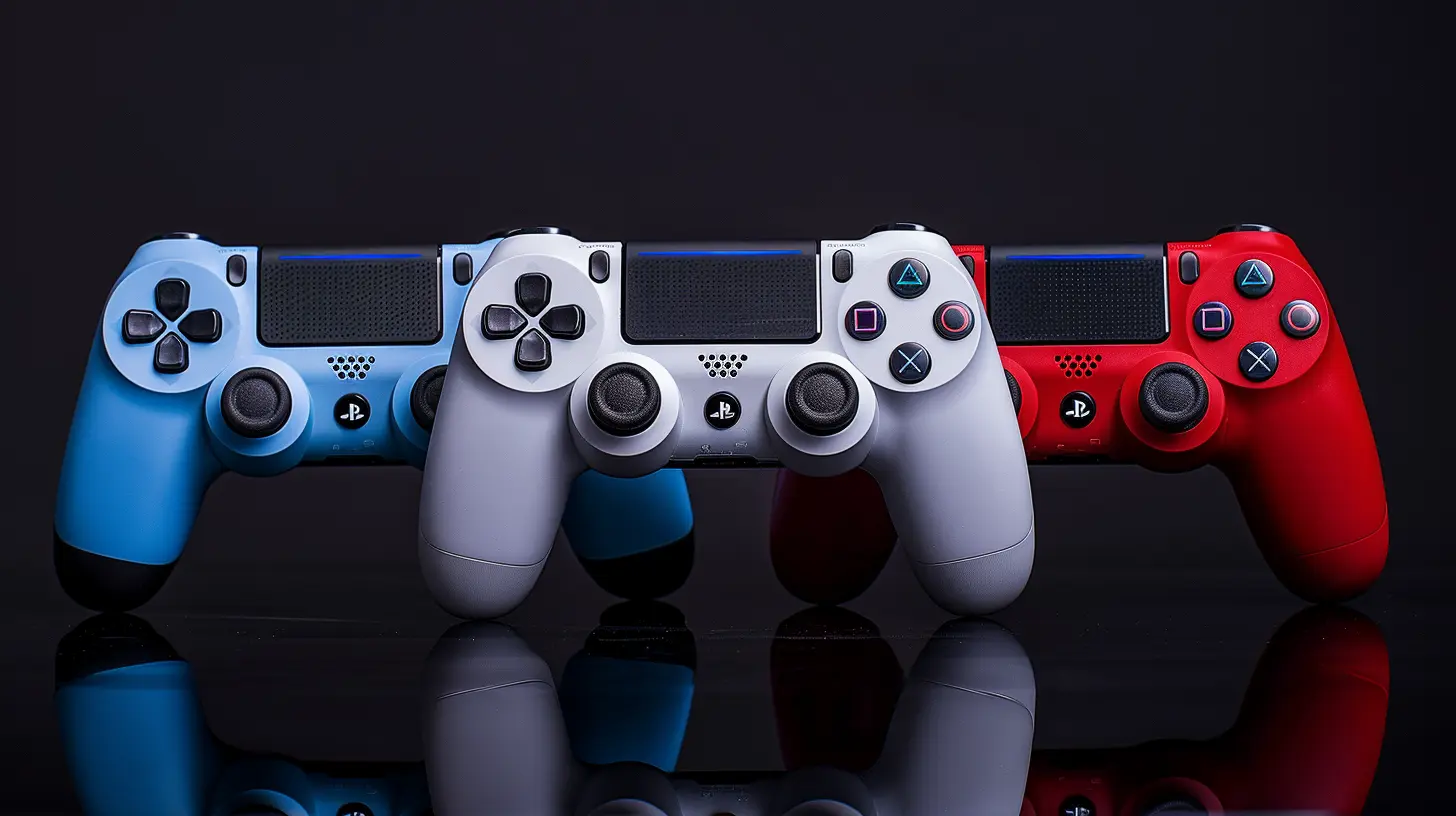
Table of Contents
1. The Contenders: A Brief Overview2. Design & Ergonomics: Hands-on Differences
3. Button Layout Madness
4. Haptics & Triggers: Shake, Rattle, and Roll
5. Battery Life: Charge It Like It’s Hot
6. Compatibility & Connectivity
7. Innovation Station
8. Durability: Smash Test Dummies
9. Price Tag Punch-Out
10. So, Which One Wins?
The Contenders: A Brief Overview
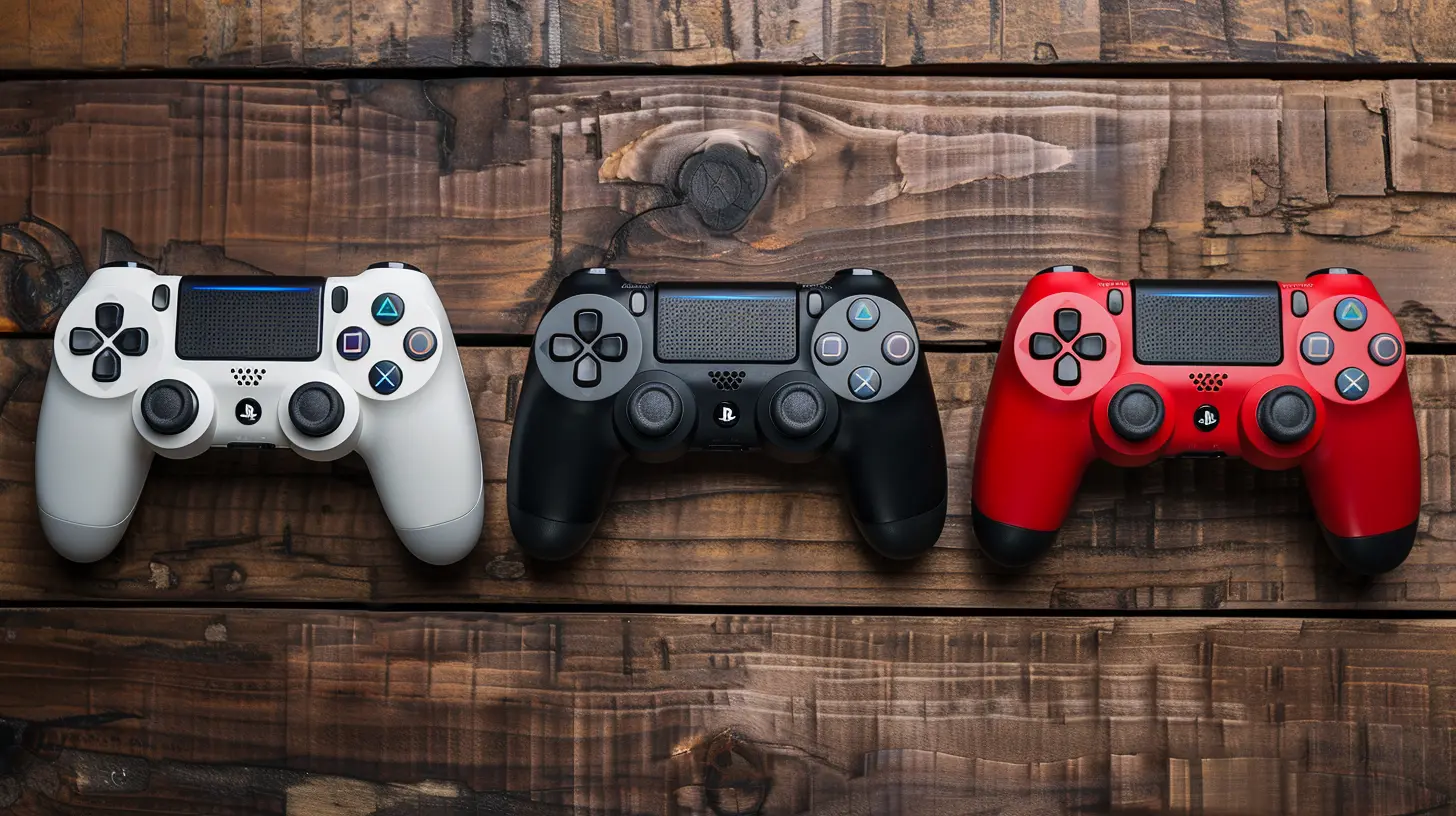
Before we start diving into button placement and battery lives, let’s meet the stars of the show:- 🎮 Xbox Series X|S Controller: The smooth criminal—evolves slightly with each gen, but keeps things lowkey and familiar.
- 🎮 PlayStation DualSense (PS5): The drama queen—full of new tricks and haptic emotions.
- 🎮 Nintendo Switch Pro Controller (& Joy-Cons): The quirky cousin—sometimes brilliant, sometimes baffling, always Nintendo-y.
All three are iconic. But like snowflakes (or gamer rants on Reddit), no two controllers are exactly the same.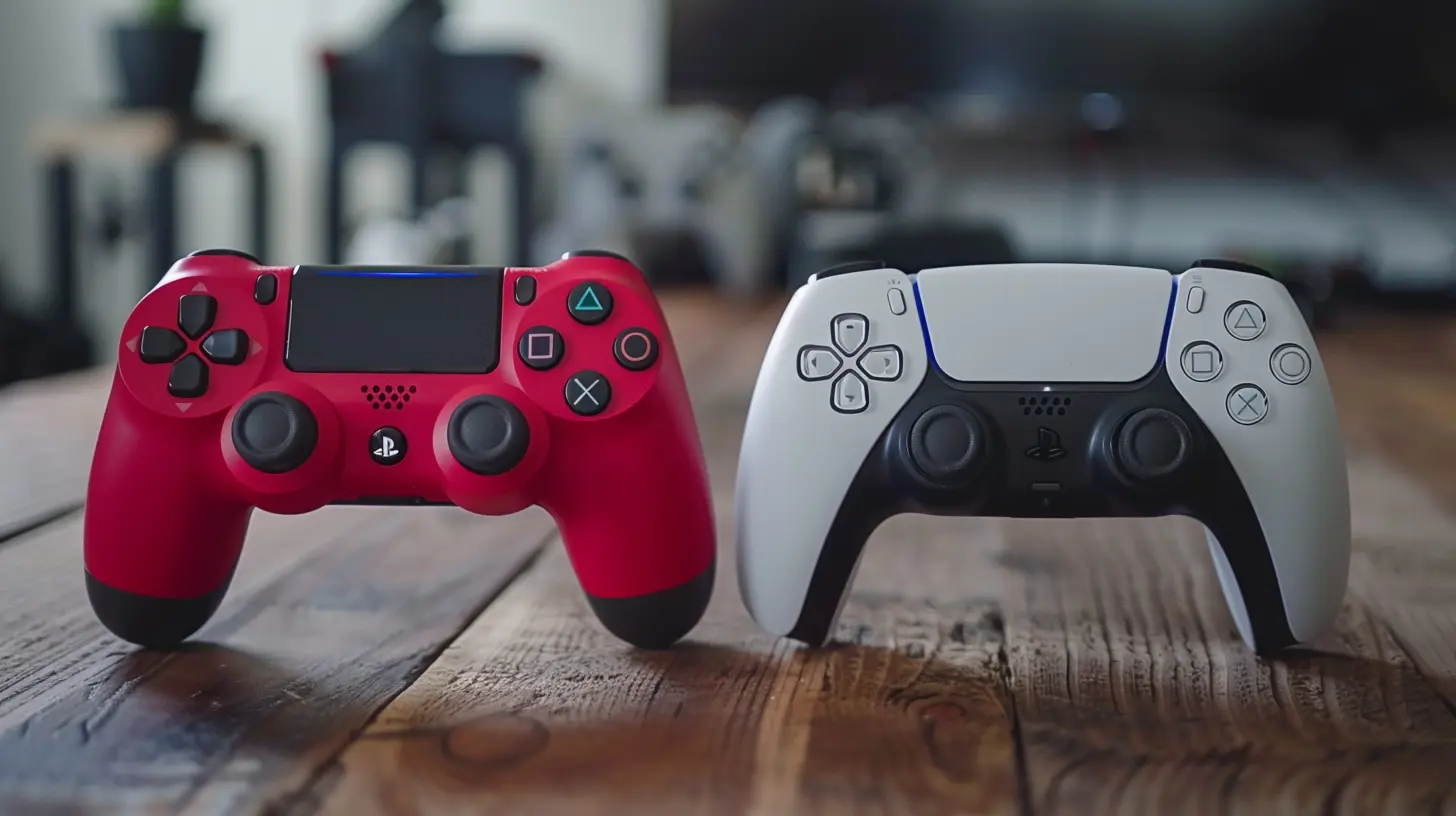
Design & Ergonomics: Hands-on Differences
Let’s start with how they feel in your hands. You know, the whole "Is this gonna cramp me in 2 hours or not?" test.🎮 Xbox: The MVP of Comfort
Microsoft’s controller feels like it was molded by the gods of ergonomics themselves. It’s slightly chunky, but in a good, “I-do-pushups-while-downloading-updates” kind of way.The asymmetrical thumbsticks? Genius. Your thumbs naturally fall into place like they were meant to be there all along. It’s like your hands just exhale in relief when you pick one up.
🎮 PlayStation: Slim Fit Stylishness
Sony’s DualSense is sleeker, curvy, and a little more “futuristic yoga instructor” in design. It’s slightly heavier due to all its interior wizardry (more on that later), but the grip is surprisingly comfy.The symmetrical analog sticks, though? That’s a hot topic. If you’re used to Xbox’s layout, the DualSense might initially feel like your thumbs are trying to hold hands awkwardly at the center.
🎮 Nintendo: Two Tales of Grip
Okay, here’s where things get wild. The Switch Pro Controller is kind of like the Nintendo team finally said, “Alright, fine, let’s make it normal.” It’s ergonomic, solid, and comfortable.On the flip side, Joy-Cons feel like someone dared the design team to make the bare minimum a human hand could hold. Great for kids and raccoons, less so for adult-sized mortals.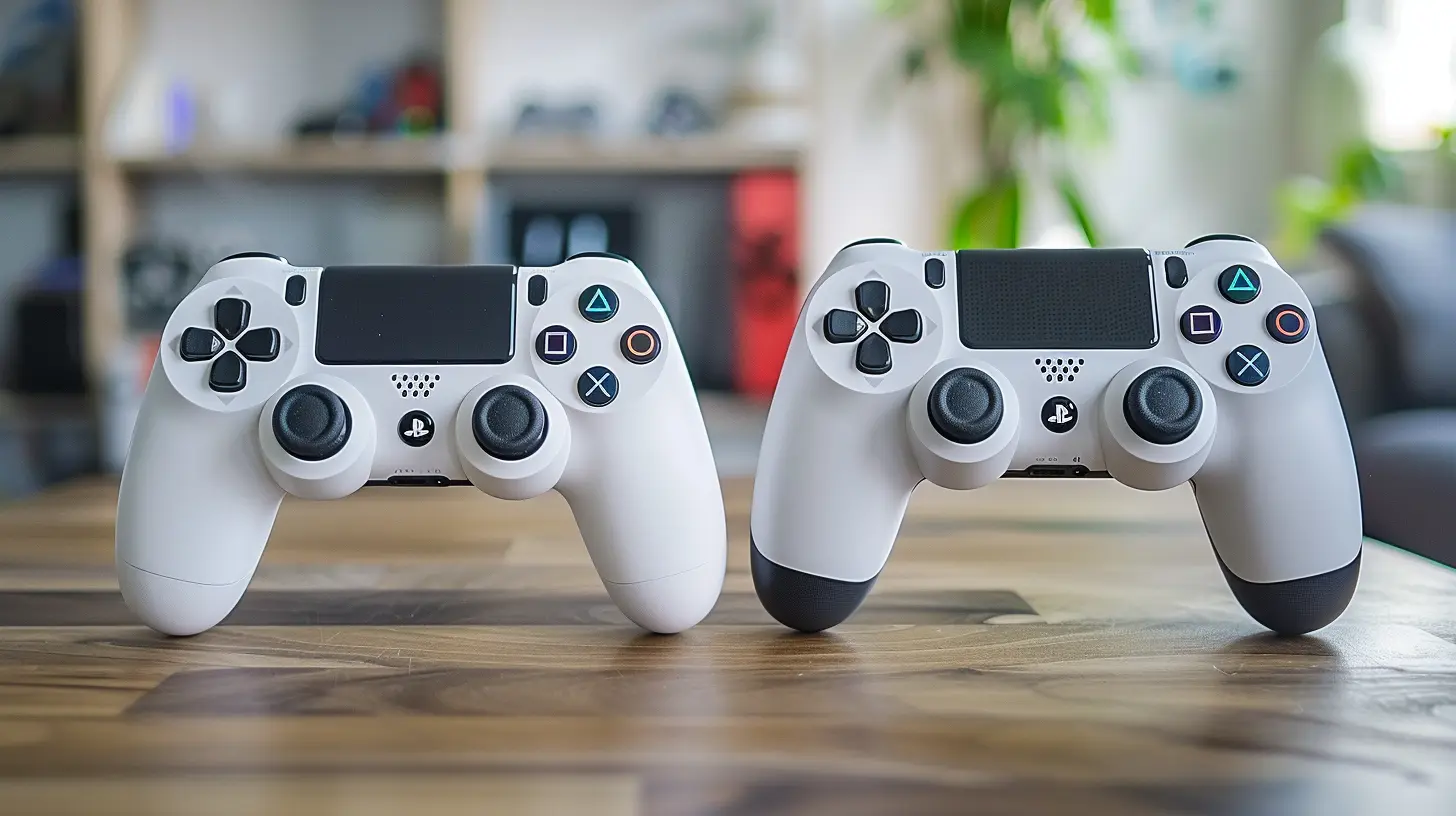
Button Layout Madness
It's all fun and games until you press the wrong B button. And with Nintendo flipping buttons like pancakes, it's a legit risk.Xbox: The Logical Layout
Xbox keeps things spaced and sensibly placed. The A-B-X-Y zone is comfortable, and the triggers and bumpers are satisfyingly clicky. Menu buttons are non-invasive, and the D-pad got a nice upgrade with Series X|S—it’s now clickier and more precise, like a good mechanical keyboard.PlayStation: Techy and Tactile
DualSense's buttons are candy-smooth. Circle, square, triangle, and X—icons we have loved and cursed since the PS1. The new Create button replaces the Share button, but let’s be honest, we’re still calling it Share.Triggers and bumpers feel excellent… which you’d hope, considering how much this controller is trying to impress you.
Nintendo: Button Roulette
Ah, the 'B is where A should be' club. Nintendo just likes to make sure that when you pick up a Switch controller, you briefly forget how hands work.Pro Controller button layout is decent once your brain adjusts. Joy-Cons though? Still feel cramped, like you’re trying to control a space shuttle with chopsticks.
Haptics & Triggers: Shake, Rattle, and Roll
This is where the DualSense cackles maniacally and kicks open the door.DualSense: The Overachiever
Seriously, it's like Sony put an entire amusement park inside the DualSense. Adaptive triggers change resistance depending on in-game actions (pulling a bowstring? Oh, you’ll feel it). The haptics are next-level; you can feel the difference between walking on gravel and snow.It's immersive. It's impressive. It's a little creepy. But hey—next-gen vibes, right?
Xbox: If It Ain’t Broke...
Microsoft said, “Let’s keep it chill.” The Xbox controller has nice, refined rumble motors and excellent impulse triggers—yes, they vibrate independently. It’s not flashy, but it’s consistent, and when you’re dodging missiles or revving engines, it gets the job done.Nintendo: Vibration Vacation
Nintendo calls their take “HD Rumble.” It's clever, especially in games like 1-2 Switch where you "feel" marbles rolling inside. But outside of Nintendo's own games, this feature kinda takes a backseat. Oh, and Joy-Con drift can make it feel like your in-game character's trembling with caffeine jitters. Not ideal.Battery Life: Charge It Like It’s Hot
Let’s talk juice. Because nothing kills a boss fight vibe faster than “Controller Battery Low.”Xbox: Double-A Dynasty
Still using AA batteries or rechargeable battery packs, and weirdly, it works. You can swap dead batteries mid-game in seconds, unlike waiting hours for a recharge. It’s a bit old-school, but also kind of practical.Pro tip: Rechargeable packs exist. Get one. Save the planet.
PlayStation: Built-in and Burning Bright
DualSense has a built-in rechargeable battery (yay!), but it’s kind of the gas-guzzler of gamepads. With all its fancy haptics and triggers turned on, you’re lucky to get 6–8 hours. It’s manageable, but you better keep that USB-C cable handy.Nintendo: Surprisingly Stamina-Strong
The Pro Controller? A beast. Up to 40 hours of playtime, like it drank a Gatorade filled with dragon energy. Even Joy-Cons (when not drifting into another dimension) have decent battery life. Nintendo might get weird with design, but they nailed the power game here.Compatibility & Connectivity
Can you use your controller across devices without needing an instruction manual and five YouTube videos?Xbox: Plug it Everywhere
Xbox controllers play nice with PCs, Android devices, and xCloud. Bluetooth functionality makes it a breeze to pair. Microsoft was clearly thinking, “Let’s put this thing on everything short of a toaster.”PlayStation: Great with PlayStation… and That’s About It
The DualSense can be used on PC (yay), but its bells and whistles—like adaptive triggers—are often muted unless devs specifically support them. It's not bad, but clearly it was born and bred for the PS5 and doesn’t wander far.Nintendo: Homebody Vibes
Switch controllers want you to stay on the Switch. While you can use them on PC or mobile with some hoops to jump through, don’t expect a seamless plug-and-play affair. Nintendo’s controllers are kinda like introverts at a party—they work best at home.Innovation Station
Who’s really pushing boundaries?- 🎮 PlayStation: The DualSense is basically a sci-fi gadget with its nuanced feedback and adaptive triggers. Easily the most innovative of the bunch.
- 🎮 Nintendo: Gimmicky? Sometimes. Creative? Always. From Joy-Con motion controls to built-in IR sensors, Nintendo’s experimenting in ways others only TikTok about.
- 🎮 Xbox: The innovation is under the hood—like the Elite Series 2 controller with customizable components. It’s more about refinement than revolution.
Durability: Smash Test Dummies
We’ve all rage-dropped a controller once. Okay, maybe ten times.- Xbox controllers are built like tanks. Durable, reliable, and surprisingly good at surviving “accidental” throws.
- DualSense controllers feel solid but have caught some flak for early wear and tear (hello, stick drift).
- Joy-Cons? The Achilles’ heel of the Switch, cursed with the infamous drift plague and the structural strength of a saltine cracker.
Price Tag Punch-Out
Time to talk about those wallet punches.- Xbox Series X|S Controller: ~$60. Not bad for a solid, all-around performer.
- DualSense: ~$70. A bit steeper, but you’re paying for that motion feedback spa treatment.
- Switch Pro Controller: ~$70 too. Surprisingly pricey, but it’s pretty premium—for Nintendo.
- Joy-Con Pair: A jaw-dropping ~$80. Seriously, Nintendo?
So, Which One Wins?
That’s the million-dollar question, isn’t it? But here's the plot twist—there’s no single winner. Shocker!- Want comfort and PC compatibility? Xbox takes the crown.
- Looking for next-gen immersive wows? DualSense is your soul mate.
- Need portability and quirky fun? Nintendo's got your back (as long as you keep your Joy-Cons morally upright).
At the end of the day, it’s like choosing between ice cream flavors. Vanilla, chocolate, or rocky-road—each has its loyal fanbase, and none are wrong.
So whether you’re a button-mashing beast, a trigger-happy sniper, or just someone who wants to play Animal Crossing with a controller that doesn’t go rogue, there’s a gamepad out there with your name on it.
all images in this post were generated using AI tools
Category:
Game ControllersAuthor:

Francesca West
Discussion
rate this article
2 comments
Finnegan Erickson
Great insights! Each controller has its strengths—Xbox offers comfort for extended play, PlayStation excels in precision, and Nintendo’s innovation appeals to flexibility. Personal preference really drives the choice, but the evolution of these controllers keeps gameplay exciting. Looking forward to seeing how future designs will enhance our gaming experience!
April 6, 2026 at 4:07 AM
Francesca West
Thanks for sharing your thoughts! It's true that each controller brings something unique, and personal preference truly shapes the gaming experience. Exciting times ahead for future designs!
Melissa Conrad
Great article! I appreciate the balanced comparison of Xbox, PlayStation, and Nintendo controllers. Each has its unique strengths, making gaming experiences enjoyable across different platforms. Well done!
April 5, 2026 at 2:24 AM
Francesca West
Thanks for your kind words! I'm glad you found the comparison helpful. Happy gaming!