A Beginner's Guide to Sim Racing Setups
4 December 2025
So, you’ve caught the sim racing bug. Maybe it was watching your favorite YouTuber nail those perfect apexes, or perhaps an intense Gran Turismo session lit that spark. Either way, welcome to the thrilling world of virtual motorsport! But let me guess—you’ve realized there’s more to sim racing than hopping into the driver’s seat and mashing the throttle, right? Yep, that’s where proper sim racing setups swoop in to save the day.
Building the perfect sim racing setup might feel like assembling IKEA furniture without instructions—overwhelming. But don’t worry, I’ve got your back. We'll break it down step by step so that you can carve those virtual corners like a pro. Ready? Let’s hit the gas pedal!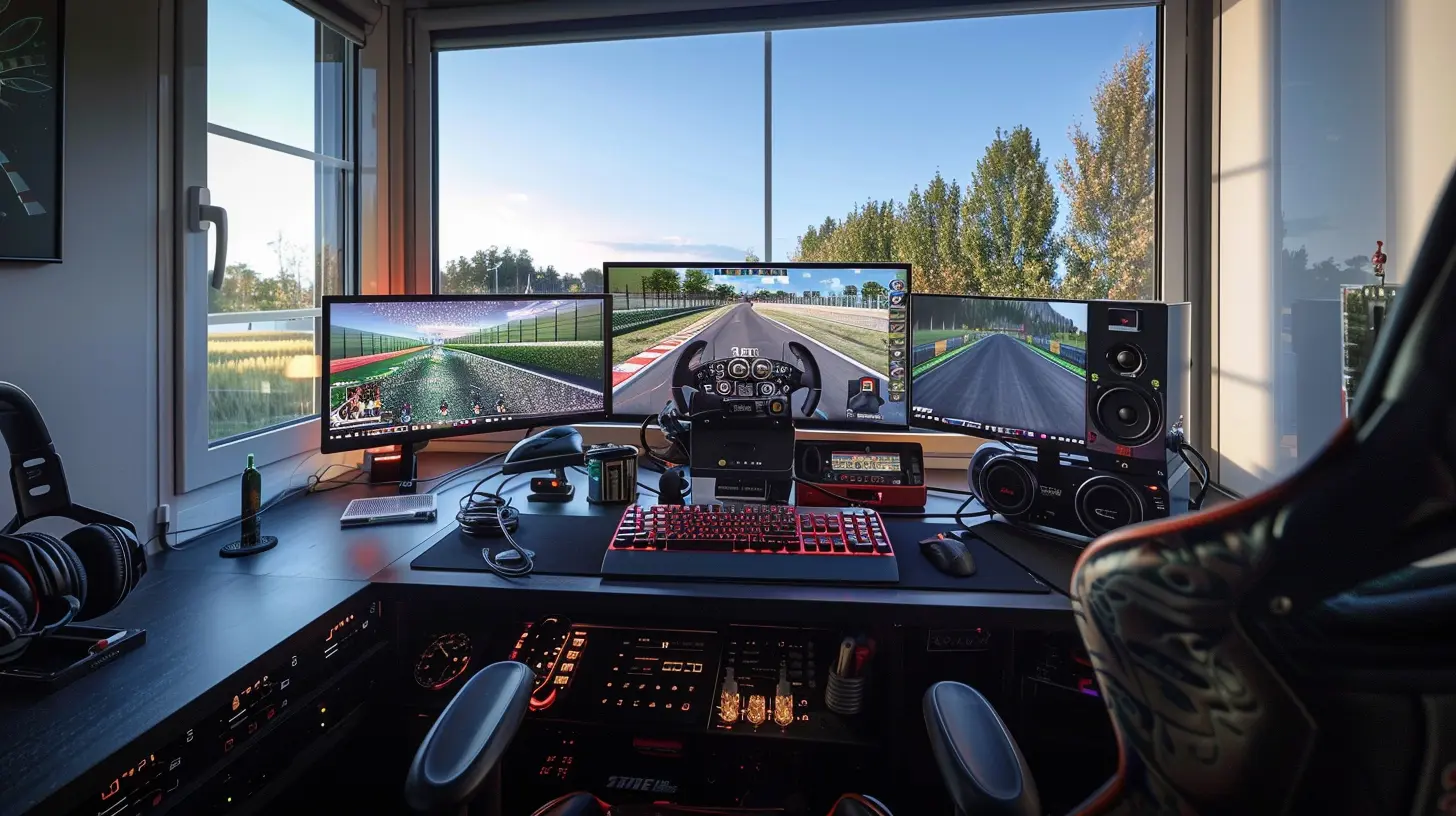
What Is Sim Racing?
Before we geek out about setups, let’s get our heads wrapped around what sim racing really is. Sim racing—or simulation racing, for the uninitiated—is a type of gaming that aims to replicate real-world motorsport. Unlike arcade racers, like Mario Kart or Need for Speed, sim racing focuses on realism. Think accurate physics, detailed tracks, and cars that behave like their real-life counterparts.Essentially, sim racing is motorsport without the million-dollar budget—or the risk of wrapping a Ferrari around a light pole. It’s as close as most of us will ever get to sitting in a Formula 1 car or duking it out at Le Mans. And trust me, it’s addictive.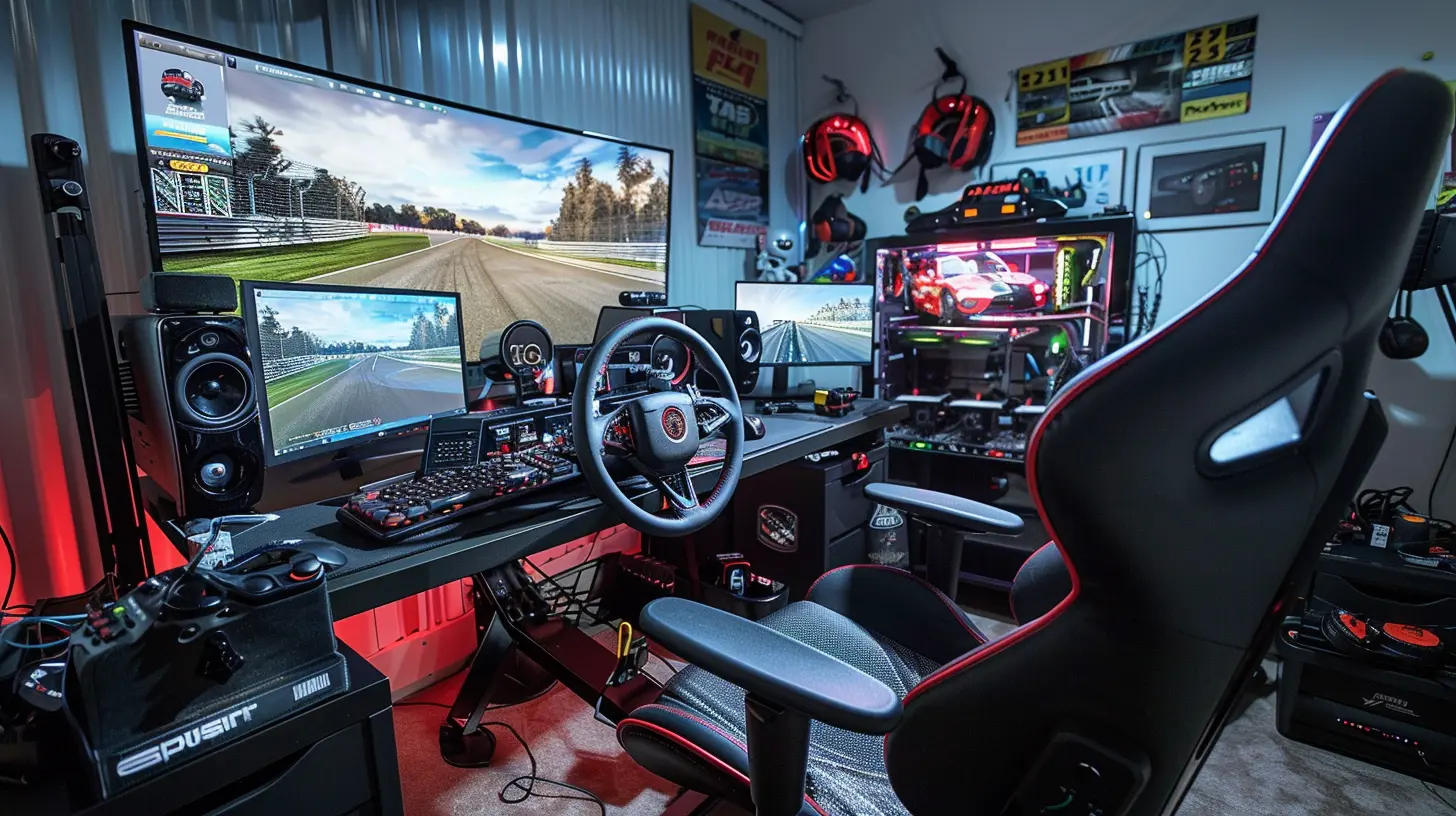
Why Does Your Sim Racing Setup Matter?
Let me paint you a picture. Imagine trying to cook a gourmet meal in a tiny college dorm kitchen. Sure, you could do it, but it won’t be pretty, and your experience will be, well, a little half-baked. That’s the same thing with sim racing. You can race with just a gaming controller or keyboard and mouse, but you’ll be leaving a ton of performance and enjoyment on the table.A good sim racing setup isn’t just about looking cool (though let’s be honest, that’s a huge perk). It hands you the tools to feel more immersed, drive more consistently, and, most importantly, have way more fun. Plus, if you’re serious about competing, a well-thought-out setup can shave seconds off your lap times.
Alright, let’s pop the hood and look at what goes into a beginner-friendly sim racing setup.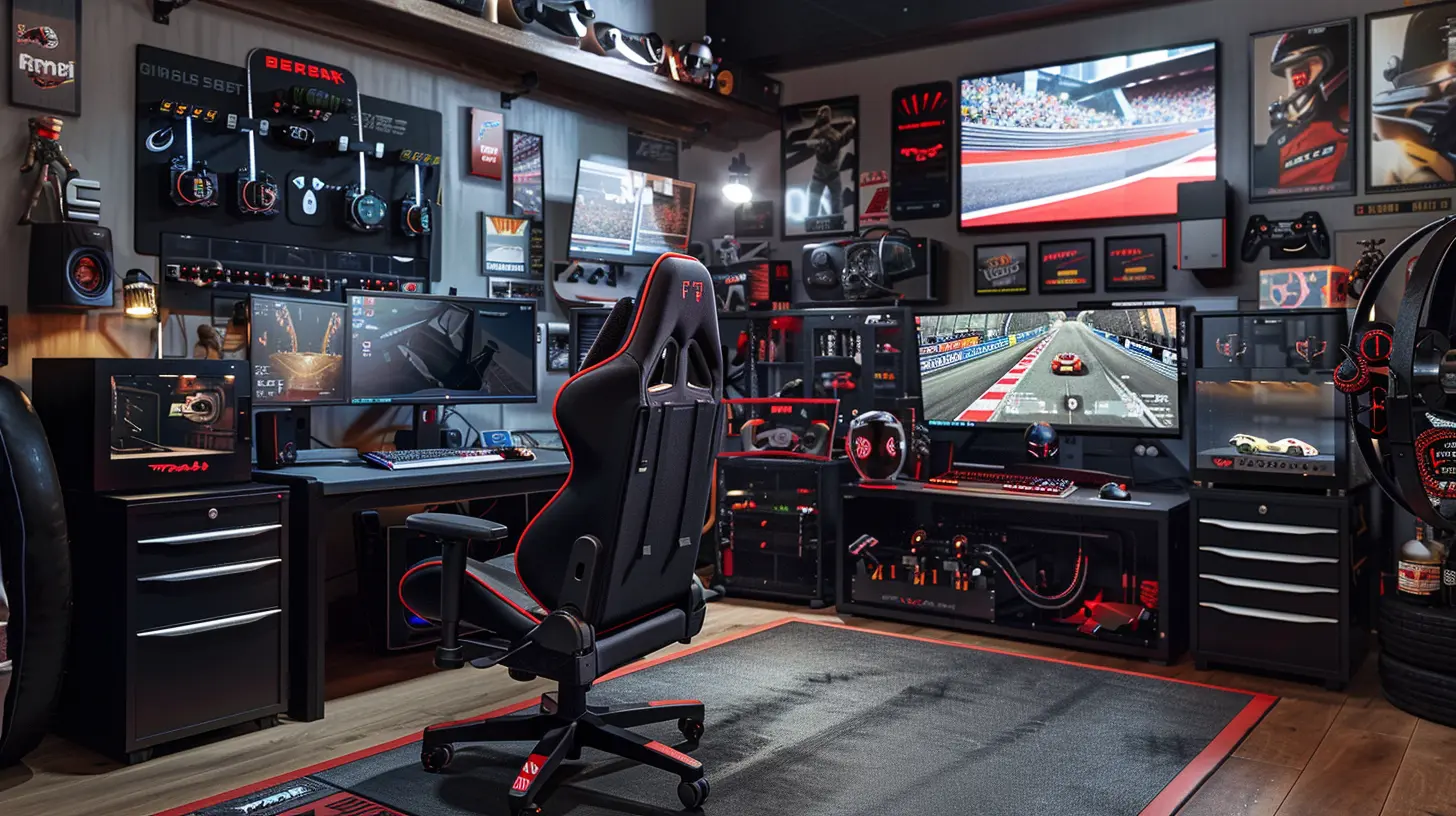
1. Start with the Basics: A Decent Racing Wheel
If sim racing is a pizza, then the racing wheel is the cheese—it’s non-negotiable. Sure, you can technically race with a controller, but it’s like eating pizza without cheese. Weird, right?A racing wheel gives you precision, feedback, and that oh-so-satisfying feel of driving. Here are the key things to consider when picking your first wheel:
- Force Feedback: This is the feature that makes your wheel vibrate and fight back. It simulates the feel of the car on track—like bumps, grip loss, and curbs. Without force feedback, you’re flying blind.
- Entry-Level Favorites: For beginners, wheels like the Logitech G29/G920 or the Thrustmaster T248 are excellent choices. They’ve got solid features without gutting your bank account.
Pro Tip:
Invest in a wheel stand or mount it to a desk. If your wheel’s sliding around like a wet fish, your lap times will suffer. Stability is king.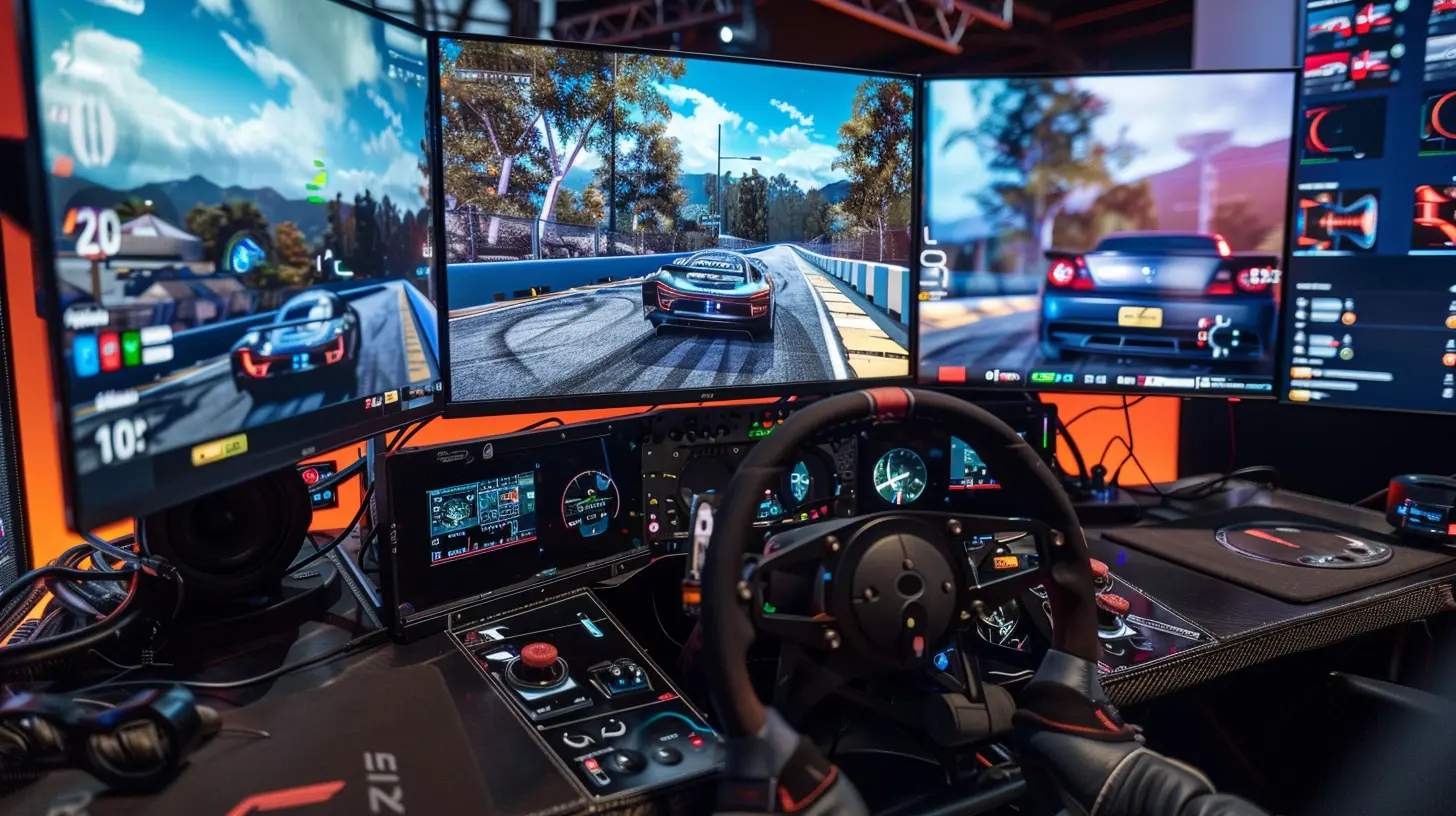
2. Pedals: The Unsung Heroes
Let’s not forget the pedals. They’re like the bass guitarist in a band—quietly essential. Most entry-level wheels come bundled with pedals, but not all pedals are created equal.- Basic 2-Pedal Sets: These include just the brake and throttle. They’re fine for beginners, but as you progress, you might want to add a clutch for manual shifting.
- Load Cell Brakes: If you’re feeling fancy, upgrade to load-cell pedals. These measure pressure rather than position, giving you a more realistic brake feel.
Quick Hack:
If your table or stand doesn’t have a pedal holder, slap some non-slip mats underneath. You don’t want your pedals creeping forward when braking hard—trust me.3. Shifters and Handbrakes: Do You Need Them?
Ah, the perennial beginner’s question: “Should I get a shifter?” The answer? It depends.- When to Skip It: If you’re starting with modern cars or Formula 1, many of them use paddle shifters anyway. The ones that come standard with most wheels will do just fine.
- When to Add It: If you’re into rally racing, drifting, or old-school cars, a separate shifter and handbrake add a ton of immersion. The Logitech Driving Force Shifter or the Thrustmaster TH8A are solid options.
4. Racing Seat vs. Desk Setup: What's Comfortable for You?
Now comes the debate: where are you going to physically race? You’ve got two main options:Option 1: Desk Setup
This is the go-to choice for beginners since it’s affordable and space-friendly. Just clamp your wheel onto a sturdy desk, pull up a comfy chair, and you’re good to go.- Pros: Budget-friendly, no extra equipment needed.
- Cons: Can be less immersive, especially if your chair rolls around mid-chicane.
Option 2: Racing Cockpit
A cockpit setup is the ultimate flex for sim racers. It includes a fixed seat, wheel mount, and pedal plate. It’s as close to a real race car as it gets without actually being in one.- Pros: Immersion overload, stable as a rock.
- Cons: Costly, takes up a lot of space.
For beginners, a desk setup is just fine. Save that cockpit upgrade for when you’re hooked (and believe me, you will be).
5. Screens or VR: Seeing is Believing
What good is a great setup if you can’t see the track clearly? Your display options play a massive role in your racing experience.- Single Monitor: A standard single monitor works perfectly fine starting out. Look for one with a decent refresh rate and low input lag.
- Triple Monitors: Why settle for one screen when you can have three? This setup expands your field of view, letting you see your mirrors and apexes without guesswork.
- Virtual Reality (VR): Want to feel in the car? VR headsets like the Meta Quest 2 or HP Reverb G2 take immersion to the next level. But fair warning—it’s not for everyone, especially if motion sickness is a thing for you.
6. The PC vs. Console Debate
Here’s the million-dollar question: should you go the PC route or stick with a console?- PC Sim Racing: If you want access to ultra-realistic sims like iRacing, Assetto Corsa Competizione, or rFactor 2, a gaming PC is the way to go. It also allows for custom mods and tweaks.
- Console Sim Racing: If simplicity is king, stick with an Xbox or PlayStation. Games like Gran Turismo 7 and Forza Motorsport offer fantastic experiences without the PC hassle.
7. Accessories That Take It to the Next Level
Once you’ve got the basics, consider adding these for extra flair and functionality:- ButtKickers: These tactile transducers simulate the vibrations of the car, from engine revs to road texture.
- Button Boxes: For controlling settings like headlights, wipers, and fuel maps without diving into menus.
- Gloves and Shoes: It sounds silly, but racing gloves and shoes help with grip and pedal precision.
8. Comfort and Ergonomics
If you’re going to spend hours chasing hot laps, comfort matters. Make sure your seat, wheel height, and pedal angle are ergonomically set up. Treat your back and wrists kindly—you’ll thank me later.Final Thoughts
Building a sim racing setup is a bit like building a LEGO set. It takes time, and you might fumble a little along the way, but piece by piece, you’ll create something awesome. Start with the basics—a wheel and pedals—and gradually add upgrades as your skills grow and budget allows.Remember, you don’t need a $5,000 rig to enjoy sim racing. Even modest setups can deliver heart-pounding, adrenaline-filled racing action. So, buckle in, rev that engine, and get ready to shave seconds off your lap times!
all images in this post were generated using AI tools
Category:
Racing GamesAuthor:

Francesca West
Discussion
rate this article
2 comments
Diana Thornton
Sim racing: where your couch becomes a pit stop and snacks fuel the victory lap!
January 11, 2026 at 5:31 AM
Francesca West
Absolutely! Sim racing transforms your living room into a competitive arena, making comfort and snacks essential for your winning strategy!
Wynter McGeehan
Great guide! Embrace the learning curve and enjoy the thrilling world of sim racing!
December 5, 2025 at 5:58 AM
Francesca West
Thank you! I'm glad you found it helpful. Enjoy your sim racing journey!